www.mythinkcar.com
THINKTOOL Pros+/Pro
14
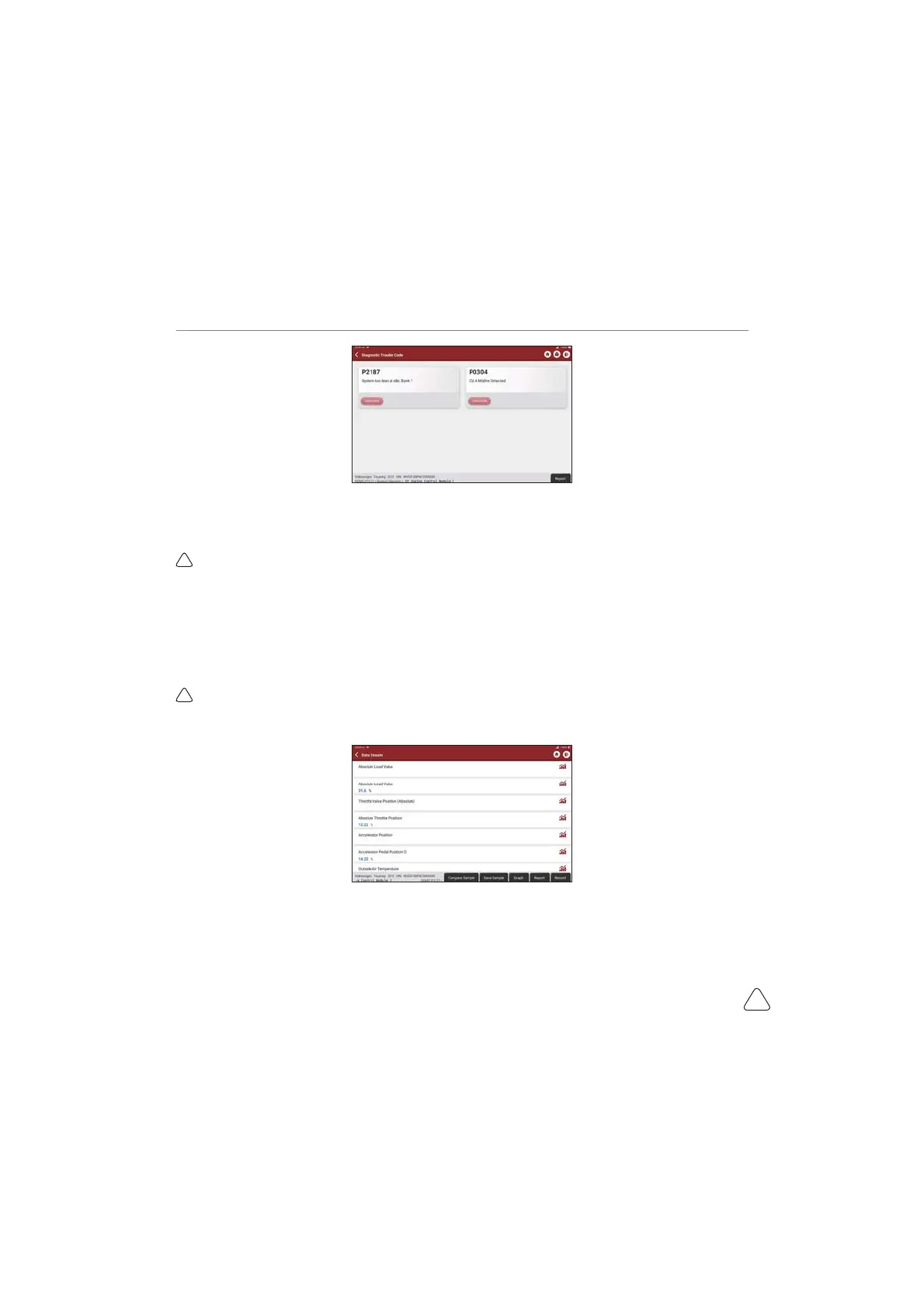
c) Clear DTC
On the diagnostic function selection screen, tap Clear Fault Code, the system will automatically delete the
currently existing DTCs and display the dialog box of "DTCs Cleared".
1RWH)RUJHQHUDOPRGHOVSOHDVHRSHUDWHVWULFWO\DFFRUGLQJWRWKHQRUPDOVHTXHQFHUHDG'7&FOHDU'7&
WHVWWKHFDUUHWULHYH'7&IRUYHUL¿FDWLRQUHSDLUWKHFDUFOHDU'7&±UHFKHFNWKHFDUWRFRQ¿UPWKDWWKH
DTC no longer appears.
d) Read data stream
This option lets you view and capture (record) real-time Live Data of ECU. This data, including current
operating status for parameters and/or sensor information, can provide insight on overall vehicle
performance. It can also be used to guide vehicle repair.
1RWH,I\RXPXVWGULYHWKHYHKLFOHLQRUGHUWRSHUIRUPDWURXEOHVKRRWLQJSURFHGXUH$/:$<6KDYHDVHFRQG
person help you. Trying to drive and operate the diagnostic tool at the same time is dangerous, and could cause
DVHULRXVWUD൶FDFFLGHQW


 To Next Page