www.thinkcar.com
THINKCAR
12
On-screen Buttons:
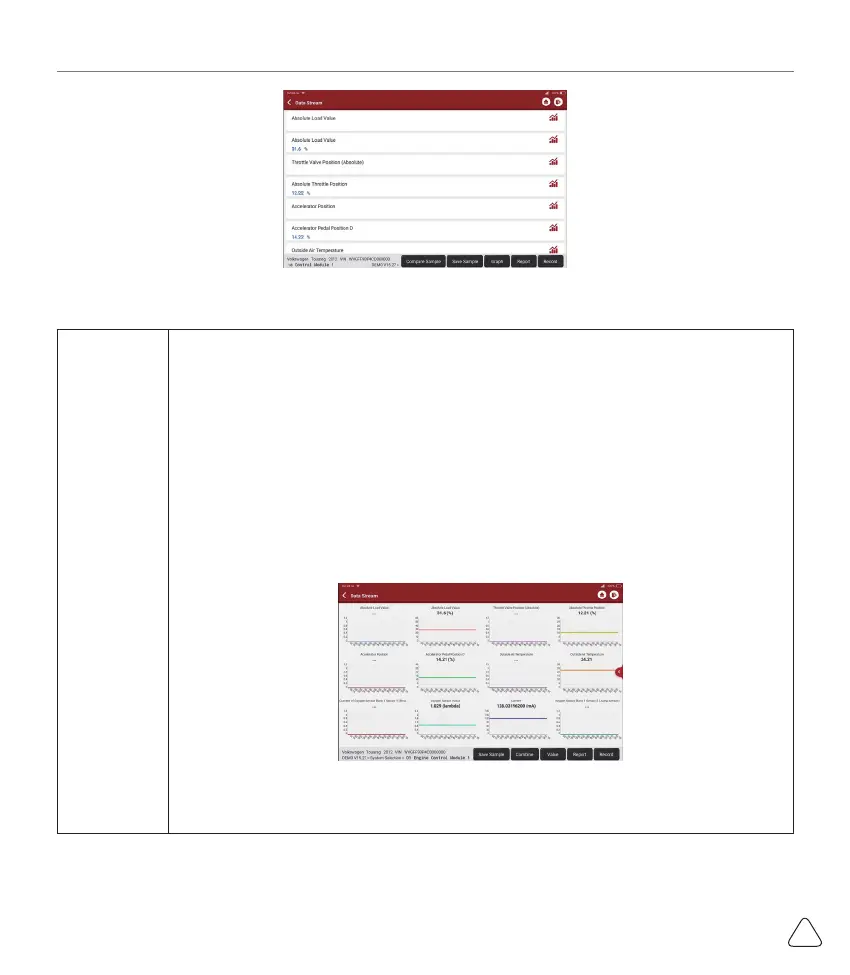
[Graph]
Displays the parameters of the selected data stream in waveform. On the data stream
waveform page, you can do the following:
[Combine]: Displayed in graph merge status for data comparison.
[Value]: Displayed the parameters in values and shown in list format.
[Customize]: Customize the data stream option to be viewed. Tap the button, a pull-
down list of the data stream items appears on the screen. Select the desired items (max
12 items), and then screen will display the waveforms corresponding to these items
immediately. If need to remove any items, just deselect them.



 To Next Page