www.thinkcar.com
THINKCAR
13
[ ]
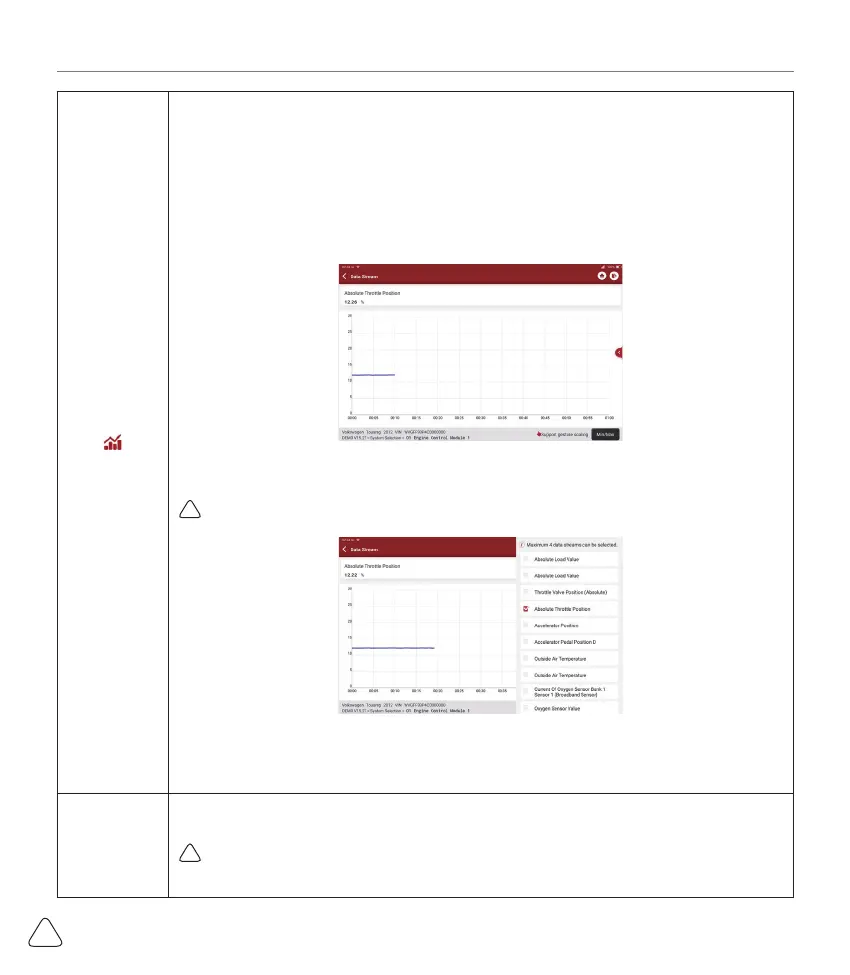
Tap to display the current (single) data stream in waveform graph. On the waveform
graph page, you can do the following:
[Min/Max]: Tap to defi ne the maximum / minimum value. Once the value goes beyond
the specifi ed value, the system will alarm.
[Customize]: Tap “<”on the right side of the screen, to defi ne the data stream option to
be viewed.
!
Note: Max 4 data streams can be displayed.
[Compare
Sample]
Tap to select the sample DS fi le. All the values you customized and saved in process of
DS sampling will be imported into the Standard Range column for your comparison.
!
Note: Before executing this function, you have to sample the values of data stream items
and save it as a sample Data Stream fi le.



 To Next Page