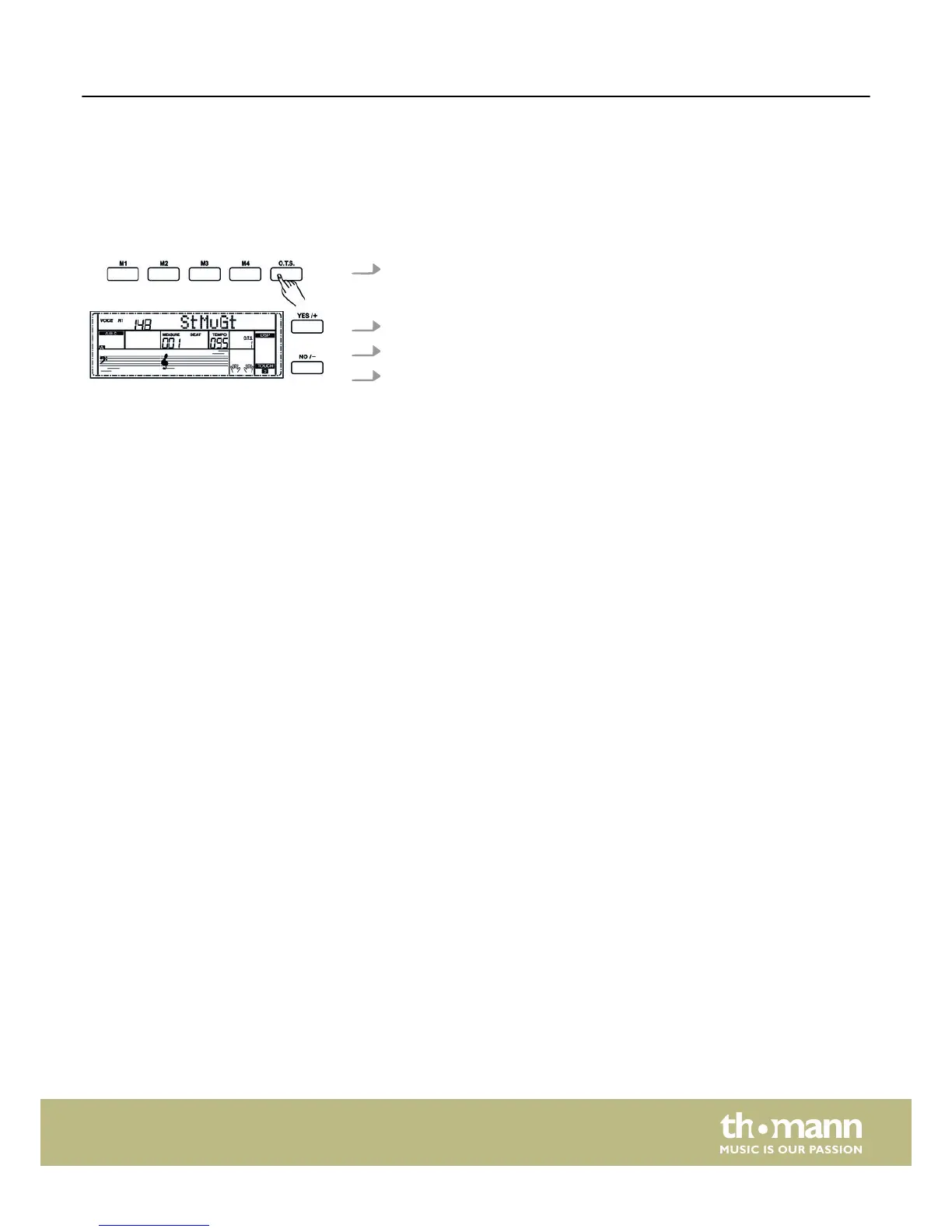
8.16 One Touch Setting
One Touch Setting (O.T.S. or one-key operation) is a convenient function that allows
you to immediately reconfigure all settings with just one single key press. This is
about rhythm-based compilations of instrument voices. With this function, four
parameter types (M1 to M4) can be loaded.
1. Press the button [O.T.S.] to start this mode. Press one of the buttons [M1] to
[M4,] then the device loads the corresponding parameter types that match the
current Style. The ABC mode is automatically turned on at that.
2. Press one of the buttons [M1] to [M4] that provides your desired settings.
3. Press the button [O.T.S.] to exit O.T.S. mode.
4. The default parameters stored in O.T.S. are:
n Voice R1, R2, L on / off
n Change voice R1, R2, L
n Volume R1, R2, L
n Chorus level voice R1, R2, L
n Reverb level voice R1, R2, L
8.17 Record, playback, delete
The digital piano lets you record three user songs that can contain six tracks each
(one accompaniment track and five melody tracks).
Operating
DP-95 B, DP-95 WH
45



 To Next Page