EasyManua.ls Logo

thomann DP-33 - User Manual

thomann DP-33
40 pages
Print Icon
To Next Page IconTo Next Page
Loading...
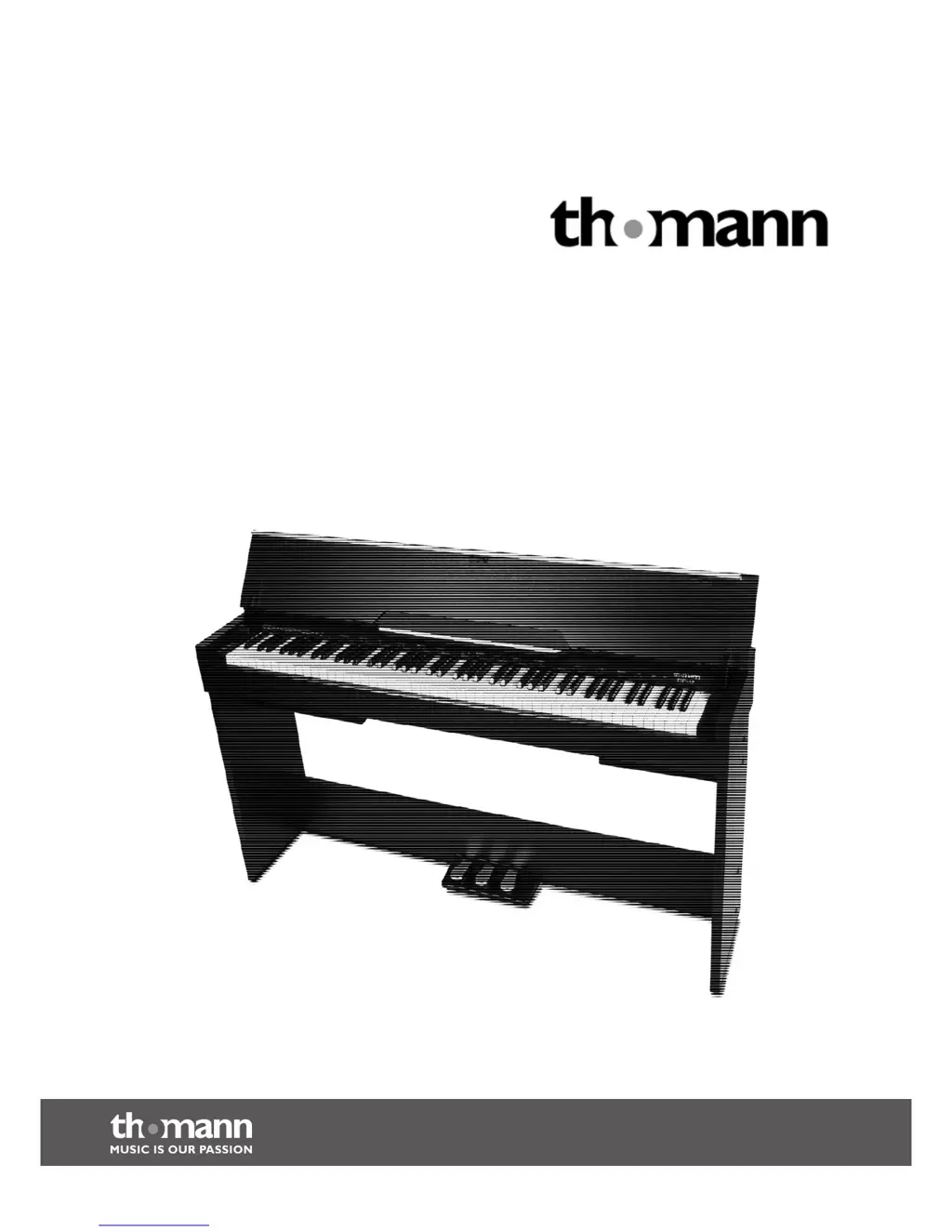
DP-33
digital piano
user manual

Questions and Answers

  • S
    Stephen Johnson Jr.Jul 27, 2025
    Why does my thomann DP-33 Musical Instrument malfunction when using a mobile phone?
    • N
      Nicholas MendezJul 27, 2025
      If your thomann Musical Instrument malfunctions when you're using a mobile phone, it might be due to interference caused by the phone's proximity. To resolve this, either turn off your mobile phone or ensure it is used at a safe distance from the digital piano.
  • A
    Amanda JensenAug 2, 2025
    What to do if there is no sound when playing my thomann DP-33 Musical Instrument?
    • M
      Marie CraneAug 2, 2025
      If you can't hear any sound when playing your thomann Musical Instrument, first ensure that the volume control is appropriately adjusted. Also, check whether headphones are connected to the headphone output 2, as connecting headphones will mute the speakers of the digital piano.
  • M
    Melissa JohnsonAug 7, 2025
    Why do I hear a 'pop' sound from the speakers when switching my thomann DP-33 Musical Instrument on and off?
    • S
      Sharon EvansAug 8, 2025
      The 'pop' sound you hear from the speakers when switching your thomann Musical Instrument on and off is normal, so there is no need to worry.
  • M
    Megan FieldsAug 14, 2025
    Why does my thomann Musical Instrument have interference when I use my mobile phone?
    • S
      Sara GutierrezAug 14, 2025
      If you experience interference when using a mobile phone near your thomann Musical Instrument, it's likely due to the phone's proximity. To resolve this, either turn off the mobile phone or ensure it is used at a safe distance from the digital piano.
  • M
    Mr. Martin Washington MDAug 20, 2025
    Why does my thomann Musical Instrument make a popping sound when I turn it on or off?
    • C
      Corey MurilloAug 20, 2025
      The “pop” sound from the speakers of your thomann Musical Instrument when switching it on and off is normal. There is no need to worry.

Summary

General Notes

Symbols and Signal Word Definitions

Defines signal words (DANGER, CAUTION, NOTICE) and warning signs for safety.

Safety Instructions

Intended Use of the Device

Specifies the device's intended use for electronic sound generation and warns against improper use.

Critical Safety Warnings and Precautions

Details critical safety warnings related to children, electric shock, hearing damage, and handling.

Control Panel and Connections

Control Panel Layout and Button Functions

Identifies and describes the functions of buttons and controls on the piano's top panel.

Rear Panel Input;Output Ports

Details the input and output jacks located on the rear of the digital piano.

Connectivity Options

Computer and MIDI Interface

Details USB/MIDI interface for connecting to computers.

Switching On;Off and Basic Operation

Powering On;Off and Automatic Shutoff

Instructions for turning the piano on/off and managing the automatic shutoff feature.

Piano Functions

Voice Selection and Layering Modes

How to choose instrument voices and activate Dual/Split modes.

Metronome and Tempo Control

How to use the metronome and adjust the tempo.

Troubleshooting Common Problems

Lists common problems and their solutions for the digital piano.

MIDI Implementation Chart

MIDI Protocol and Channel Modes

A chart detailing MIDI messages sent and received, including channel modes.

Technical Specifications

thomann DP-33 Specifications

General IconGeneral
TypeDigital Piano
Polyphony128 Voices
EffectsReverb, Chorus
MetronomeYes
Speakers2x 20 W
Keyboard88 keys, weighted hammer action
Sound GenerationSampled
FunctionsLayer, Split, Transpose
Recorder2 Tracks
ConnectionsUSB, MIDI, Headphone, Sustain Pedal
Included AccessoriesSustain Pedal

Related product manuals