7.3 Demo song
The built-in demo song shows the sound and the pitch range of the instrument.
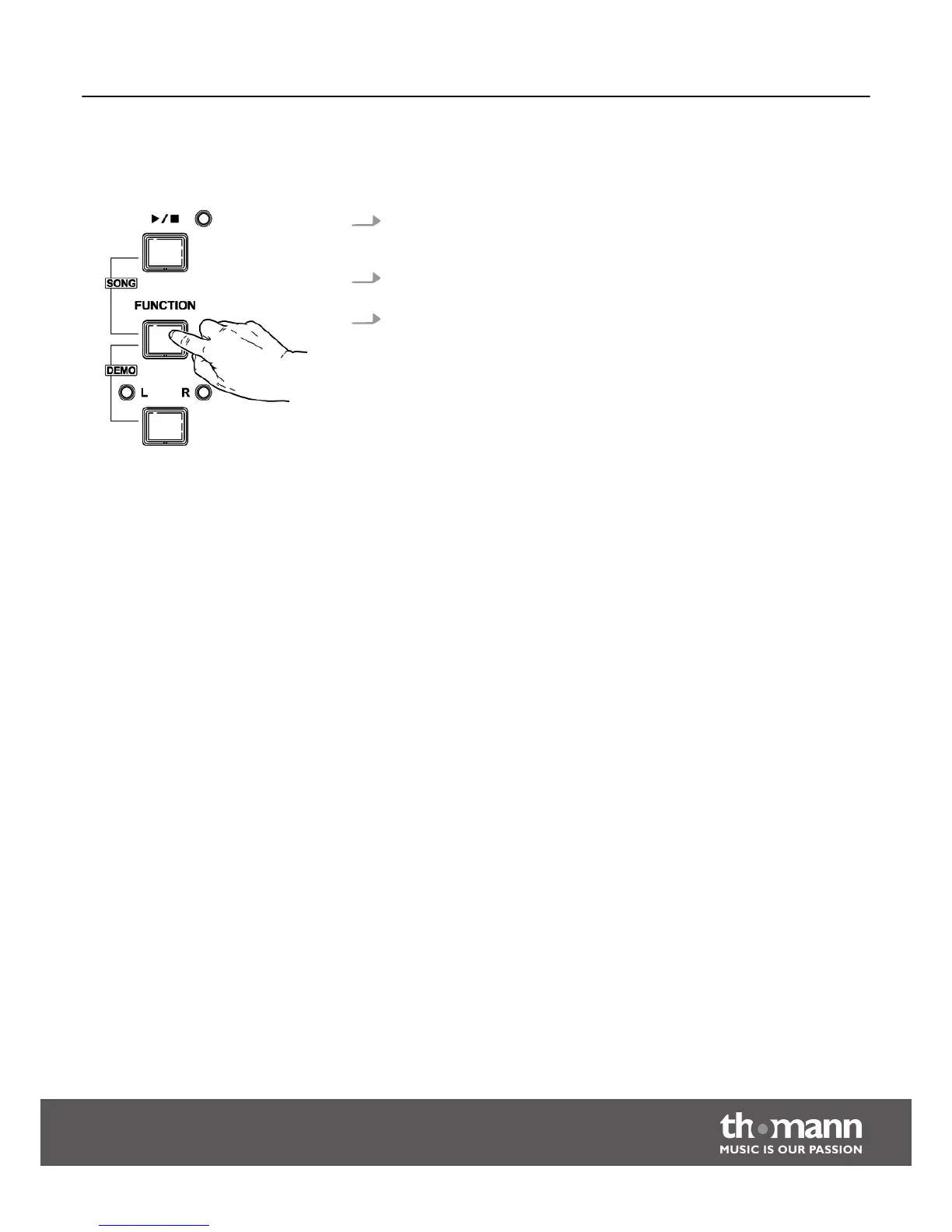
1. Simultaneously press the buttons [FUNCTION] and [DEMO L – R] to start the
playback of the demo song. At the same time, all the LEDs flash on the control
panel. The demo song is playing in an endless loop.
2. Press the buttons [FUNCTION] and [DEMO L – R] again or the [START/STOP]
button, to stop playback and exit the current mode.
3. During playback, the piano keys are muted.
Switching on / off and basic operation
DP-33
19



 To Next Page