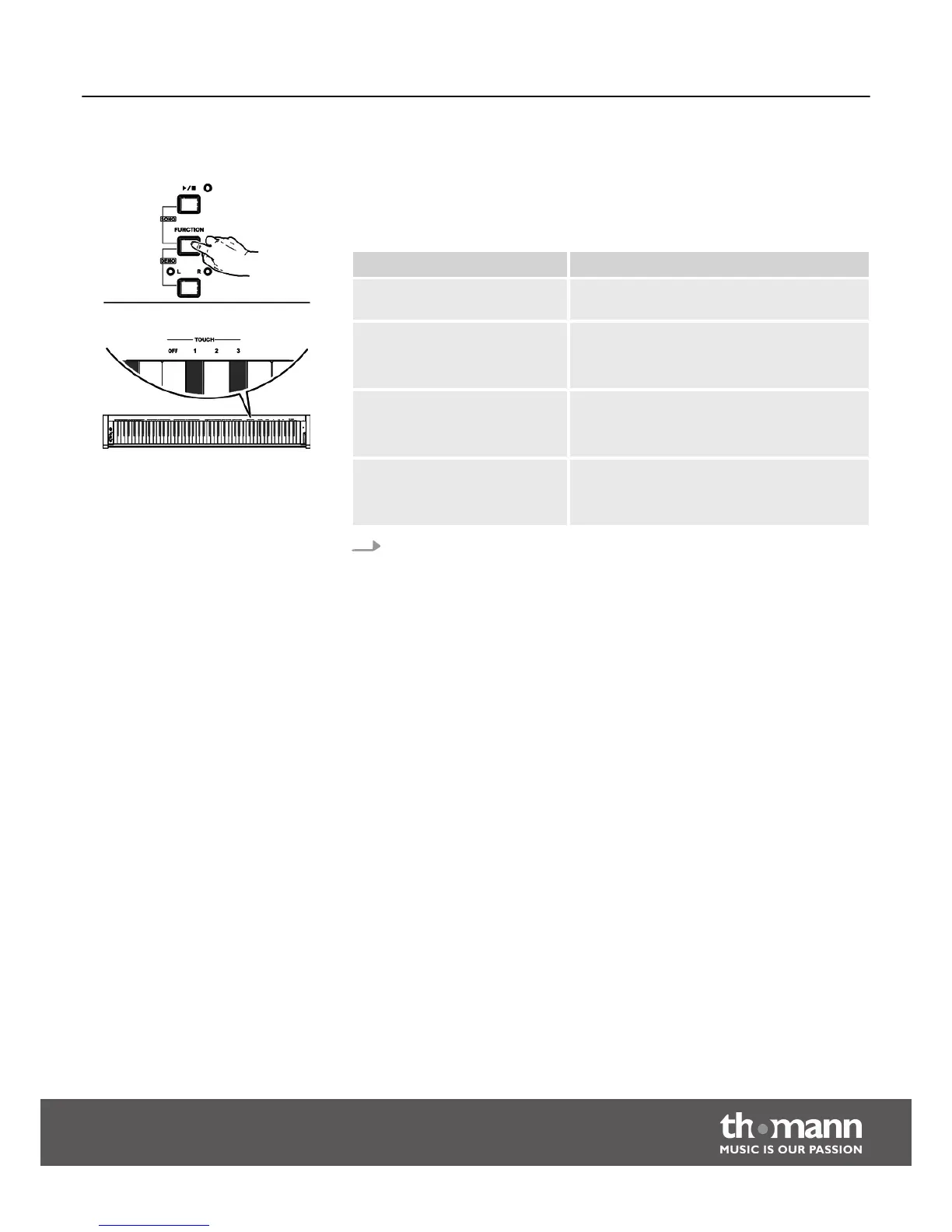
8.2.5 Touch sensitivity
With this function you can adjust the touch response of the keyboard at four dif‐
ferent levels.
Parameter Description
[OFF] Touch sensitivity is off. This can be very recom‐
mendable when playing the organ voice.
[1] Soft
In this setting, the volume is higher than usual
even when playing with a soft touch.
[2] Normal
This setting corresponds to the usual touch
response of a keyboard.
[3] Hard
In this setting, the volume is lower than usual
even when playing with a hard touch.
Keep the [FUNCTION] button pressed and press one of the piano keys in the
[TOUCH] area to adjust the touch sensitivity.
Functions
DP-33
23



 To Next Page