7 Switching on / off and basic operation
7.1 Switching the digital piano on
7.1.1 Normal switching on / off
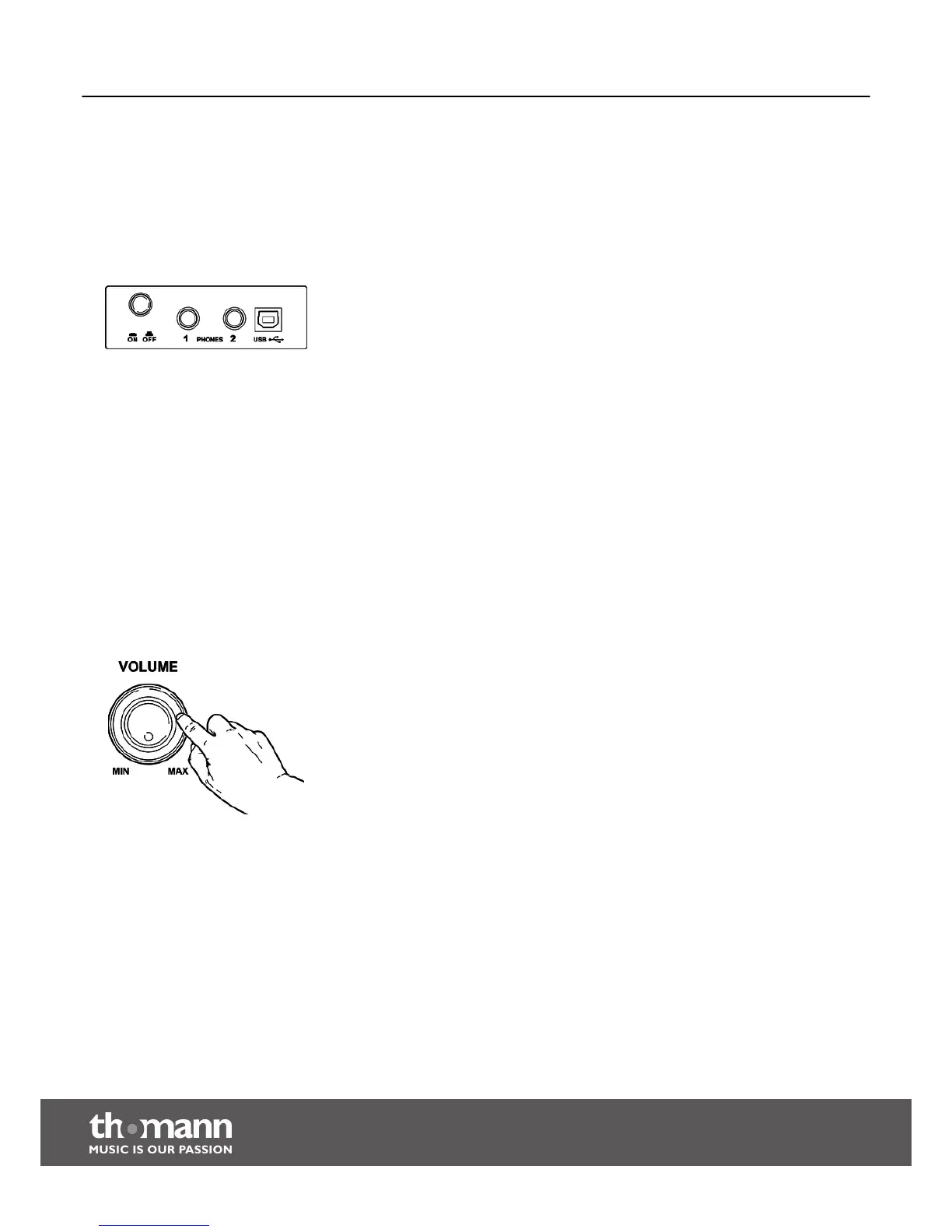
To turn the digital piano on or off, use the [On / Off] button located besides the head‐
phones outlet on the bottom side (left) of the keyboard.
7.1.2 Automatic shutoff
If the digital piano is not in use, it shuts off after 30 minutes automatically. To turn it
back on, press the On/Off button.
By default, the automatic shutoff function gets initialized when you turn on the unit.
To disable the function, keep the first left white key on the keyboard pressed while
turning the unit on.
7.2 Adjusting the volume
Adjust the rotary control [VOLUME] for a pleasant volume for playback and rehearsal.
Turn this control clockwise to increase the volume. Turn it counter-clockwise to
reduce the volume.
Switching on / off and basic operation
digital piano
18



 To Next Page