6 Operating
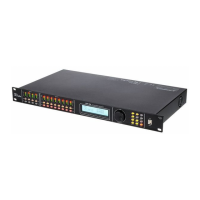
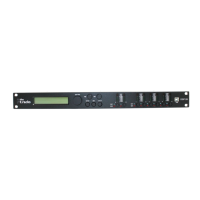
First switch on the speaker management system and then switch on the connected
devices to avoid activation crackling and possible damage to the connected speakers.
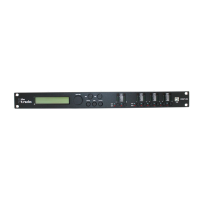
When the device is switched on, the model name, the start-up status, and the last active oper‐
ating mode (default: ‘2×3 WAY X-OVER’) appear one after another in the display.
Afterwards, there is the option to activate a desired operating mode or to adjust the device
settings.
Operating
DSP 26
21


 To Next Page