6 Operation
Use the [POWER] button to turn the device on and o.
The device automatically switches to standby mode if you don't press any key or strike any
connected pad for about 30 minutes. To turn the device on again, press [POWER] again. [PoF]
appears on the display for a few seconds.
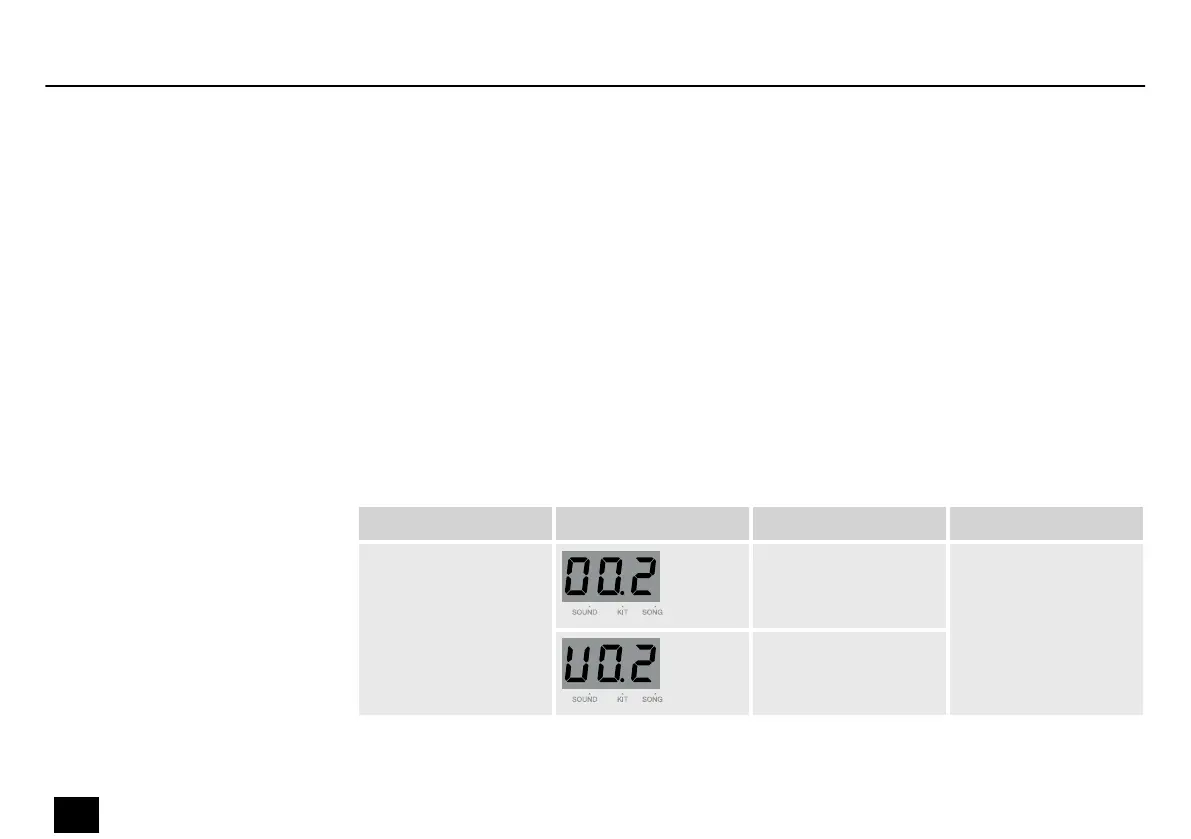
Press [KIT] to open the Kit menu.
The display shows the current kit number. Use the adjustment wheel to select the required
drum kit.
Press [PAGE] to open the submenu.
Submenu Display Area Description
Kit number 1~80 Select the kit
number.
U01…U10
Switching on/o, standby
Selecting a drum kit
Operation
16
MD-100
Mobile Drum














 To Next Page