Press [SAVE]. The current user kit number ashes on the display.
Use the adjustment wheel to select a memory slot for the user kit.
Press [SAVE] again to conrm the selection. The user kit on the display stops ashing and the
user kit is saved.
Unsaved user kit settings are lost when you switch to another menu or change the kit
number.
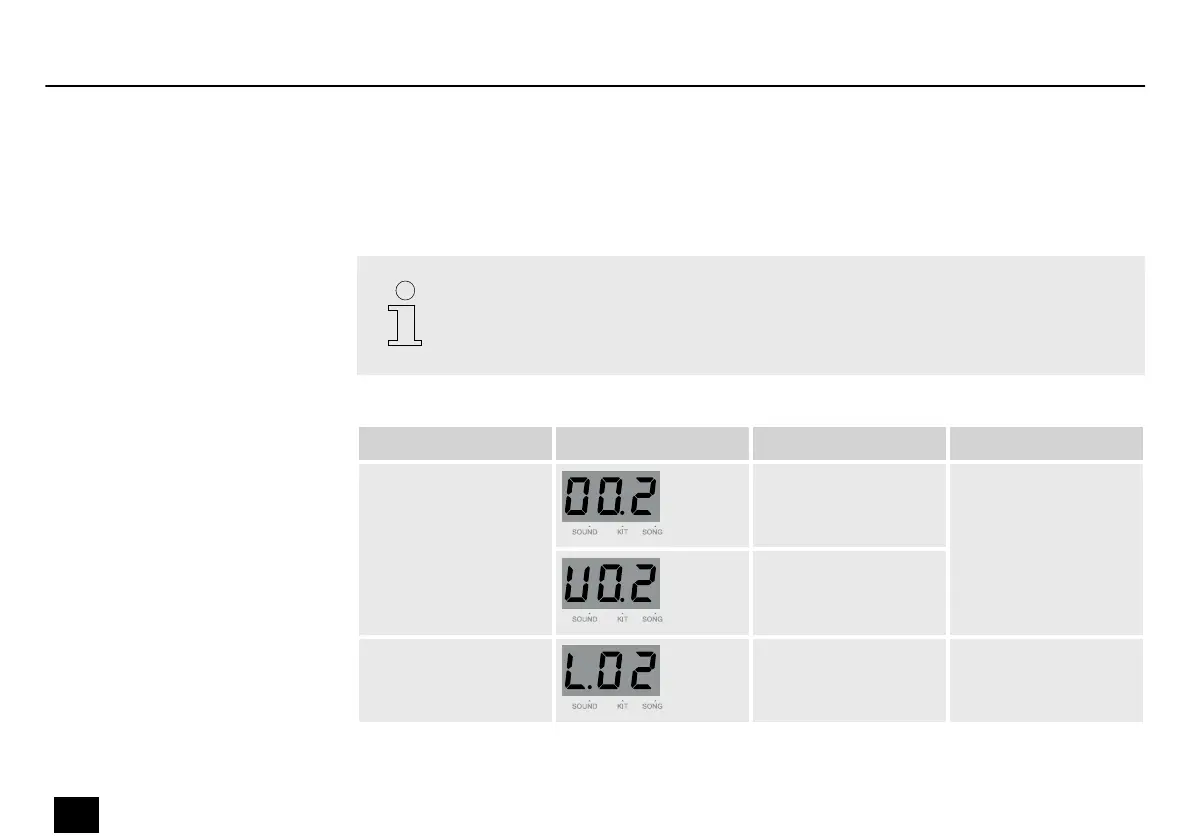
Submenu Display Area Description
Number 1…665 Select the number of
the sound.
U01…U10
Level 0…32 Adjust the volume of
the sound.
Saving a user kit
Operation
18
MD-100
Mobile Drum














 To Next Page