8 Operation
8.1 Functions
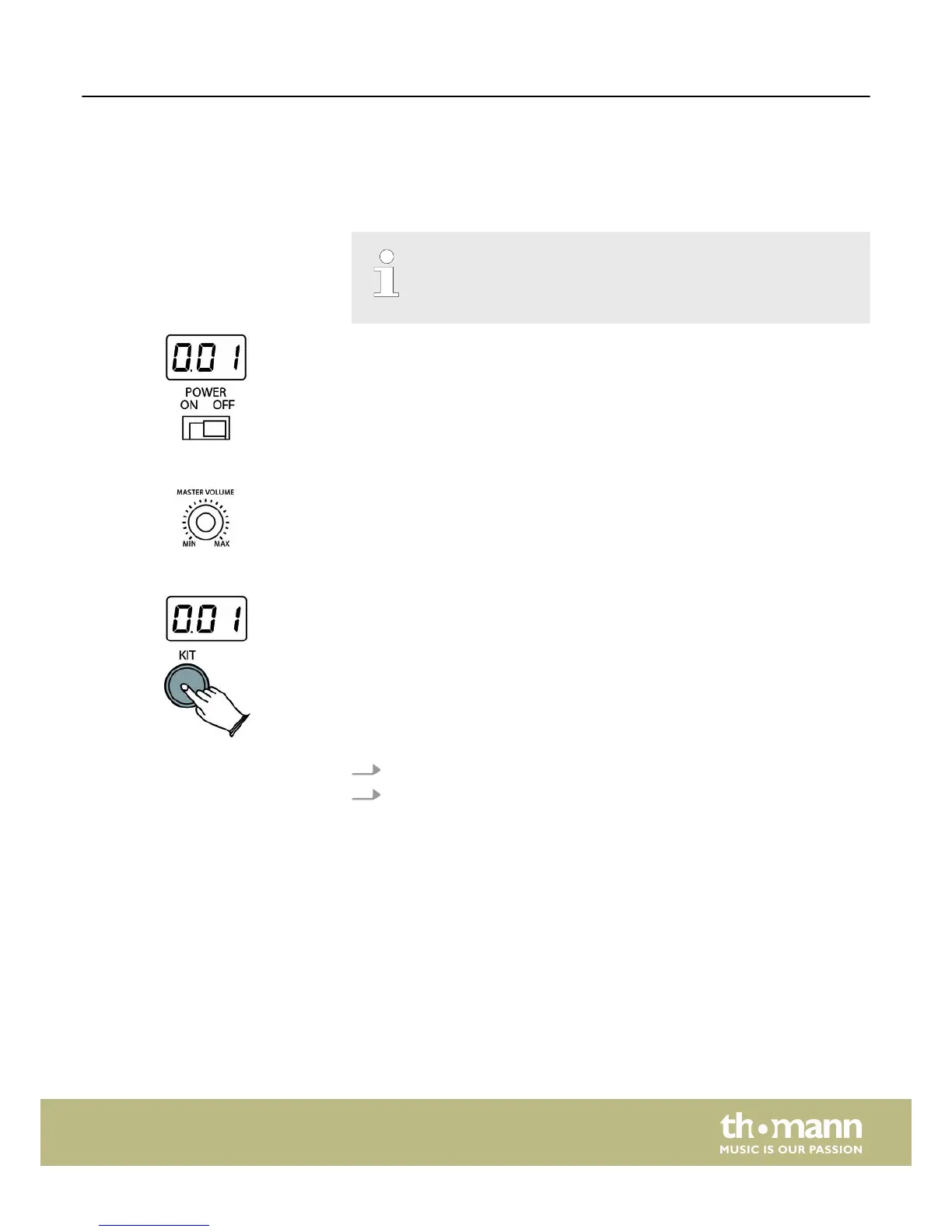
Before switching on the device, check all cables for proper connection.
Before switching on, turn the [MASTER VOLUME] control of the drum
module to minimum.
Use the [POWER ON/OFF] switch on the rear of the bottom case to switch on the
drum module.
To set the volume, hit a pad while slowly turning the MASTER VOLUME control
clockwise.
A drum kit is a compilation in which each trigger is assigned to a certain sound and
several sound parameters. By selecting a drum kit, you can tailor the sound of your e-
drum kit in seconds to the desired style of music. In addition to the ten preset drum
kits you can create and save your own user kit (for more information, see
Ä
Chapter
12.1 ‘Kit list’ on page 26.
1. Press [KIT]. The display shows the number of the first preset drum kit.
2. Use the [–] / [+] keys to select the desired drum kit. Value range: ‘001’ to‘010’,
user kit.
Power on
Adjusting the volume
Selecting a drum kit
Operation
HD-50
17














 To Next Page