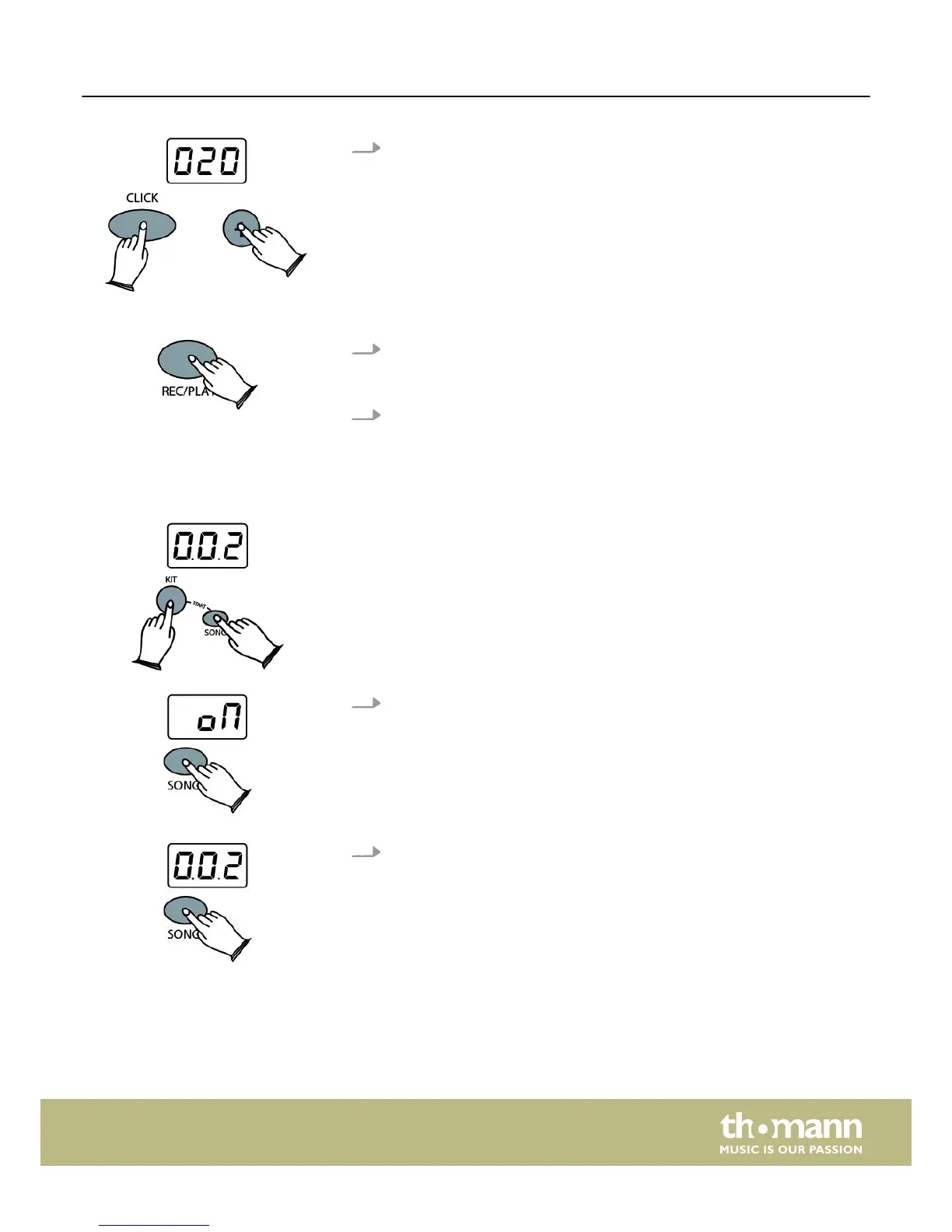
3. Click volume
When the click is deactivated press and hold [CLICK], then use the [+] or [–]
buttons to select the click volume. Value range: ‘001’ to ‘032’.
1. Recording
Press and hold [REC/PLAY] for two seconds. The metronome does a one-bar
precount before recording starts.
2. Playing record
Press [REC/PLAY] to play back your recording. Press [REC/PLAY] again to stop
playback.
Your drum module provides 10 preset songs. Press [SONG] and [KIT] simultaneously
to enter the SONG mode.
1. Switching the percussion track on and off
In the SONG mode, press and hold [SONG] for two seconds. The LED display
shows ‘oN’ or ‘oFF’.
n ‘oN’
The percussion track of the song is switched on.
n ‘oFF’
The percussion track of the song is muted.
2. Selecting a song
Press [SONG], then use the [+] or [–] buttons to select any of the ten songs.
REC/PLAY button
SONG button
Operation
HD-50
19














 To Next Page