13
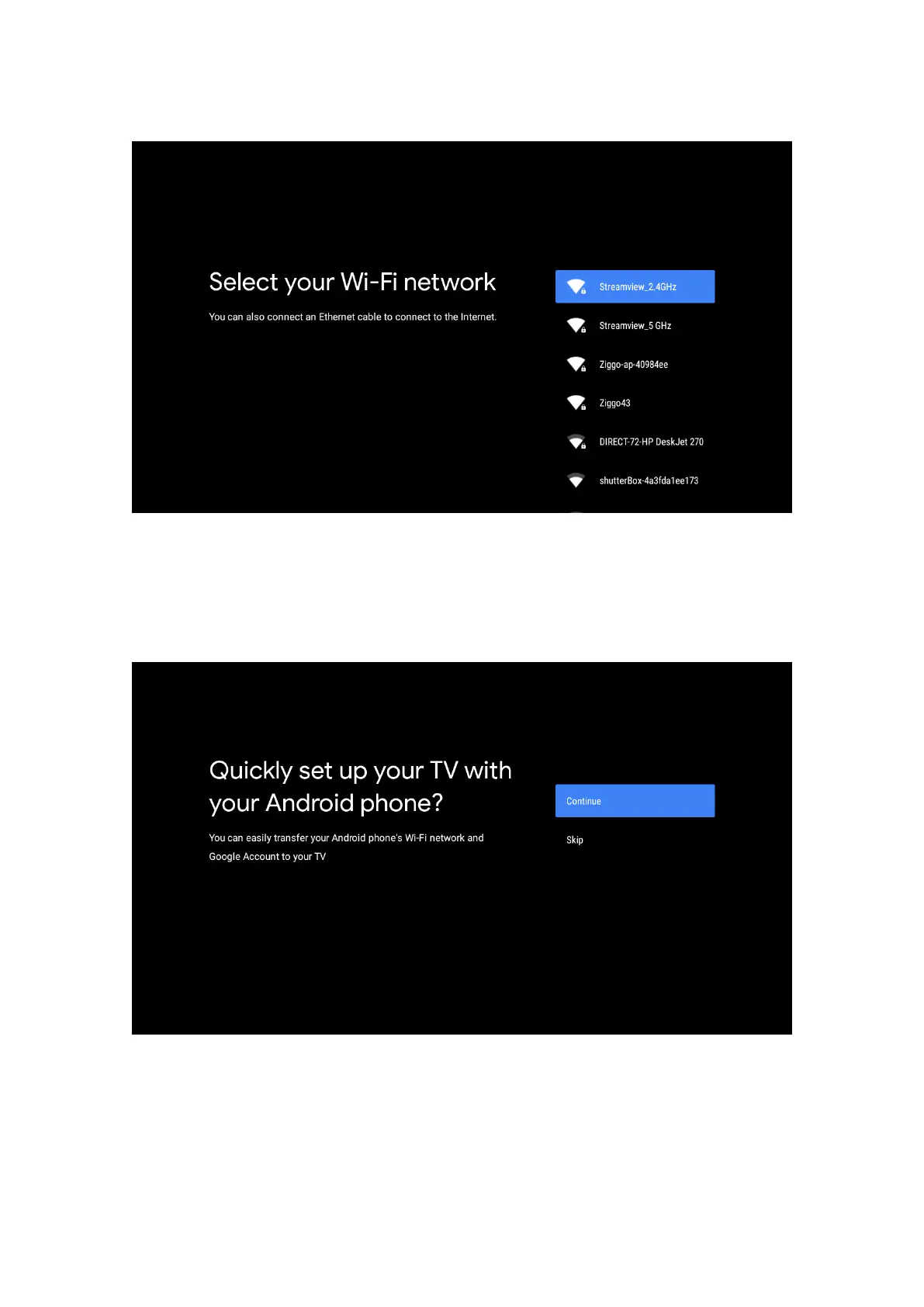
Press the up/down buttons to select WiFi you wish to connect, enter the password and conrm to connect. If you
select Skip, you can set your network later in the settings menu.
6.3. Google Account Sign in
Sign in to get new apps, recommendations, movies, and more from Google.
Use your remote: Use the remote to enter your Google Account and password to sign in to your Google Account.



 To Next Page