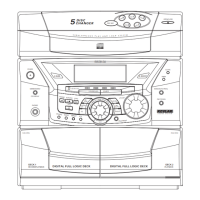
Display
Tip: Display shows clock
time when unit is in
Standby (off) mode. Turn on
the unit to enter the mode it was in
before power off. Press C D , TUNER,
AUX 1 or AUX 2 to select desired mode. Red led
lights above the mode selection button (e.g CD)
selected.
5
Timer
SLEEP
mode
Program mode
Repeat modes:
RPT. 1 - repeat current track.
RPT. DISC - repeat current disc.
RPT. ALL - repeat all discs
X-BASS
Preset EQ - CLASSIC,
POP, ROCK & JAZZ.
Track
number
Disc tray 1, 2 & 3
(tray icon flashes
when selected)
RDS signal is
detected
Random
playback
Stereo
signal is
detected.
Radio band
Showing elapsed/ remaining playback time, radio fre-
quency, preset tuner station, reference messages etc.



 To Next Page