9
USE
EN
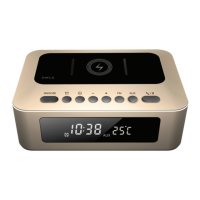
CLOCK RADIO
CP280
POWER SUPPLY
• Before using the product for the rst time, remember to
remove the plastic tab from the battery compartment.
• Only use the adaptor provided. Before using another
adaptor, check that it has the same ratings and complies
with current regulations.
CHANGING THE BACK-UP BATTERY
The back-up system ensures that the clock continues to
function in the event of a power-cut.
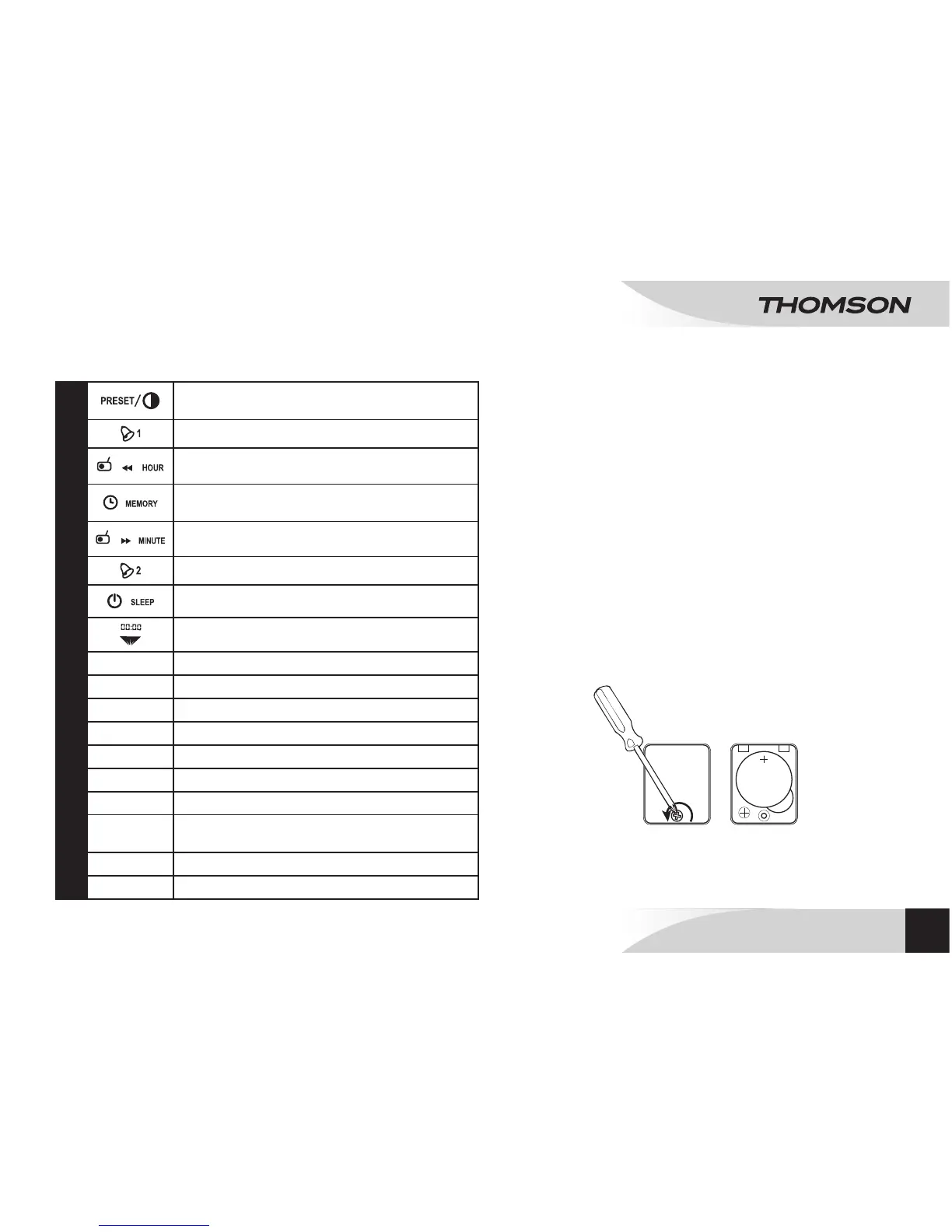
• Open the battery compartment on the underside of the
device.
• Insert 1 CR.2025-type (AAA) 3V battery, polarity as
indicated (+/-).
• Close the battery compartment.
CR2025
3V
DESCRIPTION OF THE COMMANDS
(see the description at the beginning of the manual)
1
Research and automatic preset stations (20 stations
max)/Reducing the screen brightness.
2
Setting the alarm time 1.
3
/ /
Setting the frequencies - / Setting the hours.
4
/
Pressing for 3 seconds to activate or deactivate the
RDS function.
5
/ /
Setting the frequencies + / Setting the minutes.
6
Setting the alarm time 2.
7
Radio ON/OFF/Sleep.
8
ON/OFF projector.
9
INV
Reverse projection.
10
ROTATE
Rotation of the projection.
11
Projector
12
LCD screen
13
Speaker
14
VOLUME -/+
Setting the volume -/Setting the volume +.
15
Wire aerial
16
POWER SUPPLY:
connection plug for the mains voltage adapter
17
SNOOZE
Repeat alarm.
18
Battery compartment



 To Next Page