10EN
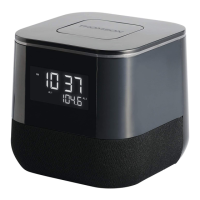
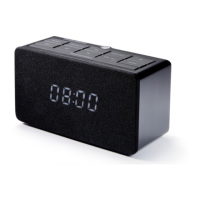
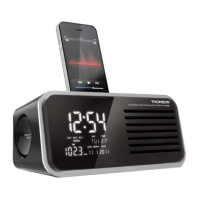
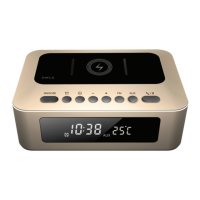
CLOCK RADIO
CP280
USE
SETTING THE TIME
The radio is in OFF:
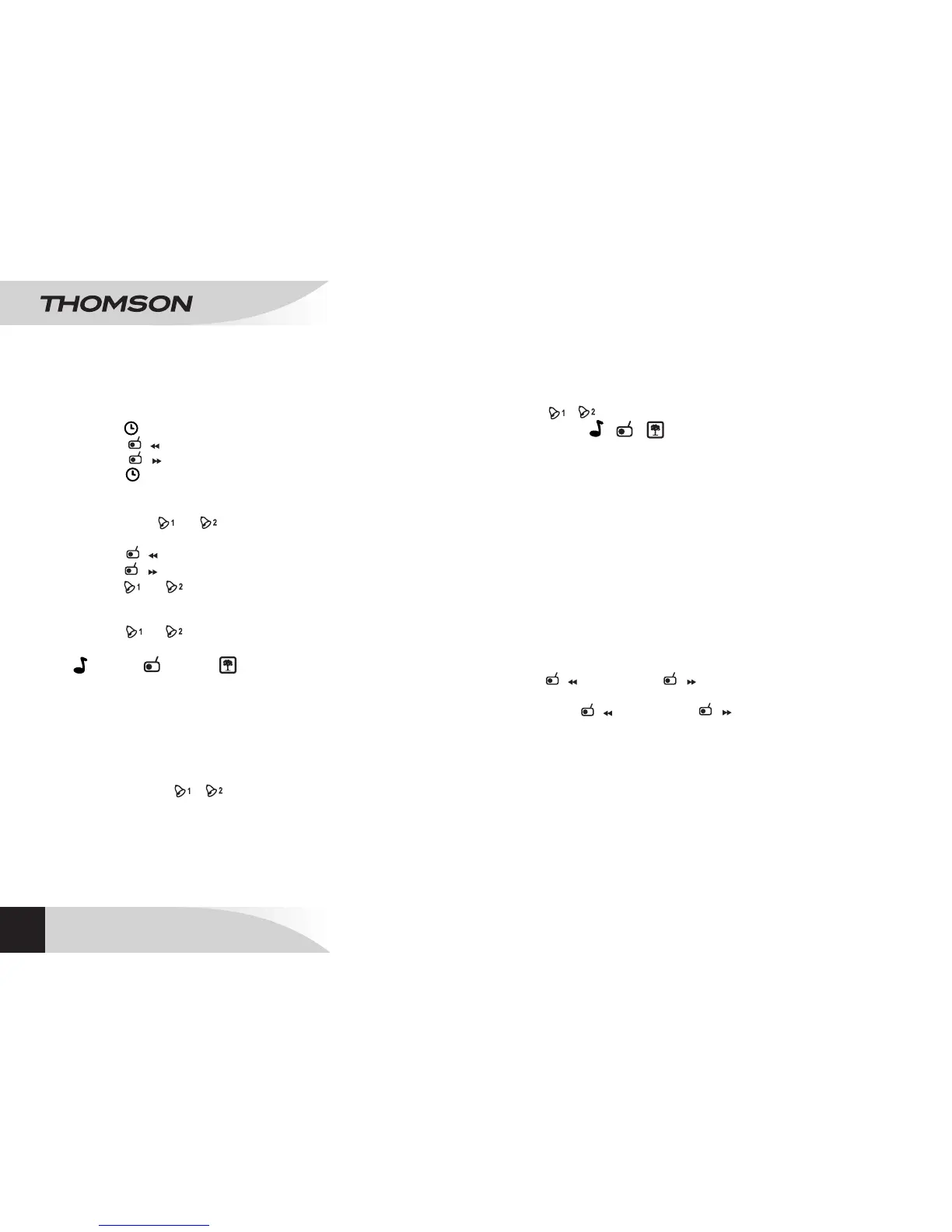
• Press /MEMORY: on the display “0:00” ashes.
• Press /HOUR to set the hours.
• Press /MINUTE to set the minutes.
• Press /MEMORY to conrm.
SETTING THE ALARM (1 and 2)
• Hold down or for 2 seconds: “0:00” ashes on
the display.
• Press /HOUR to set the hours.
• Press /MINUTE to set the minutes.
• Press or to conrm.
ACTIVATING THE ALARM AND CHOOSING ITS MODE
• Press or repeatedly to choose the alarm mode;
the symbol light will come on (alarm activated).
(alarm)/ (Radio)/ : there are 4 different nature
sounds (nature sound 1: waves)/(nature sound 2:
stream)/(nature sound 3: frog)/(nature sound 4:
birdsong).
SNOOZE
• Press SNOOZE to temporarily interrupt the alarm; it will
be activated automatically again 9 minutes later.
The symbols / and the ring type ashes.
SWITCHING OFF THE ALARM
• Press q /SLEEP to switch of the alarm, which will come
on again the next day (after 24 hours).
DEACTIVATING THE ALARM
• Press / repeatedly to deactivate alarm 1 or 2.
• The symbols / / disappear (alarm deactivated).
SLEEP FUNCTION
The radio must be turned on:
• Press q /SLEEP repeatedly at any time to choose the
duration: 120, 90, 60, 45, 30, 15, 10 or 5 minutes.
• The radio turns itself off automatically after the selected
time delay.
BACK-UP SYSTEM
The alarm time is saved in the internal memory in the event
of a power-cut.
USING THE RADIO
• Press q /SLEEP: the radio will turn on and the LCD
screen will display the frequency.
• Press /HOUR and /MINUTE to nd your
preferred frequency.
• Hold down /HOUR and /MINUTE for 2
seconds to begin an automatic search. The search will
stop automatically when a radio station is tuned into
correctly.
• Press VOLUME -/+ to adjust the volume.
• Hold down q /SLEEP for 2 seconds to turn off the radio.
NOTE: use the wire-lament aerial.
MEMORY (up to 20 radio stations)
The radio must be turned on:



 To Next Page