- EN 5 -
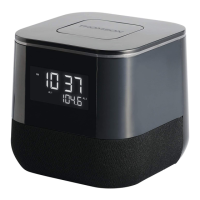
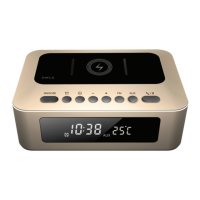
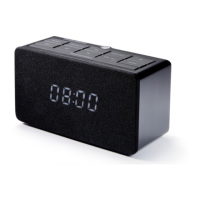
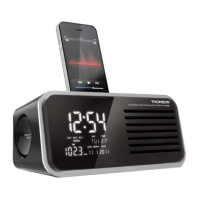
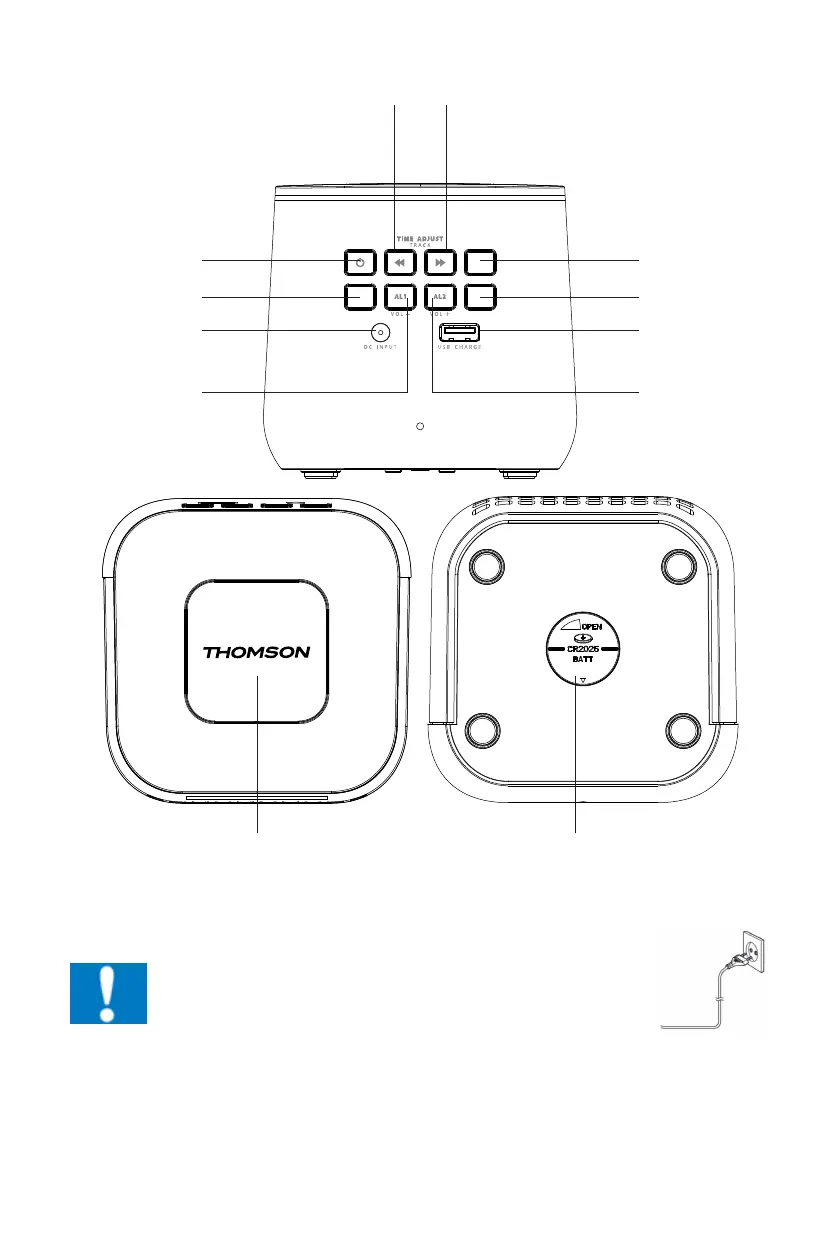
Description of Part (DAB VERSION)
ENTER
CLOCK/PRESETFUNC.
INFO/SLEEP SCAN/MODE
ENTER
CLOCK/PRESETFUNC.
INFO/SLEEP SCAN/MODE
ENTER
CLOCK/PRESETFUNC.
INFO/SLEEP SCAN/MODE
SCAN -
INFO/ SLEEP
DC INPUT JACK
VOLUME -
/ ALARM 1
STANDBY/
FUNCTION
SCAN +
ENTER/ CLOCK/
PRESET
SCAN/ MODE
USB CHARGING
PORT
VOLUME +/
ALARM 2
BACKUP BATTERY DOORMENU/SNOOZE/DIMMER
Power
CAUTION
• Risk of product damager! Make sure that the power voltage
corresponds to the voltage printed on the back label.
• Risk of electric shock! When you unplug the AC power cord
always pull the plug from the socket. Never pull the cord
• Before connecting the AC power cord, ensure you have completed
all other connections
When AC power supply…
Place the unit in the desired position and unravel the mains cable. Insert the cable into the supply
socket and switch on if applicable.


 To Next Page
 Loading...