- EN 4 -
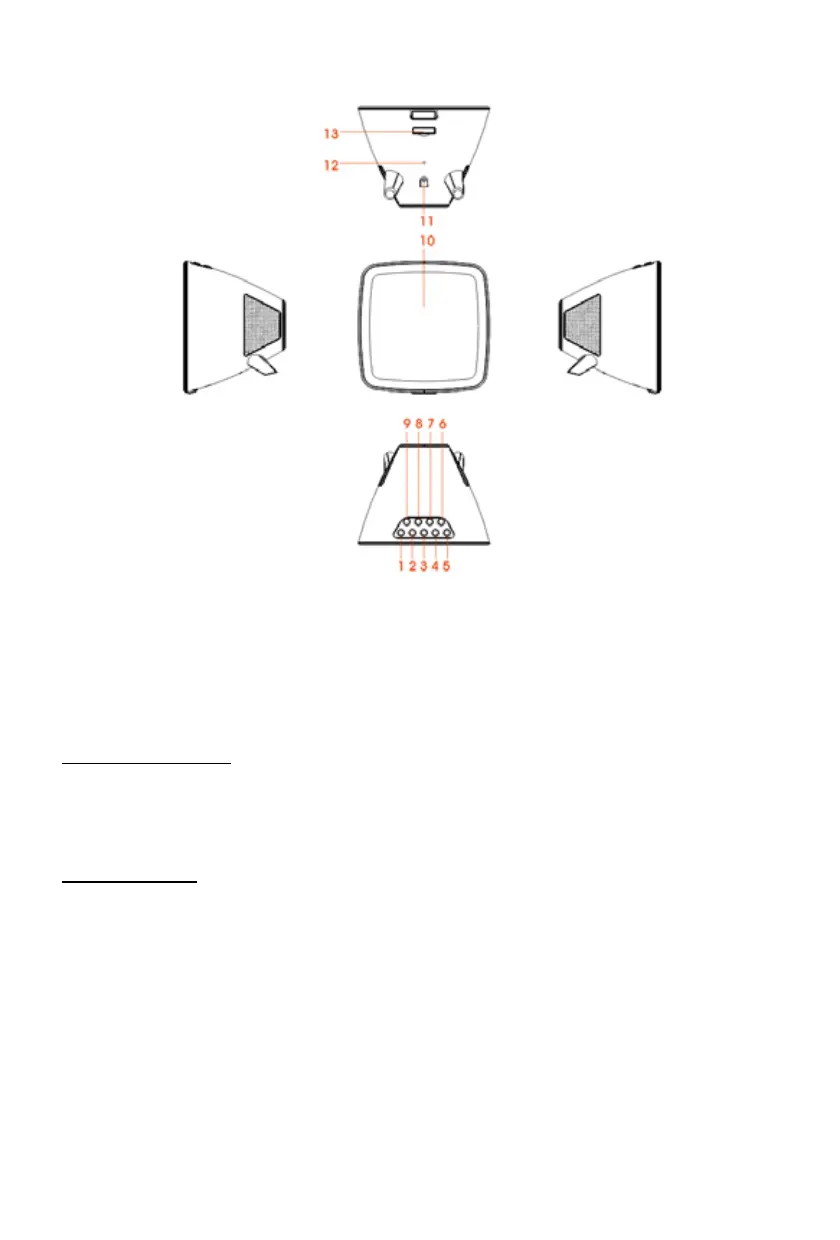
Description of Parts
1) SKIP- BUTTON
2) SKIP+ BUTTON
3) VOL- BUTTON
4) VOL+ BUTTON
5) STANDBY/TIME SET BUTTON
6) DIMMER BUTTON
7) ALARM SET/FUNCTON BUTTON
8) STOP BUTTON / CELSIUS-FAHRENHEIT
9) PLAY/PAUSE/SNOOZE BUTTON
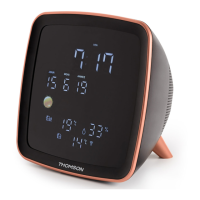
10) LED DISPLAY
11) DC JACK
12) FM WIRE ANTENNA
13) BATTERY DOOR
UNIT POWER SUPPLY
This unit is designed to operate with a DC 5V/1A adaptor.
Insert the small plug of the adaptor into the DC Jack.
Insert the AC/DC adaptor into any convenient 230V~AC, 50Hz household outlet in either the vertical
or horizontal position.
CLOCK BACK-UP
Prior to rst use, remove the transparent tab (which prevents battery contact) located under the battery
compartment to activate the battery.
Replacing the battery
To replace the battery , please proceed as follows:
1) Take out the battery compartment and open the drawer fully.
2) Insert the CR2025 type battery in accordance with the correct polarity (+/-).
3) Return the battery compartment to the inside of the weather station.
Note:
Only use the battery type stipulated in this manual.


 To Next Page