- EN 6 -
• Replace the battery support pushing it inside until you hear a “click”.
ATTENTION: Danger of explosion if batteries are not inserted correctly.
Get started
Power
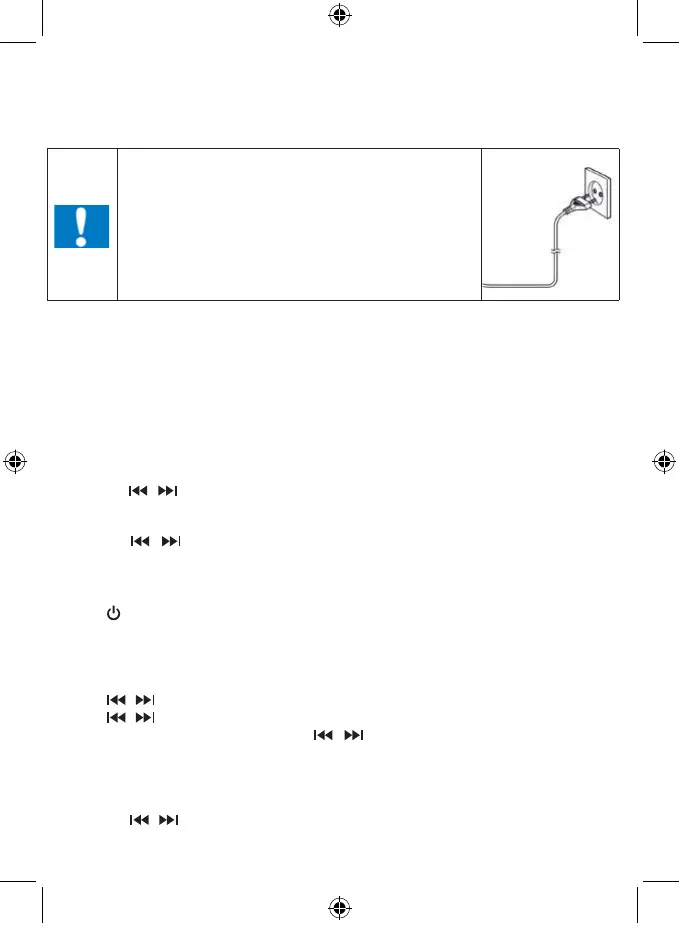
CAUTION
• Risk of product damager! Make sure that the power
voltage corresponds to the voltage printed on the back
label.
• Risk of electric shock! When you unplug the AC power
cord always pull the plug from the socket. Never pull the
cord.
• Before connecting the AC power cord, ensure you have
completed all other connections.
Place the unit in the desired position and unravel the mains cable. Insert the cable into the supply
socket and switch on if applicable.
Auto standby
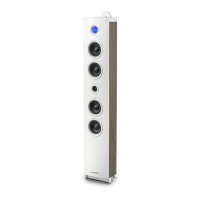
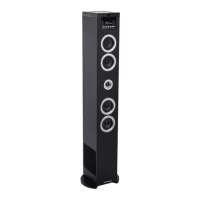
When playing media from a connected device, the Tower automatically switches to standby if:
• No button is pressed for 10 minutes,
• No audio from a connected device for 10 minutes.
Setting Clock
After the unit is plugged into a mains supply or mains power failure, the display will show the “0:00” on
the LED display. The unit should be in standby mode to set the current clock.
1. Press TIME button, the digits for the display will blink.
2. Press the
/ button repeatedly until correct hour is set. Press the TIME to conrm the hour
setting.
3. The minute digits on the display will blink.
4. Press the
/ button repeatedly until correct minute is set. Press the TIME to conrm the
minute setting.
Setting Alarm
This unit can be used as an alarm clock, CD /USB/ FM is activated to play at a preset time.
1. Press
to switch the unit to standby mode.
2. Make sure that you have set the clock correctly.
3. Press and hold ALARM button in shutdown state, the display will ash ON to select setting alarm
and the display will blink.
4. Press the ALARM conrm, the time display will blink.
5. Press
/ button repeatedly to set hour. Press ALARM to conrm.
6. Press
/ to set minute.
7. Press ALARM to conrm, and then press
/ to select CD/FM/USB status. Press ALARM
to conrm.
8. The volume would turn up from 0 to 20 gradually.
9. Press ALARM button in shutdown state, the display will ash ON to select setting alarm, and the
display will blink.
10. Press the
/ to select OFF to cancel alarm.


 To Next Page