EN
Music management soft-
ware - MusicMatch
TM
Jukebox
Upon
unpacking
the unit, you
should find
the music
manage-
ment soft-
ware -
MusicMatch Jukebox enclosed. Insert the
software disc into your computer and
click on “MusicMatch User’s Guide” if
you need assistance on installation of the
software and creating mp3 discs for your
enjoyment with this unit.
You need the latest MMJB Software to
enjoy all the features.
To check which version of MusicMatch
Jukebox you are currently using:
1. Click on Help to access help menu.
2. Select About MUSICMATCH Jukebox.
The software version number can be
seen on the top left corner of the infor-
mation window.
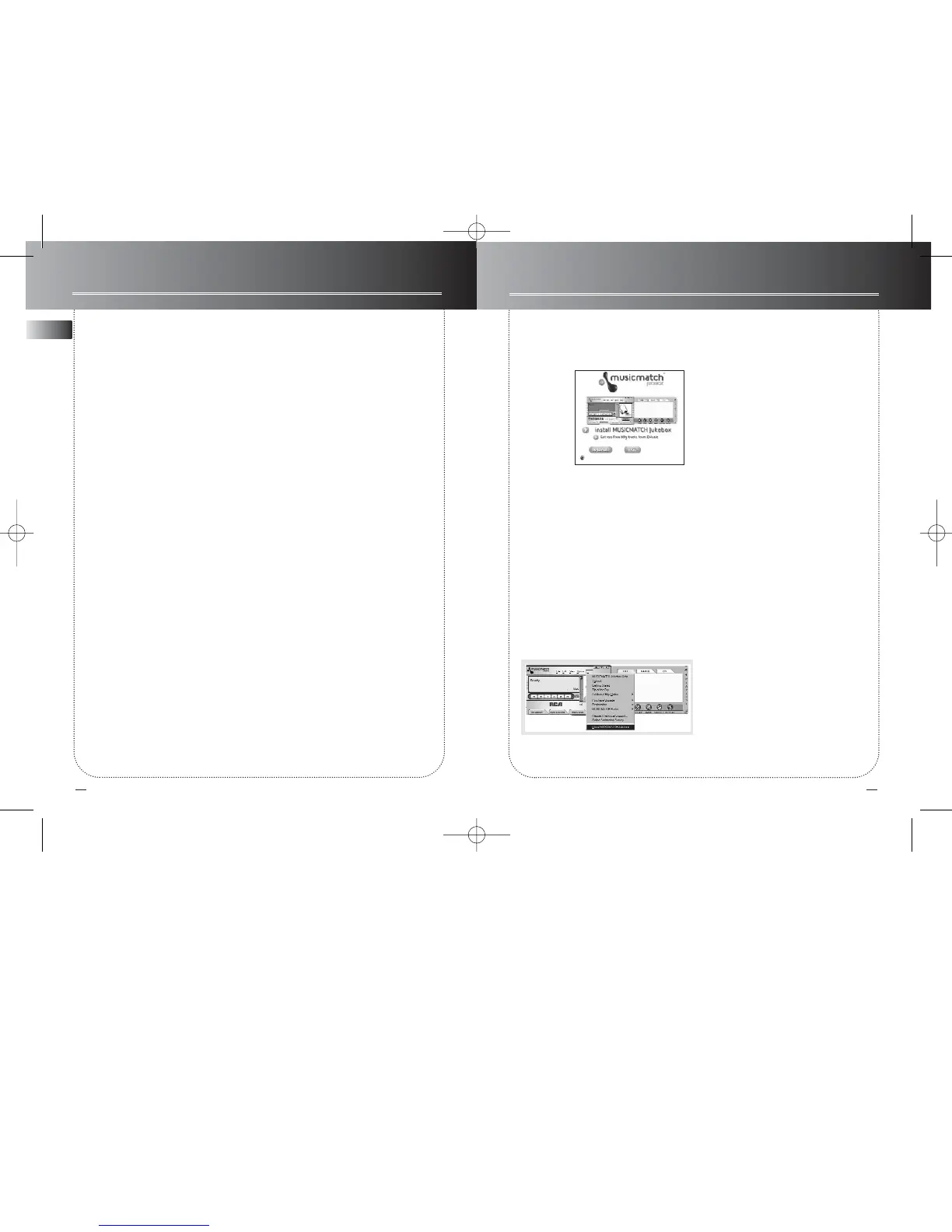
Update MusicMatch Jukebox
Once you have installed the MusicMatch
Jukebox software included with your
unit, follow the steps below to update
your software version.
1. Select Update Software from the
Options menu.
2. Select Update Software to Latest
Release.
3. Click Continue.
It will automatically download and
install the latest MusicMatch Jukebox
software.
Close the window that asks you to Get
your Plus Upgrade Key Now.
MusicMatch Jukebox
13 14
Other functions
Keys lock
To Lock:Press and hold the
MENU•HOLD
button for 2 seconds, the "LOCK" icon
appears and the words "Keys Locked"
will show on display.
To Unlock: Press
MENU•HOLD
button
once, then press the ENTER button with-
in 3 seconds.
Note: To avoid the unit being accidental-
ly switched on, you can also activate the
LOCK function in POWER OFF mode.
When in POWER OFF mode, you can
power on the unit by pressing the PLAY
button, and
press
MENU•HOLD
button
once, then press the ENTER button
within 3 seconds to unlock keys.
Other functions
You can turn on / off mp3 autoplay, beep
sound, and select the browse mode.
To turn on / off the autoplay:
1. Press
MENU•HOLD
button.
2.
Use the DIRECTIONS KEY to select
Setup, and press ENTER to confirm.
3. Select mp3
autoplay.
4. Select ON / OFF.
5. Press ENTER button to confirm selec-
tion.
To turn on / off the beep:
1. Press
MENU•HOLD
button.
2.
Use the DIRECTIONS KEY to select
Setup, and press ENTER to confirm.
3. Select beep
.
4. Select ON / OFF.
5. Press ENTER button to confirm selec-
tion.
To select the browse mode:
1. Press
MENU•HOLD
button.
2.
Use the DIRECTIONS KEY to select
Setup, and press ENTER to confirm.
3. Select
Browse mode.
4. Select SmartTrax mode / Folder mode.
5. Press ENTER button to confirm selec-
tion.
ESP Extreme (audio CD only)
The unit is equipped with ESP-extreme,
which prevents sound interruptions
when impacts or vibrations occur.



 To Next Page