EN
Before You Begin
Before you Begin
1
2
1. Unpack the player and
accessories
When you unpack your new player, be
sure you have removed all the accessories
and information papers. The items
below are packed with your player.
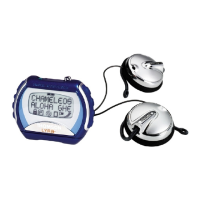
1. The Player
2. Batteries
3. Software CD
4. Headphones
5. Connection Cable
6. Carry Case
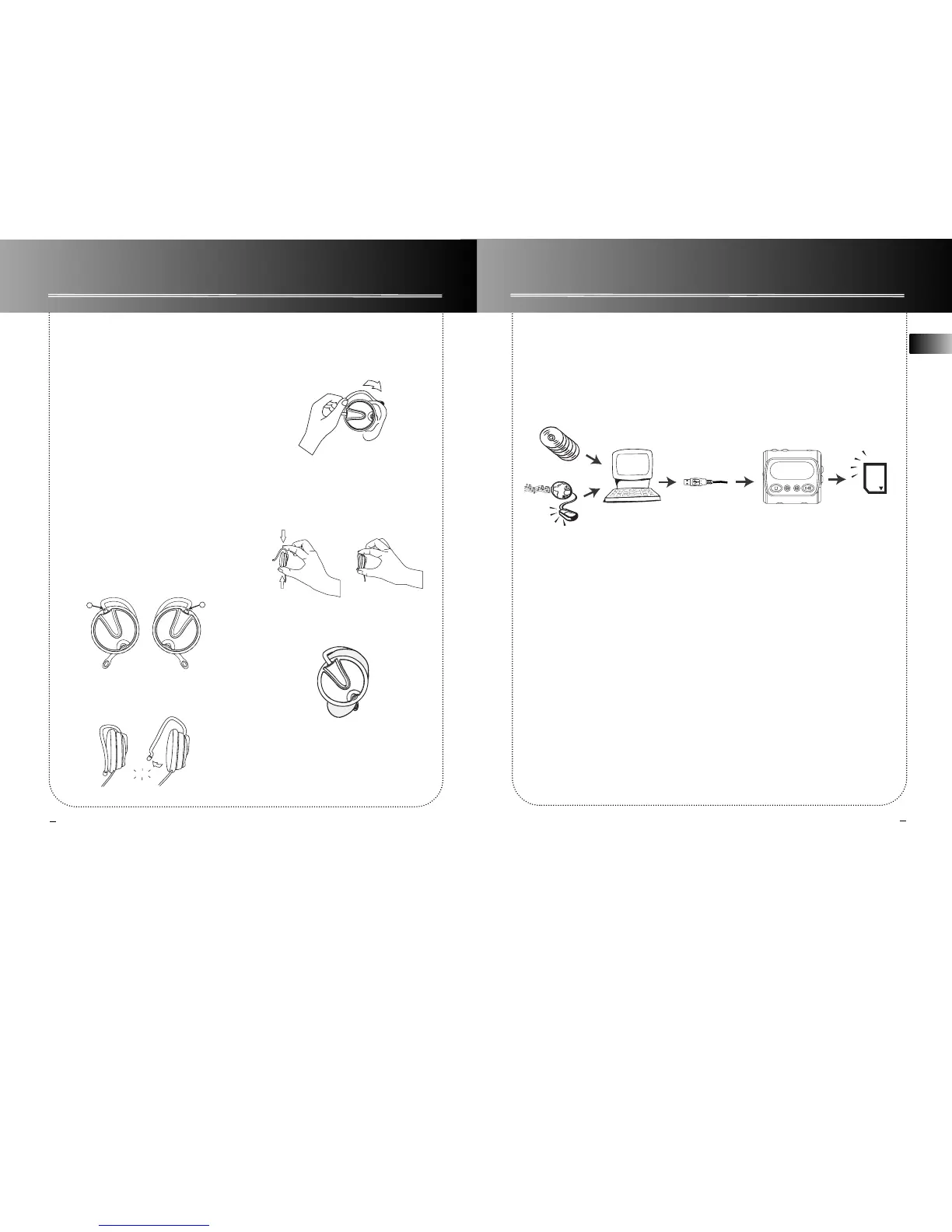
2. How to Use Your Clip
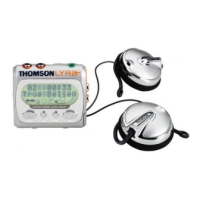
Phones (The e.clipz)
The right ear clip phone is labeled R
while the left ear clip phone is labeled L.
1. Pull the ear hook away from the ear
pad slightly. You will hear a click sound.
2. Slide the ear hook behind the ear with
the ear pad on the front of the ear.
Rotate the clip phone so the ear pad fits
closely with the ear.
3. Lock the clip phone in place by
pushing down on the top of the ear hook
until it locks.
4. For best sound quality, make sure the
earpad fits closely with your ear.
3. What’s so special about this mp3 player?
This player is meant to play mp3 audio files encoded on a memory card or recorded in
the built-in flash memory.
To do so, you need the use of a Windows computer with USB port , connection cable
(included) and a music management software (MusicMatch Jukebox).
Compressed music internet sites
www.musicmatch.com, www.emusic.com
CDs
Compression and transfer
Connection cable
Playback
and/or
mp3 music
built-in flash
memory
Optional:
MemoryCard
(not included)


 To Next Page