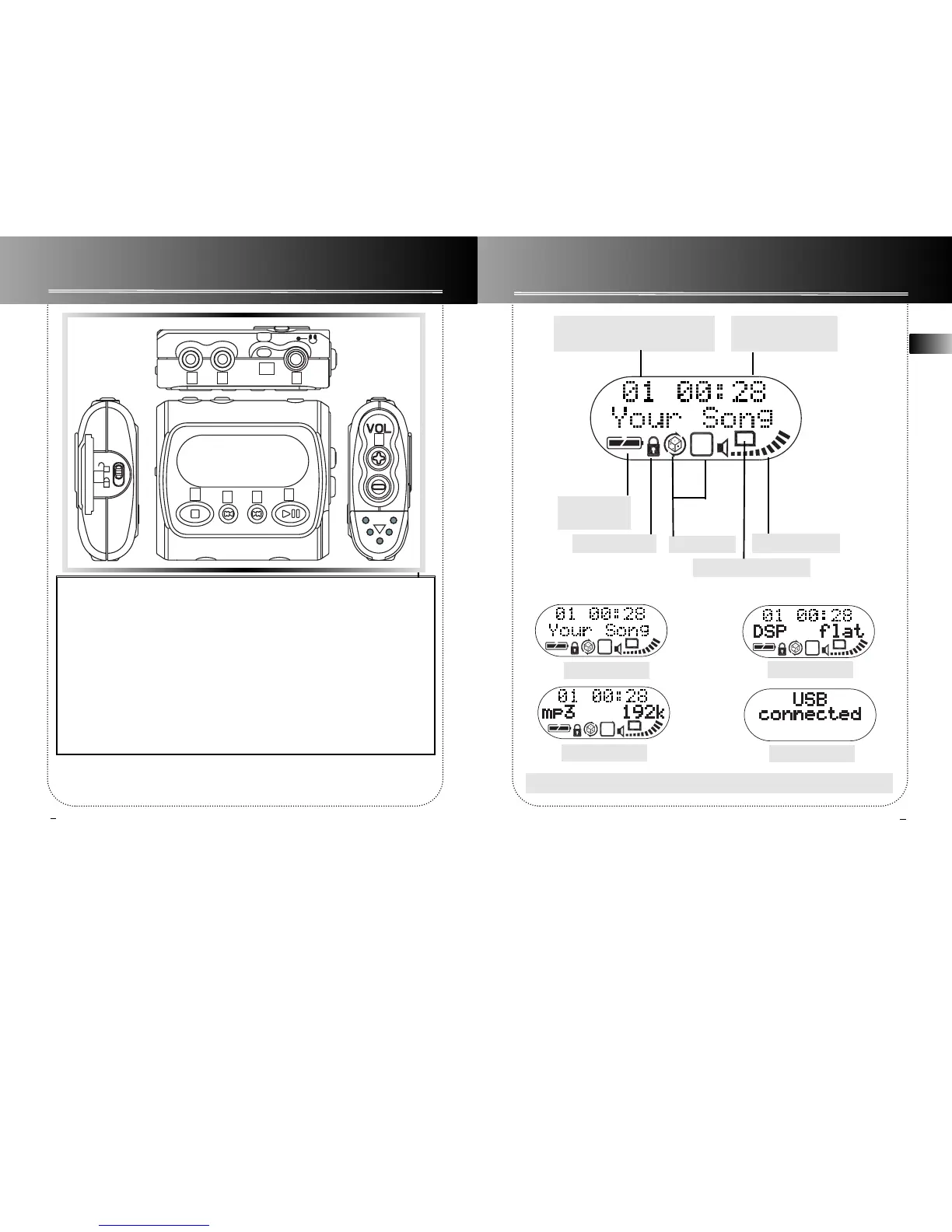
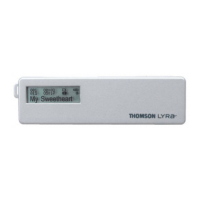
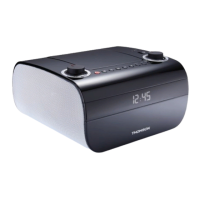
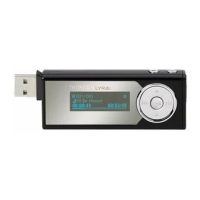
General Controls
Display
1. PLAY - Turn unit on, start playback
and pause.
2. STOP - Stop playback and turn unit
off .
3. Skip backward- Skip back to last
track. Press and hold to search back-
ward within the same track.
4. Skip forward - Skip to next track.
Press and hold to search forward with-
in saved tracks.
5. MODE - Select among repeat all,
random , random repeat, program and
repeat program modes.
6. DSP - Select among DSP modes.
(Flat, Bass, Pop, Rock, Jazz)
7. PHONES - headphones jack.
8. HOLD - Slide to lock keys to avoid
accidental key activation.
9. VOLUME - Adjust sound volume.
10. Hole for carrying strap.
Battery level
indicator
Volume level bar
Memory card inserted
Total number of track / Current
track number during playback
Key locked Playmode
Elapsed time/remain
time of the track
To scroll the display information, press and hold the MODE button.


 To Next Page