2 SpeedTouch™190 Web Interface
E-DOC-CTC-20040401-0004 v1.0
11
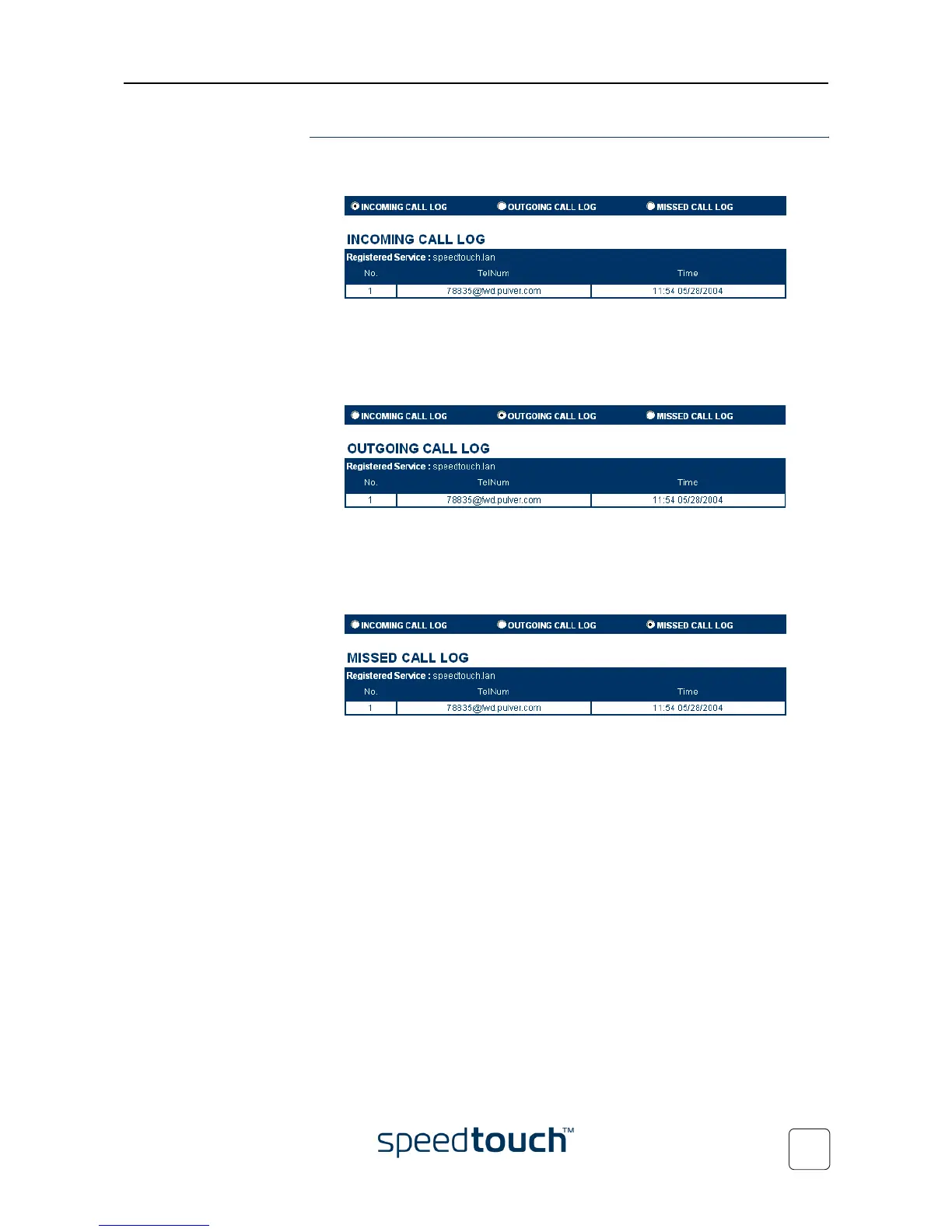
Call Logs The Call Log page is the SpeedTouch™190 home page. It consist of three sections:
• Select Incoming Call Log to view the incoming calls.
The SpeedTouch™190 will only remember the 10 last entries.
Note Each time the SpeedTouch™190 is restarted, the call log will be
cleared.
• Select Outgoing Call Logs to view the outgoing calls.
The SpeedTouch™190 will only remember the 10 last entries.
Note Each time the SpeedTouch™190 is restarted, the call log will be
cleared.
• Select Missed Call Logs to view the missed calls.
The SpeedTouch™190 will only remember the 10 last entries.
Note Each time the SpeedTouch™190 is restarted, the call log will be
cleared.















 To Next Page