2 SpeedTouch™190 Web Interface
E-DOC-CTC-20040401-0004 v1.0
12
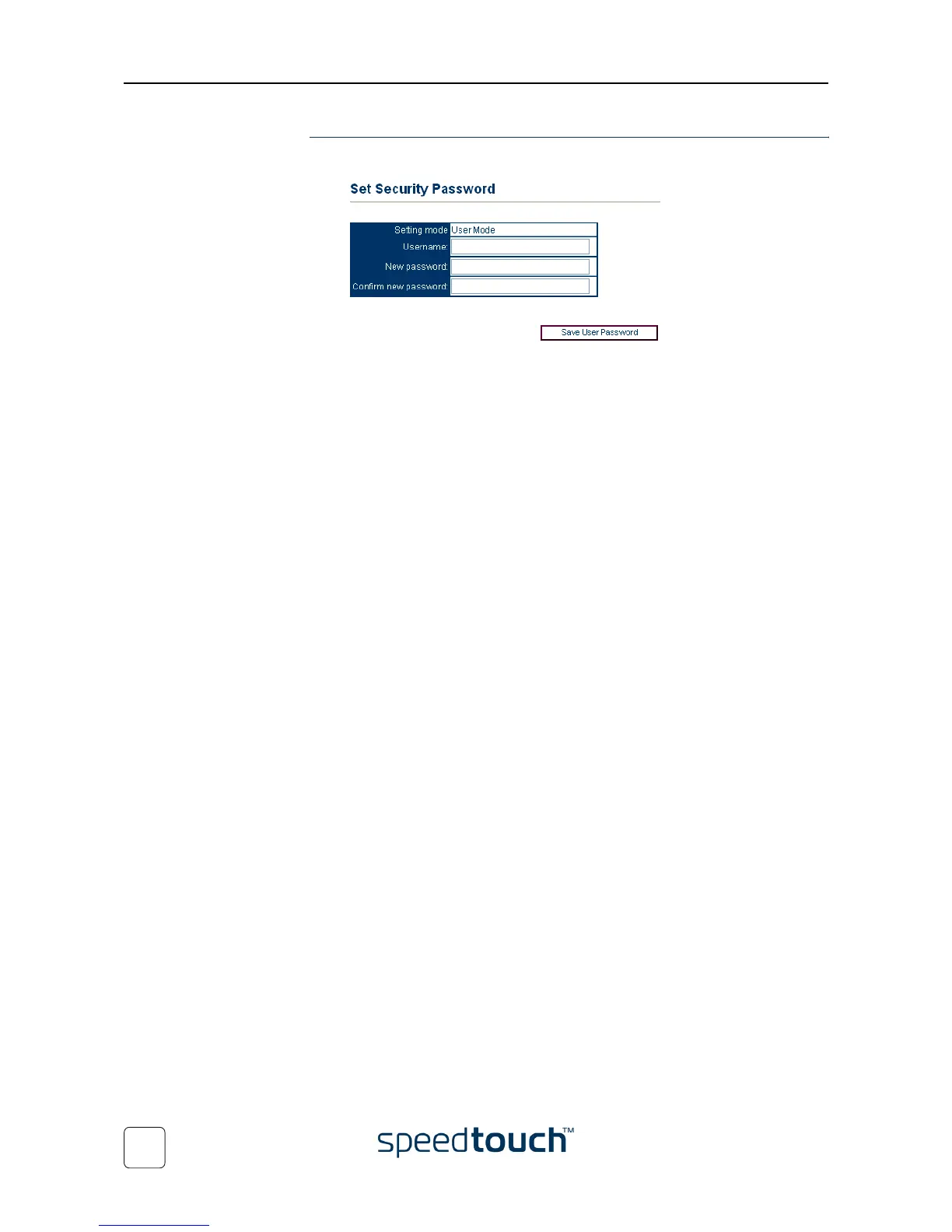
Security Select Security to configure the SpeedTouch™190 user name and password:
By default the SpeedTouch™190 is not protected by a password. However, for security
reasons, setting a pssword may be useful.
To set a user name and password, proceed as follows:
1 Type a user name in the User name text box.
2 Type a password in the New password text box
3 Retype the password in the Confirm new password text box.
4 Click Save User Password to save the new password.
Note Use the same procedure to change your user name and password.
Note To clear your user name and password, clear the textboxes and click
Save User Password.















 To Next Page