6
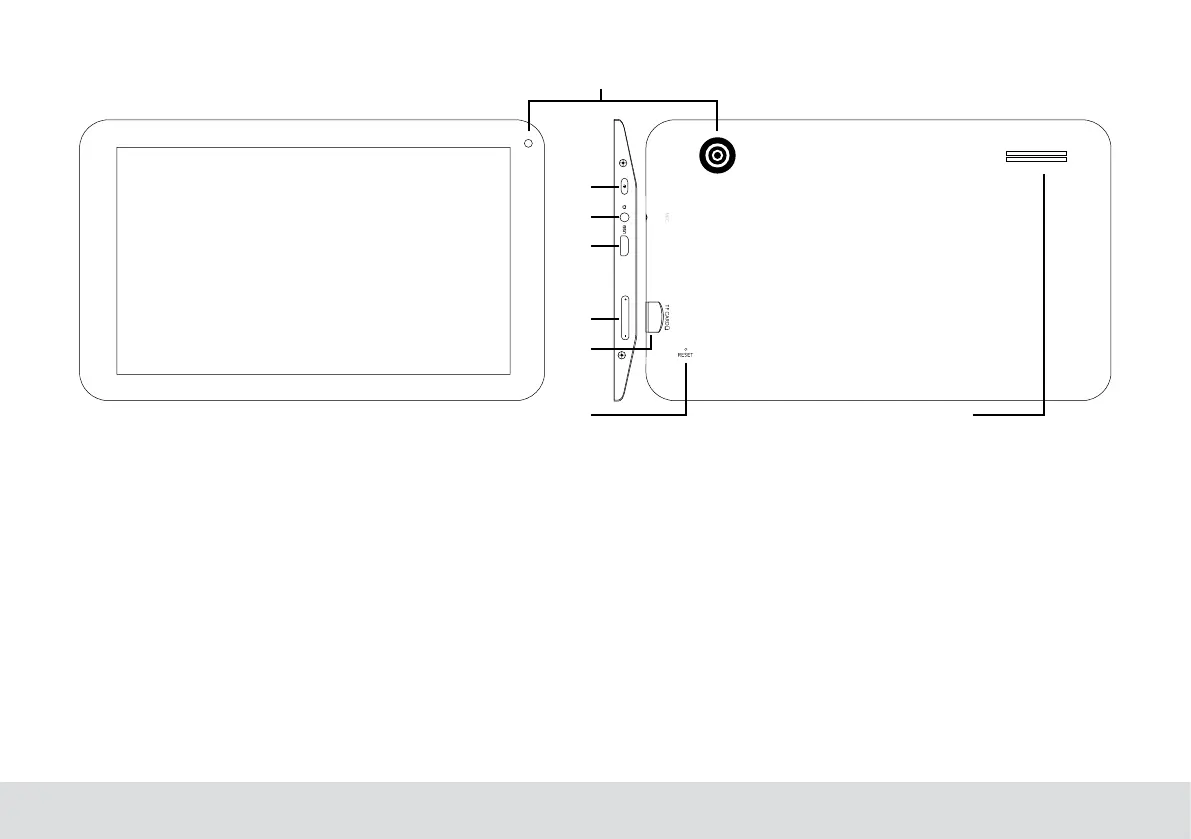
Unit at a Glance
1
2
3
4
5
6
7 8
1. Camera
Use it to take pictures or capture videos.
2. Power
Press to turn the unit on, or to turn the screen on or off.
Press and hold to access the Power Off menu.
3. Headphone
Audio output connection for headphones.
4. Usb OTG And HOST
Connect to a USB device or a computer to transfer data (e.g.
music,videos,photos,les).ConnecttoaUSBdevice
5. VOL+/VOL-
Press VOL+ to increase the volume level.
Press VOL- to decrease the volume level.
6. Micro SD-CARD
Load external Micro SD-cards here.
7. Reset
Press this button to force off the system when the device is
halted.
8. Speaker



 To Next Page