12
Transferring Files
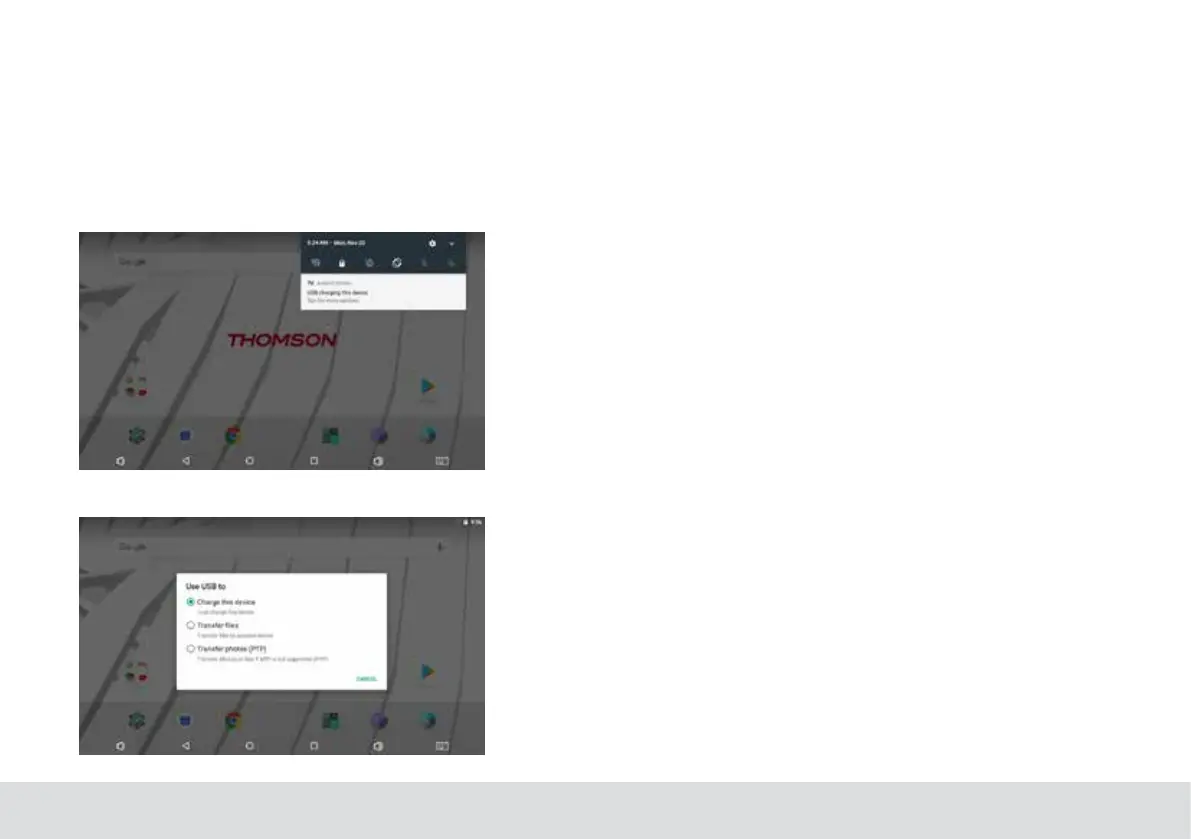
Transferring Files with a Computer
Tobegin transferringles to your computer,plug one end
of the included Mini-USB to USB cord into the unit, and the
other into the USB port on a computer.
Youwillnowbeabletotransferles
Troubleshooting
1.1 Device can not connect to Wi-Fi
Ensure the wireless network is working by testing it using
another wireless device.
Ensure the device and the wireless router is within the range
of the wireless network to be connected too.Walls or other
obstructions will reduce the possible distances between
wireless devices.
Ensure the security password being used is correct.
1.2 Device doesn’t turn on
You can not turn on the device when the battery charge is
below the critical level,please charge the battery.
Use a needle or paper clip to reset unit on the side of the
device and check if it is restarting is normally or not.
Check if the charger is connected correctly.
1.3 Heat Issues
When running multiple applications,using the screen on its
brightest setting, or when being charged,this device can get
quite hot.This is normal and should nor cause any inconve-
nience when in use.
1.4 System has anomalies and doesn’t work cor-
rectly
Installing some third-party applications may cause the sys-
tem not to operate correctly.Press the RESET button and
perform a system reset to resolve this issue.



 To Next Page