11
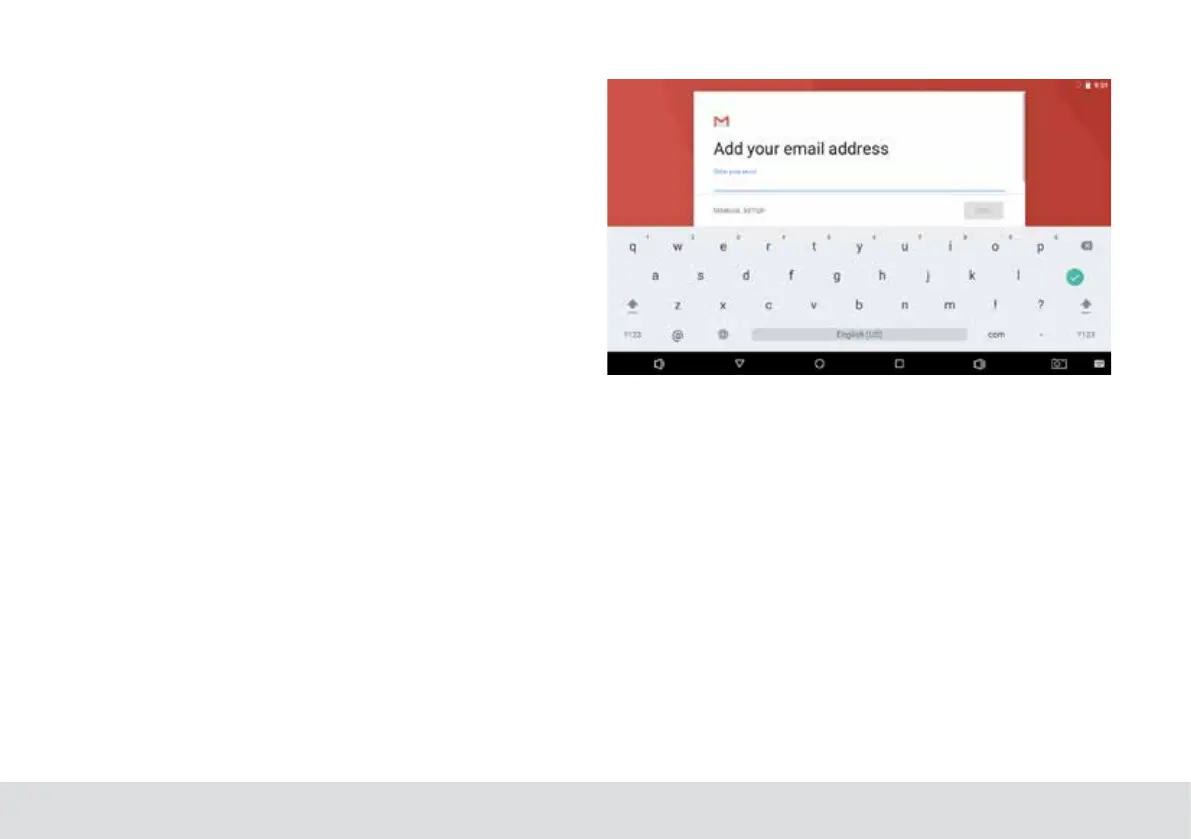
Manually Conguring an Email account
It is recommended to consult an IT professional before at-
temptingtomanuallycongureyouremailaddress.
1. To set up your email manually,detailed information is re-
quired.Check your provider’s website or phone support for
individual provider information.
2.The rst thing you will need to determine is the server
type.While most servers are POP3,IMAP and Exchange are
also supported services.
3. Enter your email address and password then press Next.
4. Fill in all information for the Incoming server portion of
the manual setup.
5. Press Next and the app will test your settings.Wi-Fi is re-
quired to be active for this step.
6. Fill in all information for the Outgoing server settings.
7. Press Next and the app will test your settings.Wi-Fi is re-
quired to be active for this step.



 To Next Page