E-DOC-CTC-20090619-0001 v1.0
10
1 Installation
Configure the Thomson Gateway
Proceed as follows:
1 Open your web browser.
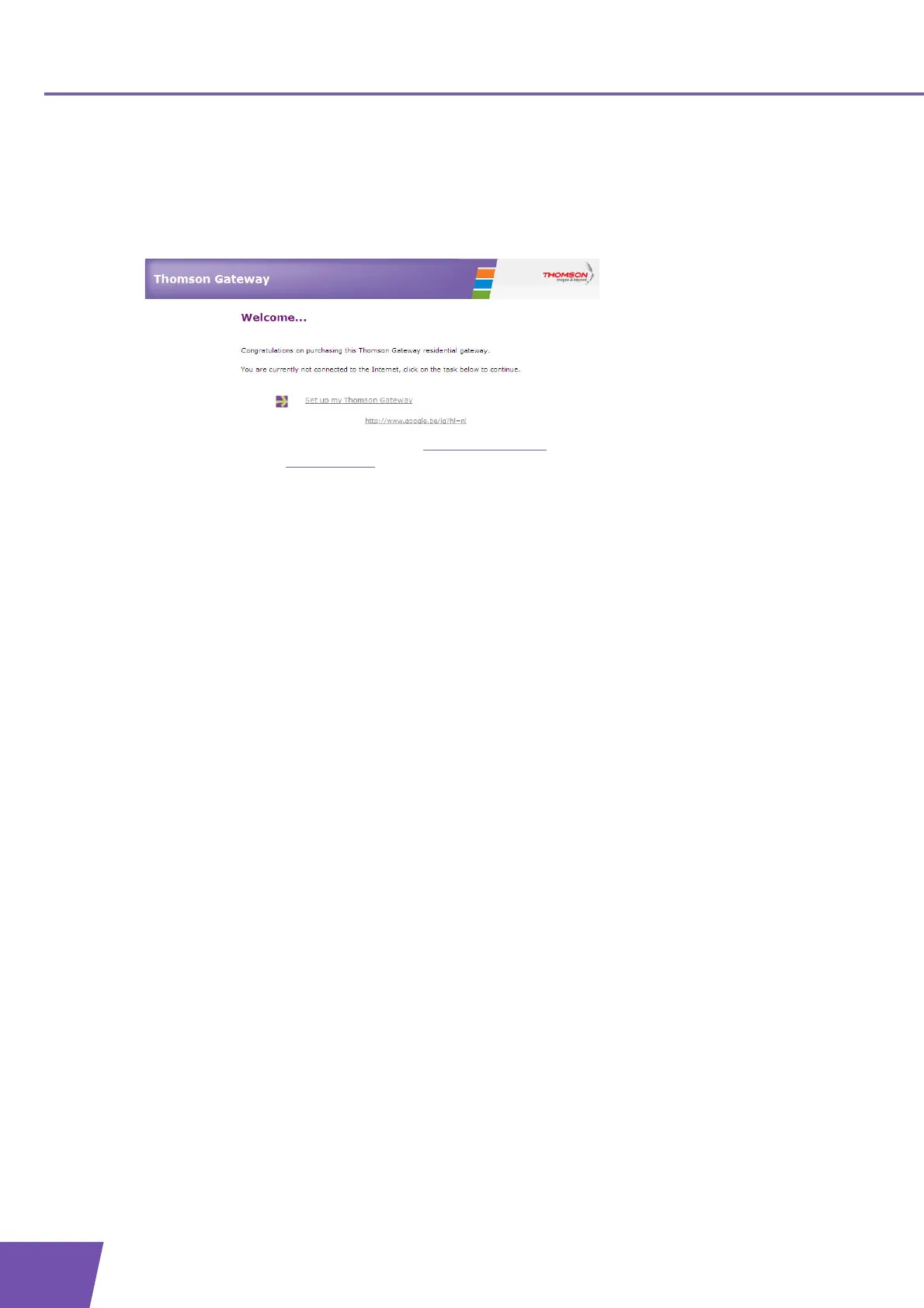
2 The Thomson Gateway informs you that you have not yet configured your Thomson Gateway.
If this window does not appear browse to http://dsldevice.lan
or to the IP address of your Thomson
Gateway (by default: 192.168.1.254) and click Thomson Gateway on the menu on the left-hand side.
3 Click Setup my Thomson Gateway.
4 The Easy Setup wizard appears. This wizard will guide you through the configuration of your Thomson
Gateway. Click Next and follow the instructions.



 To Next Page