E-DOC-CTC-20090619-0001 v1.0
59
7 Thomson Gateway Tools
7.1.1 Accessing Your Thomson Gateway with UPnP
Windows 7/Vista
If you computer runs Windows 7/Vista:
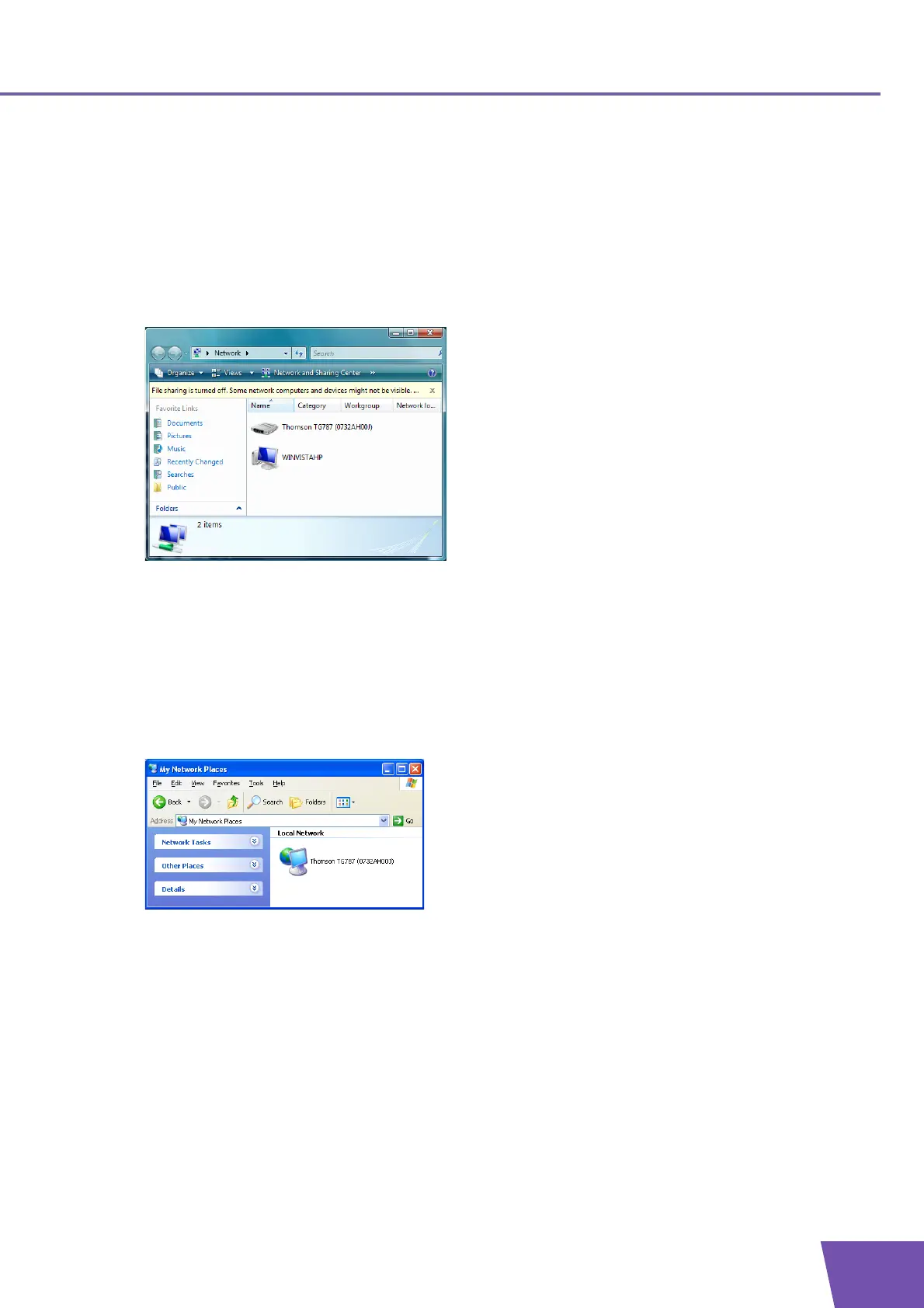
1 On the Windows Start menu, click Network.
2 The Network window appears:
3 Right-click your Thomson Gateway (displayed as THOMSON TGXXX) and click View device web page.
4 The Thomson Gateway GUI appears.
Windows XP
If you computer runs Windows XP:
1 Go to My Network Places.
2 The My Network Places window appears:
3 Double-click your Thomson Gateway (displayed as THOMSON TGXXX).
4 The Thomson Gateway GUI appears.



 To Next Page