EN-13
Use of the product
• Power On / Off, standby pause
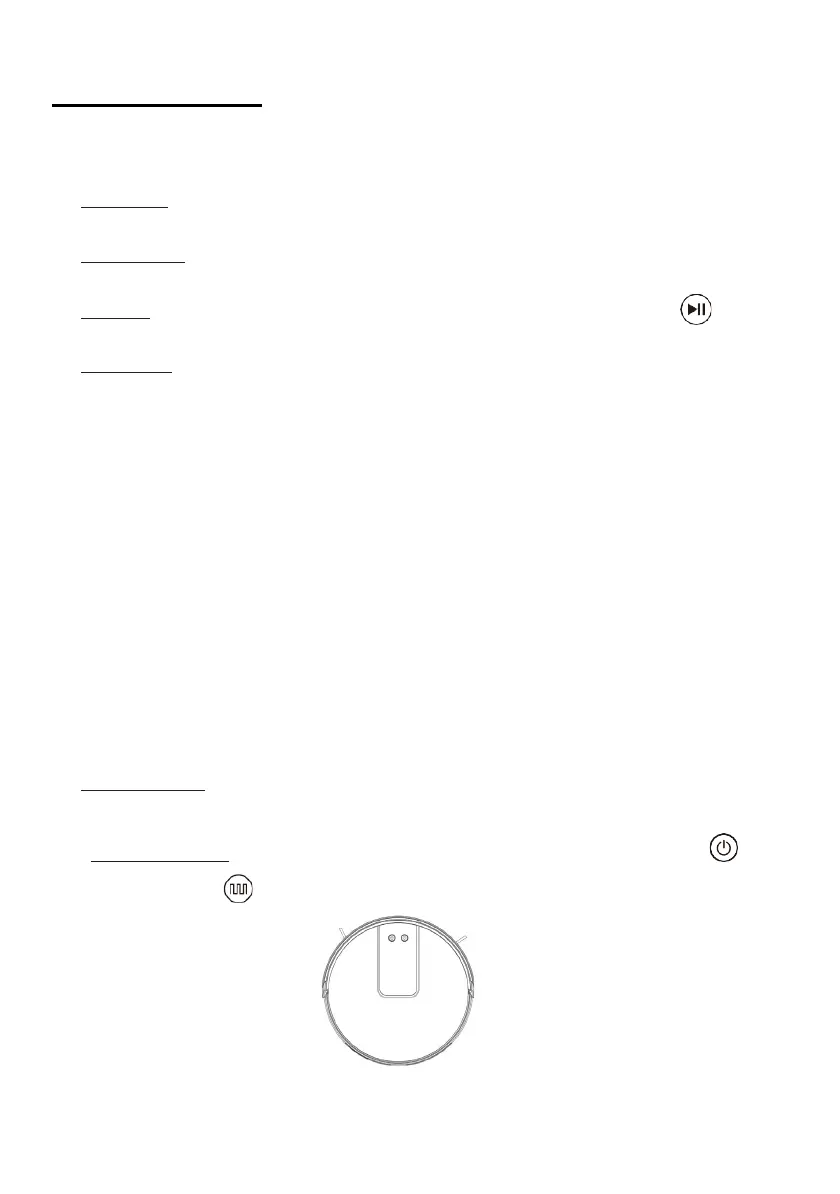
Light up : Hold the On / Off button robot pressed for 3 seconds. The robot
will beep and the power indicator will light up.
Switch off : Hold the On / Off button robot pressed in Pause mode until
the power indicator turns off.
Pause : Press the On / Off button robot on or the Pause button on the
remote control to suspend the robot.
Standby : The robot enters standby mode after being paused for more
than 10 minutes. In this case, all the indicator lights robot are off. Press
the On / Off button robot to get out the robot from standby mode, then
press the On / Off button on the robot or the remote control to restart the
robot.
* It is recommended to maintain the robot in a state of charge after
cleaning is complete, so that it can be fully charged for the next use.
• Start cleaning
The product offers several cleaning modes to meet your needs. You can
choose an appropriate mode on the robot, the remote control or the
app.
• Automatic cleaning
Application : This is the most commonly used cleaning mode, in which
the robot cleans all the pieces following a zigzag path.
Configuration: After the main unit is turned on, press the button
or on the key on the remote control to start automatic cleaning.


 To Next Page