EN61
Connection To A Personal
Computer
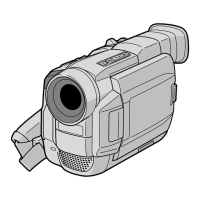
This camcorder can transfer still images to a PC by
using the provided software when connected as
shown in the illustration. It is also possible to transfer
still images to a PC with a DV connector-equipped
capture board installed.
1
Make sure the camcorder and PC are turned off.
2
Connect the camcorder to your PC using the
appropriate cable as shown in the illustration.
3
Turn the camcorder’s Power Switch to “ ”
while pressing down the Lock Button located on
the switch and turn on the PC.
NOTES:
●
It is recommended to use the AC Power Adapter/
Charger as the power supply instead of the battery
pack (
墌
pg. 7).
●
Never connect the PC connection cable and the
DV cable simultaneously to the camcorder.
Connect only the cable you wish to use to the
camcorder.
●
The date/time information cannot be captured into
the PC.
●
Refer to the instruction manuals of the provided
Software.
●
Also refer to the manufacturer’s instruction manual
for the DV connector-equipped capture board.
●
When using a DV cable, be sure it has a core filter
attached. The core filter reduces interference.


 To Next Page