Load a tape and position it to the desired section with keys REW., F.FWD., STOP,
PLAY (23, 25, 27, 24).
With the SHOWVIEW
¨
programming
numbers
J
When programming for the first time, the video recorder positions
itself on channel number so that you can confirm or enter the
channel number.
1 Call up the SHOWVIEW menu with key showview (3).
2 Enter the number of the programme you wish to record, which you will find in your
TV programme, and validate with ok (11).
ð The T
IMER menu appears. The Stop time line is selected.
3 You can complete your programming by selecting a recording triggered by VPS/PDC
signals, recording frequency (single, daily, weekly), recording speed (SP/LP), recording
sub-titles (from Teletext) at the same time as the programme.
4 Press ok (11) to verify your recording time on the Timer review line : if not, press key
exit (12).
5 Switch the video recorder on standby-record with key
BB
(1).
J
If the recording is through a satellite receiver, leave this switched on.
Without the ShowView
¨
numbers
J
If you don't know the SHOWVIEW number of the programme
you wish to record, you'll have to use the RECORD TIMER
menu.
1 Display the SUMMARY menu with the key menu (13)
2
Select Record Timer line with key
▼ (9) and
validate with ok (11).
ð The R
ECORD
T
IMER
menu comes up.
3 With the keys 0 to 9 (21) or keys (10) or
BB
(8), to
enter the channel number you wish to record or if not
select an AV socket.
4 Enter the following information by selecting the corresponding line with the ▼ (9) key,
then with the keys 0 to 9 (21) or keys
CC
(10) or
BB
(8) :
14
Use
SHOWVIEW is a registered trademark of Gemstar Development Corporation.
The SHOWVIEW system is manufactured under licence from Gemstar Development Corporation.
J
You can programme a recording with the SHOWVIEW
®
programming
numbers indicated in your TV magazine or by means of timer
programming if you don't know these numbers. Your video recorder
has 8 programming memories. Thus, you'll be able to programme 8
recordings over a 1-year period.
Programming a
recording
RECORD TIMER
Return
T
T
imer No.
imer No. CC
❙❙
BB
7
7
Programme No. Pr
- ----
Start time --:--
Stop time --:--
Date 20/07
VPS/PDC No...
How often Once...
Speed SP...
Subtitle Yes...
Clear timer 7
Timer review
1
6
.2
5
16.25
FUNNY TIMESFUNNY TIMES
film
D
ra
m
a
-c
o
m
e
d
y
5862458624
TUESDAY
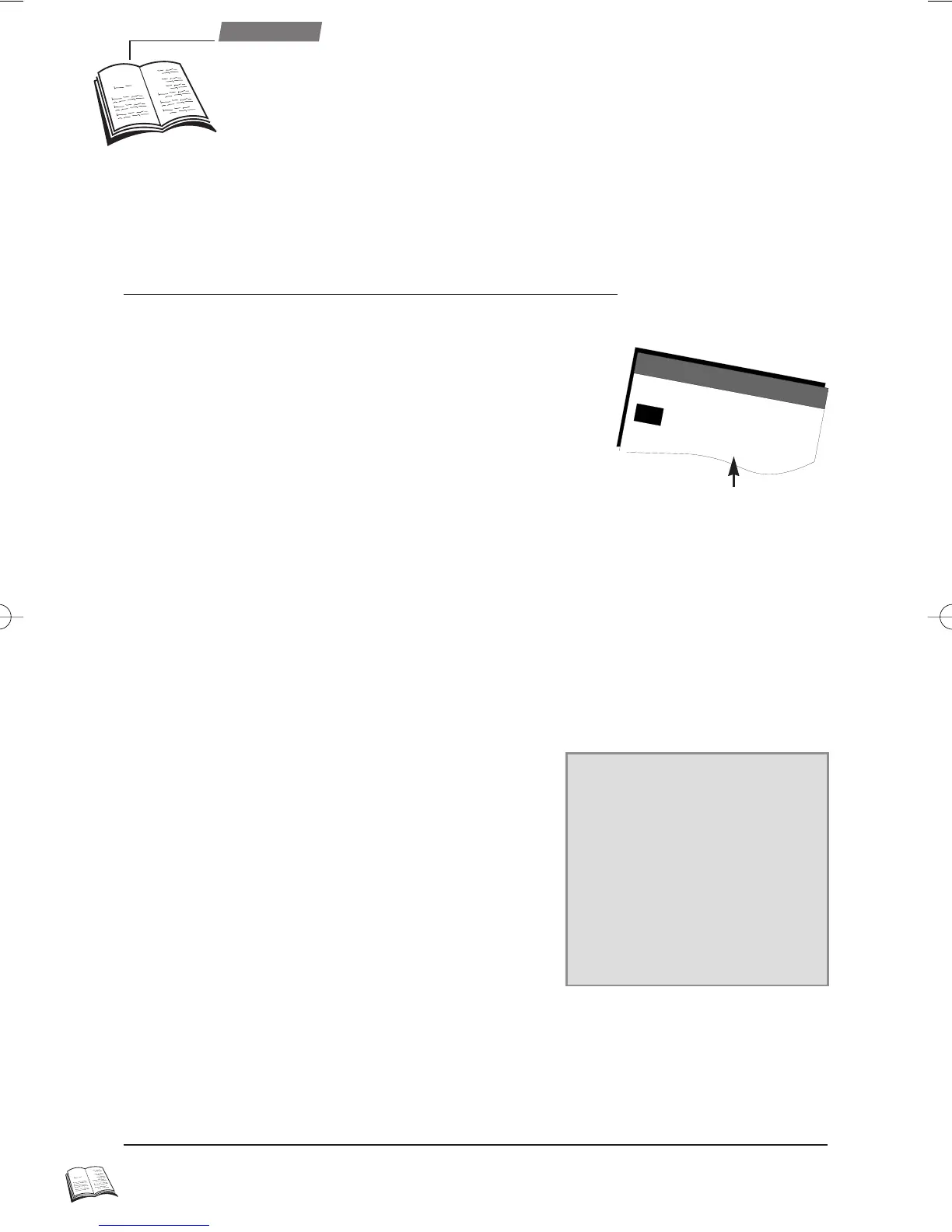
SHOWVIEW programming number
r9-GB3-DAE 12/05/2000 18:39 Page 14



 To Next Page