EasyManua.ls Logo

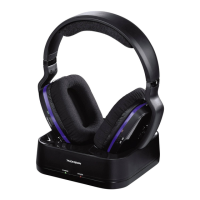
THOMSON WHP5327 - User Manual

THOMSON WHP5327
72 pages
Print Icon
To Next Page IconTo Next Page
Loading...
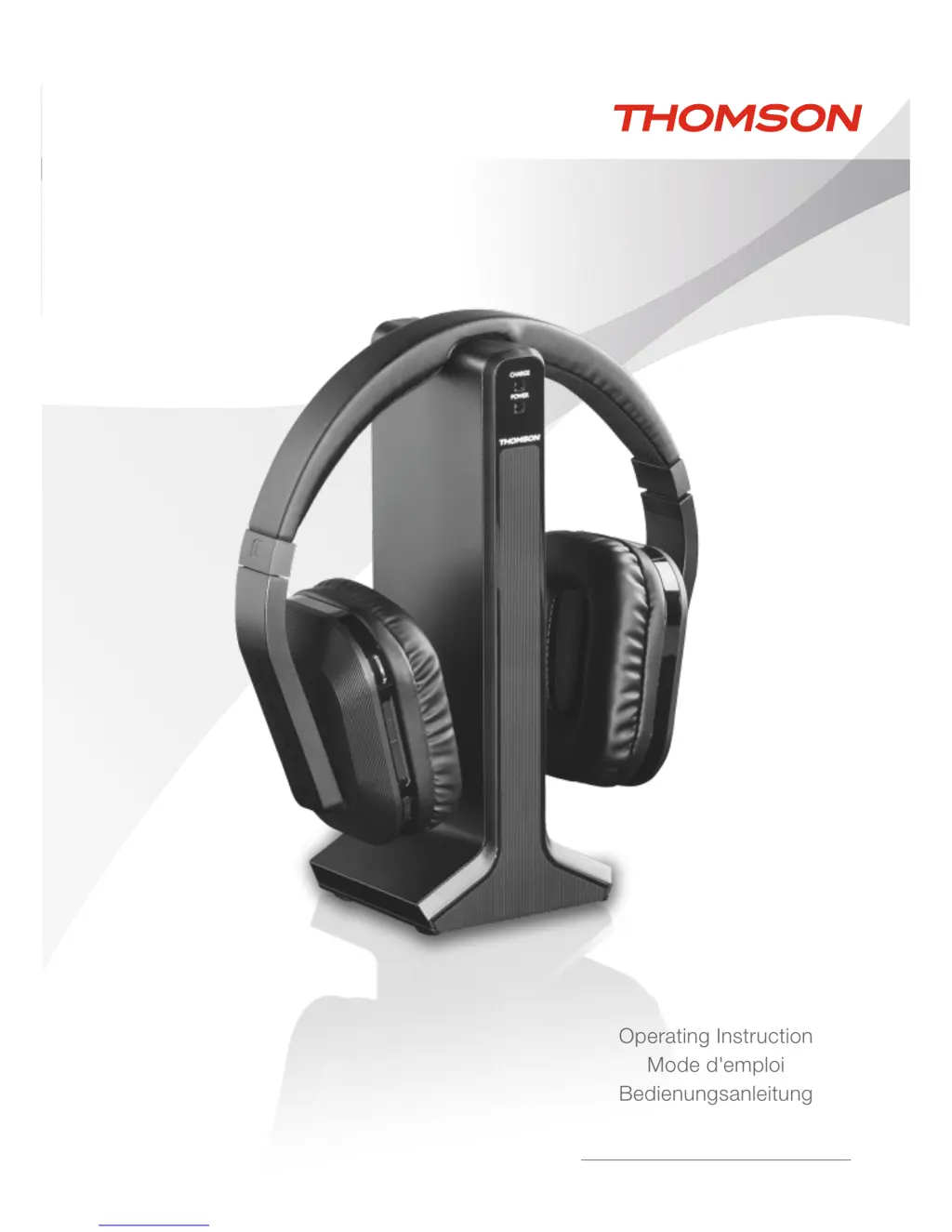
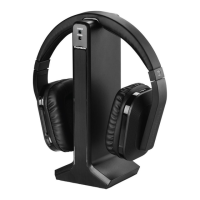
Digital Wireless Headphones
Casque numérique sans l
Digitaler Funkkopfhörer
WHP5327
Operating Instruction
Mode d'emploi
Bedienungsanleitung

Other manuals for THOMSON WHP5327

Questions and Answers

  • D
    Donald WebbAug 2, 2025
    What to do if my THOMSON Wireless Headphones have no sound?
    • S
      Shane SnowAug 2, 2025
      If your THOMSON Wireless Headphones aren't producing any sound, here are a few things to check: * Ensure the power supply unit is correctly connected to both the wall socket and the transmitter. * Verify that the headphones are switched on. * The headphone charge level may be too low, fully charge the batteries. * Make sure the TV or audio device you're using is also powered on. * Increase the volume on your playback device, as it might be too low. * Move the headphones closer to the transmitter, as distance can affect the signal.
  • S
    Stacy GoodmanAug 11, 2025
    Why do my THOMSON Wireless Headphones have no sound?
    • R
      ryanwileyAug 11, 2025
      If you're experiencing a lack of sound with your THOMSON Wireless Headphones, the issue might stem from several factors. It could be due to the power supply unit not being properly connected to the wall socket or the transmitter. Another reason could be that the headphones are not turned on, or the battery level is too low and needs a full charge. Also, check if the TV set or audio device is switched on and ensure the volume on your playback device isn't set too low. Finally, the headphones might be too far from the transmitter, so try moving them closer.
  • D
    Derrick GonzalezAug 22, 2025
    How to fix no sound on THOMSON Wireless Headphones?
    • S
      Stephanie BryantAug 22, 2025
      To troubleshoot a lack of sound on your THOMSON Wireless Headphones, try these steps: 1. Check the power supply unit's connection to the wall socket and transmitter. 2. Ensure the headphones are powered on. 3. If the headphone charge level may be too low, fully charge the batteries. 4. Confirm that your TV or audio device is switched on. 5. Increase the volume on your playback device. 6. Move closer to the transmitter.

Summary

Controls and Displays Overview

Safety Notes

Pacemaker Warning

Body current may affect pacemaker functioning. Avoid operating with a pacemaker.

Getting Started

Connecting the Transmitter

Connect power supply to transmitter DC IN and then to outlet. Connect audio cables to transmitter inputs.

Operation

Troubleshooting

No Sound Issues

Check power supply, headphone charge, device power, volume levels, and distance from transmitter.

THOMSON WHP5327 Specifications

General IconGeneral
BrandTHOMSON
ModelWHP5327
CategoryHeadphone
LanguageEnglish

Related product manuals