13 EN
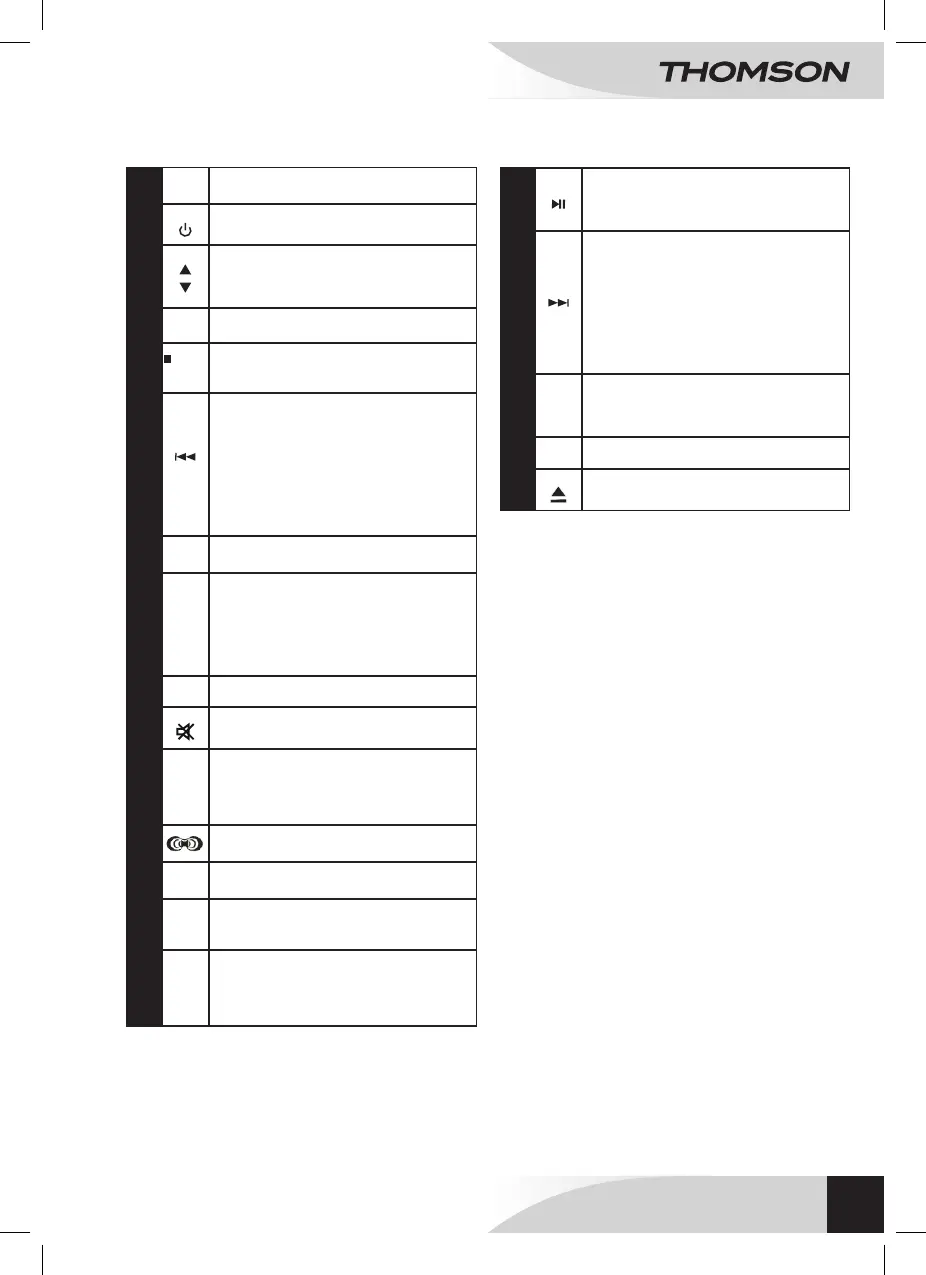
REMOTE CONTROL
1
FUNC: Function selector (CD/AUX/iPOD (iPhone
ou iPOD)/ FM mode).
2
POWER: On/Standby
3
• In iPod mode, these keys allow to navigate up
and down in the menu .
• In radio mode, press to access programmed
stations up and down.
4
ENTER: Enters selection.
5
/MENU
STOP/MENU: In CD mode, press to stop playback
In iPod mode, press to navigate the different
menus.
6
TUN-: • In CD mode, press on it to switch to
the previous track. In playback mode, press it to
rewind and release it to resume normal playback.
• In FM mode, press to decrease the frequency (
0.05 MHz). Press and hold to launch the automatic
scanning to go back and release: the automatic
scanning stops at previous channel.
• In iPod/iPhone mode, press to go back to the
previous track. In playback mode, press it to
rewind and release it to resume normal playback.
7
ST-MO: In radio mode, press to alternate between
stereo and mono modes.
8
PROG/MEM/C-ADJ: • In CD stopping mode,
press to access the programming mode.
• In radio mode, press to memorise the radio
stations.
• In standby mode, press and hold to set the time.
• In the different modes, press and hold to view the
time for a few seconds.
9
SLEEP: Sleep mode.
10
MUTE: Mute/ un-mute the sound
11
EQ: Sets the equalizer mode.
• Equalizer type: Several types are available:
Classic, Rock, Pop, Jazz and Deactivate.
• Increasing bass: On / Off
• Increasing tone: On / Off
12
SURROUND: Activate ou deactivate the surround
effect .
13
Digital keypad (0-9): Press a number to select a
previously programmed track or a radio station.
14
TIMER: In the different modes, press and hold
to set the time of powering up and down of the
device.
15
CD MODE:
CD mode: REP ONE -> REP ALL -> Random ->
INTRO.
MP3 mode: REP ONE -> REP ALL -> REP ALB (if
any) -> Random -> INTRO.
16
PLAY/PAUSE: • In CD/iPod/iPhone mode, press to
put in play mode./Pauses the playback.
• In radio mode, press to launch the automatic
programming.
17
TUN+: • In CD mode, press to go to the next track.
In playback mode, press to fastforward and release
to resume normal playback.
• In FM mode, press to increase the frequency
(0,05 MHz). Press and hold to launch the automatic
forward scanning and release: the automatic
scanning stops at the next channel.
• In iPod/iPhone mode, press to go to the next
track. In playback mode, press to fastforward and
release to resume normal playback.
18
ID3: In CD mode, press to display the information
of the track: album, title, artist and all other piece
of information (if the data has been mentioned in
the folder).
19
VOL+/-: Volume adjustment -/+.
20
OPEN / CLOSED: opening / closing the CD
compartment.
WALL MOUNT MICRO SYSTEM
WM40i



 To Next Page