15 EN
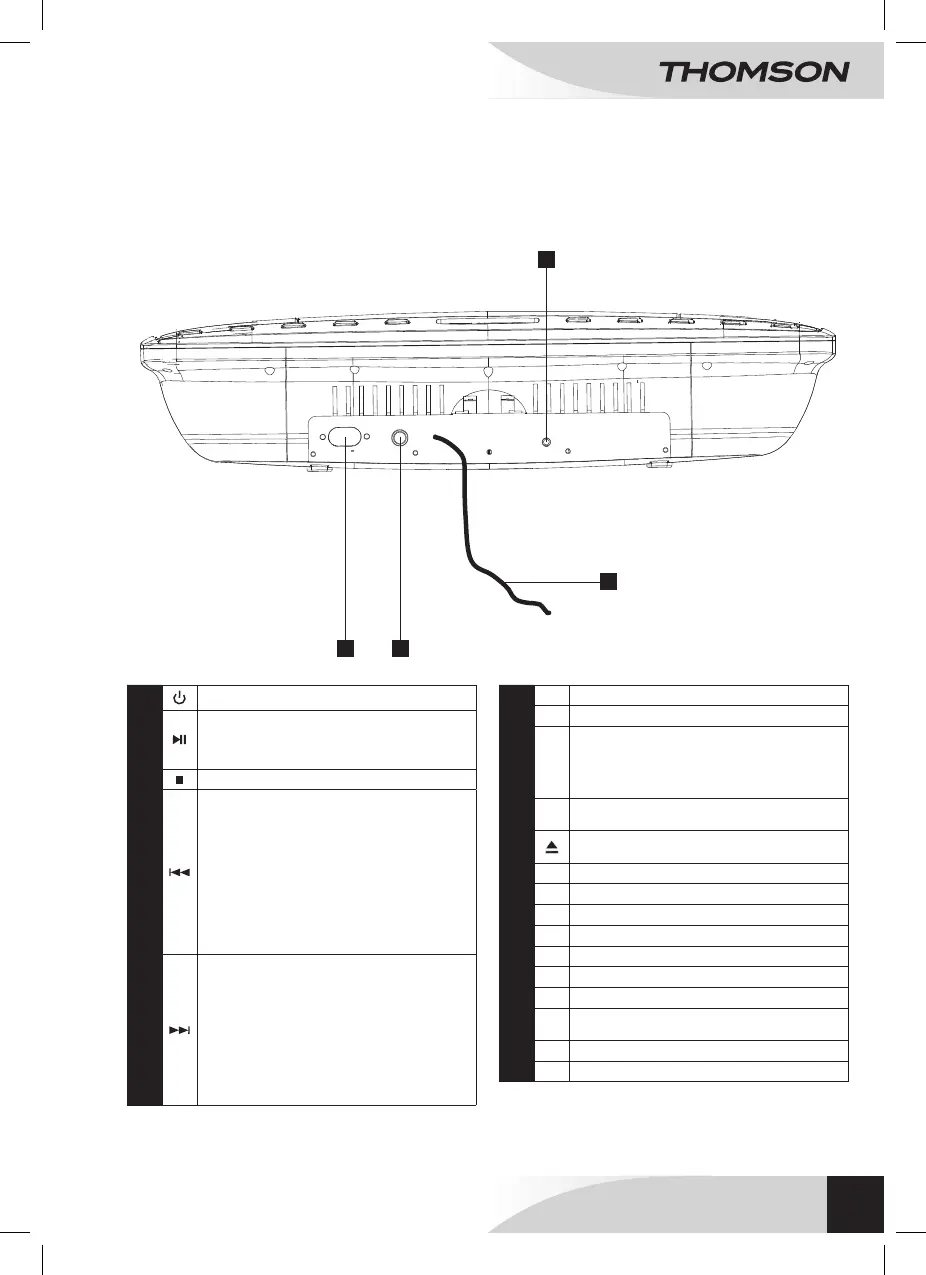
VIEW FROM UNDERNEATH
DESCRIPTION OF THE PRODUCT
1
POWER: On/Standby
2
PLAY/PAUSE: • In CD/iPod/iPhone mode, press to
put in play mode./Pauses the playback.
• In radio mode, press to launch the automatic
programming.
3
STOP: Stop playing.
4
TUN-: • In CD mode, press on it to switch to the
previous track. In playback mode, press it to rewind
and release it to resume normal playback.
• In FM mode, press to decrease the frequency
(0,05 MHz). Press and hold to launch the automatic
scanning to go back and release: the automatic
scanning stops at previous channel.
• In iPod/iPhone mode, press to go back to the
previous track. In playback mode, press it to rewind
and release it to resume normal playback.
5
TUN+: • In CD mode, press to go to the next track. In
playback mode, press to fastforward and release to
resume normal playback.
• In FM mode, press to increase the frequency (0.05
MHz). Press and hold to launch the automatic forward
scanning and release: the automatic scanning stops at
the next channel.
• In iPod/iPhone mode, press to go to the next track.
In playback mode, press to fastforward and release to
resume normal playback.
6
Infrared sensor
7
VOL+/-: Volume adjustment +/-.
8
EQ: Sets the equalizer mode.
• Equalizer type: Several types are available: Classic,
Rock, Pop, Jazz and Deactivate.
• Increasing bass: On / Off
• Increasing tone: On / Off
9
FUNCTION: Function selector (CD/AUX/iPOD (iPhone
ou iPOD)/ FM mode).
10
OPEN / CLOSED: opening / closing the CD
compartment.
11
Right Speaker
12
VFD screen
13
CD compartment
14
Left speaker
15
Stand
16
Holes for Wall mounting
17
Outlet
18
Video jack (Out): In iPod mode, it is used to view the
Videos contained on the iPod or iPhone.
19
FM wire antenna
20
AUX IN: socket for auxiliary device
19
17 18
20
AUX IN
VIDEO
F M A N T
AC 100-240V
50/60Hz
WALL MOUNT MICRO SYSTEM
WM40i



 To Next Page