17
USING
Stop playback
• Press 3 to stop playback. Press 12 to resume
playback.
Repeat Mode
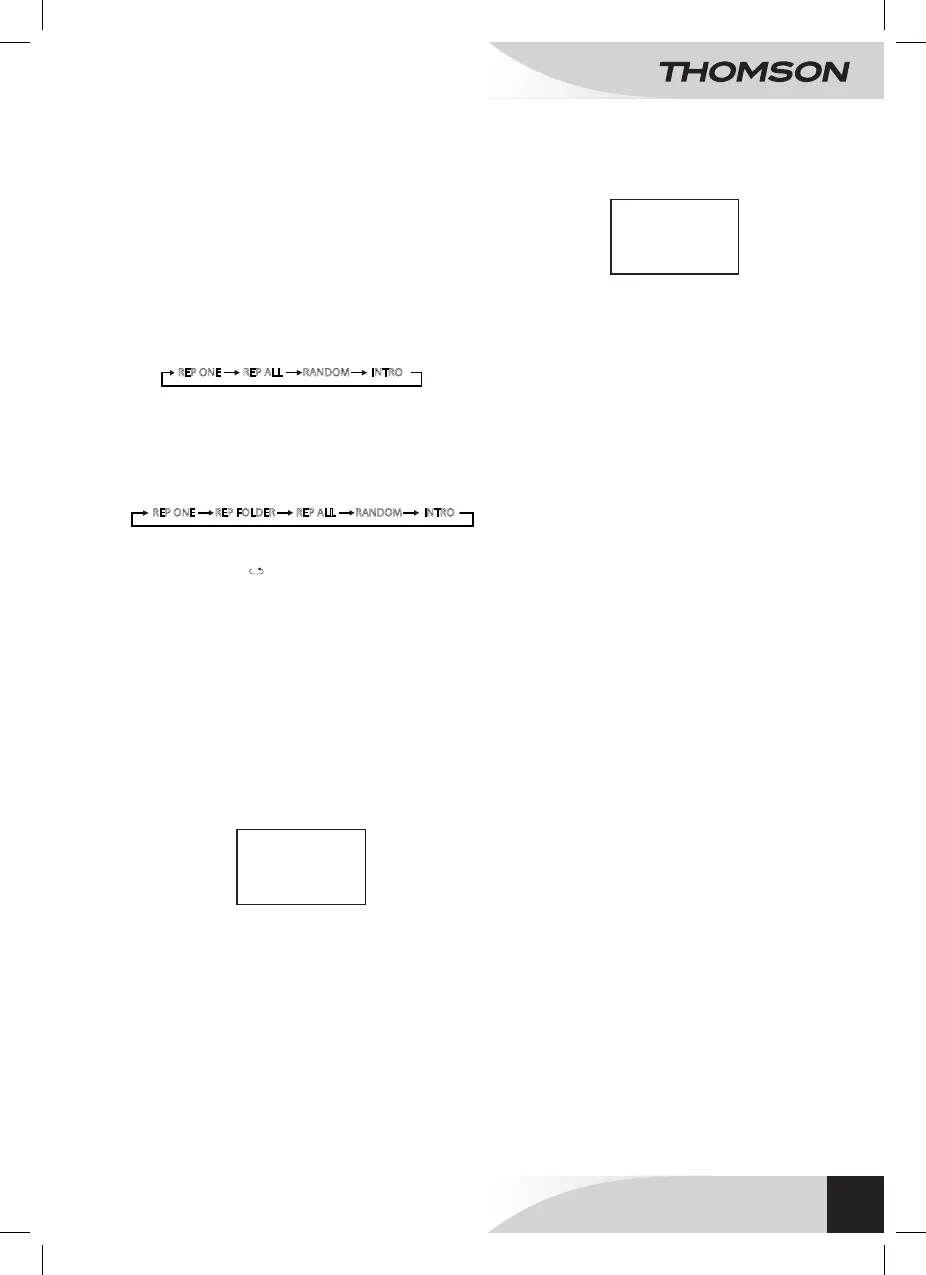
During playback, press CD MODE successively to listen to
songs based on the following mode :
For CDs :
• REPEAT ONE: repeats one track.
• REPEAT ALL: repeats all tracks.
• RANDOM: Random playback.
• INTRO: repetition of a track’s intro.
For MP3 :
• REPEAT ONE: repeats one track.
• REPEAT FOLDER: repeats all tracks.
• REPEAT ALL: repeats all tracks.
• RANDOM: random playback.
• INTRO: repetition of a track’s intro.
INTRO REP ONE REP ALL RANDOM REP FOLDER
Repeat the tracks
In this mode, when « » appears on the VFD screen, the
selected trackwill repeat continuously:
Preview of all the tracks
In this mode, when INTRO appears on the VFD screen. The
rst ten seconds of each CD tracks will be played.
Random playing of all the tracks
In this mode, when RANDOM appears on the VFD screen.
All the tracks will be played randomly.
Programming of tracks in a dened order
Programming up to 32 tracks in order:
• The CD must be stopped.
• Press PROG/MEM/C-ADJ to get in the programming
mode and the following information is displayed on the
VFD screen.
For the CDs:
CD
Cd Prog
-- -- PR : 01
For the MP3:
R
INTRO REP ONE REP ALL RANDOM
• Press 7 or 8 to choose a track: "P01" appears on
screen.
• Press PROG/MEM/C-ADJ to memorise each track (32
maximum).
• Press 12: The device plays the tracks in the
programmed order.
• To stop the programmed playback press one time 3
and two times to cancel.
MP3
Prog
-- -- -- PR : 01
EN
WALL MOUNT MICRO SYSTEM
WM40i



 To Next Page