- EN 2 -
In the box
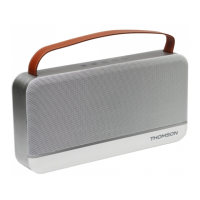
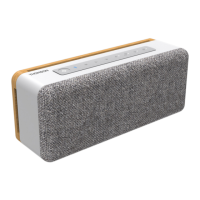
1 x WS04 Bluetooth speaker
1 x Micro USB charge cable
1 x User manual
1 x AUX cable
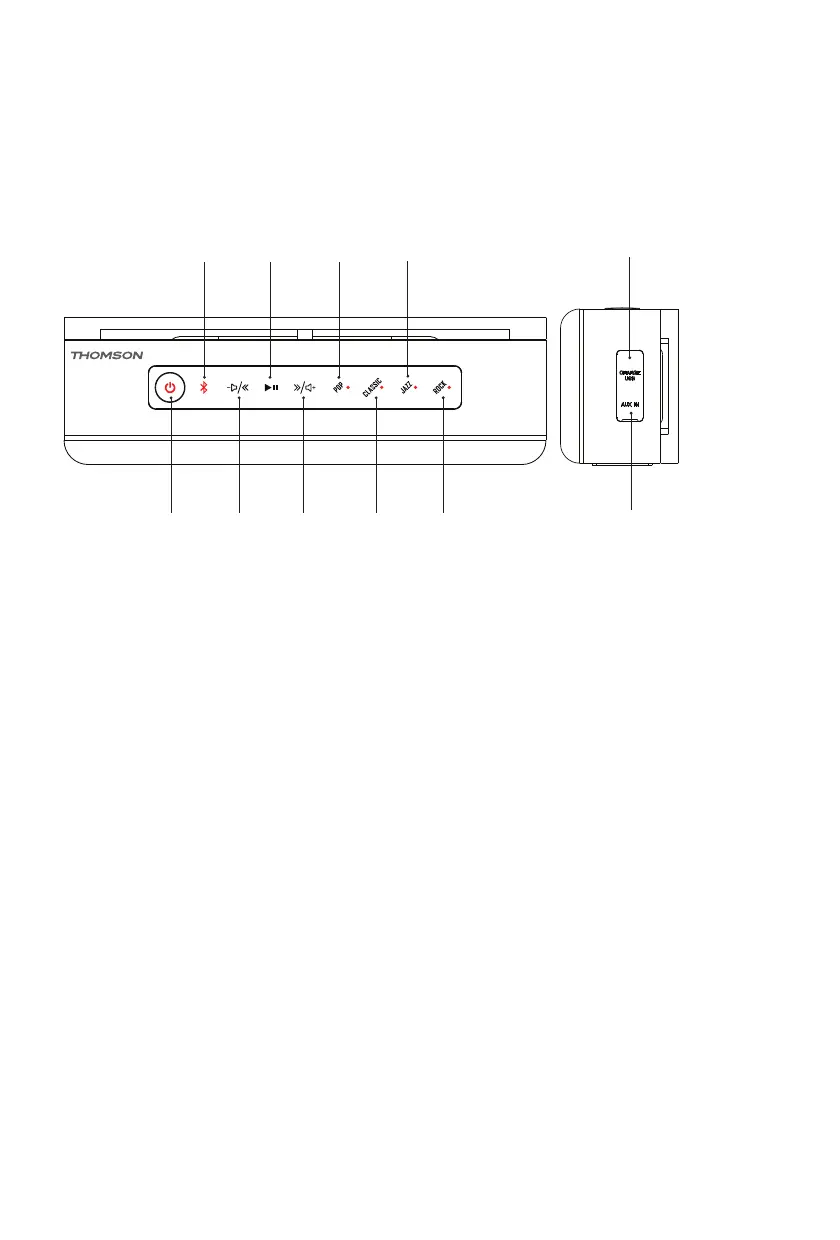
Product layout
2 4 6 8
1 3 5 7 9
10
11
1. Power
2. Bluetooth
3. Previous/volume-
4. Play/Pause/Hands-free
5. Next/Volume+
6. Pop
7. Classic
8. Jazz
9. Rock
10. USB charge port
11. AUX-IN
Charging
1. Connect to a PC/Laptop/Mac or any 5V USB adaptor with the USB cable included.
2. The Red LED will turn ON when charging, and turn OFF when fully charged.
3. Unplug the USB cable when fully charged.
Note: The Red LED will ash and makes a sound when the battery power is low (<21%).


 To Next Page