- EN 4 -
Charging the speaker
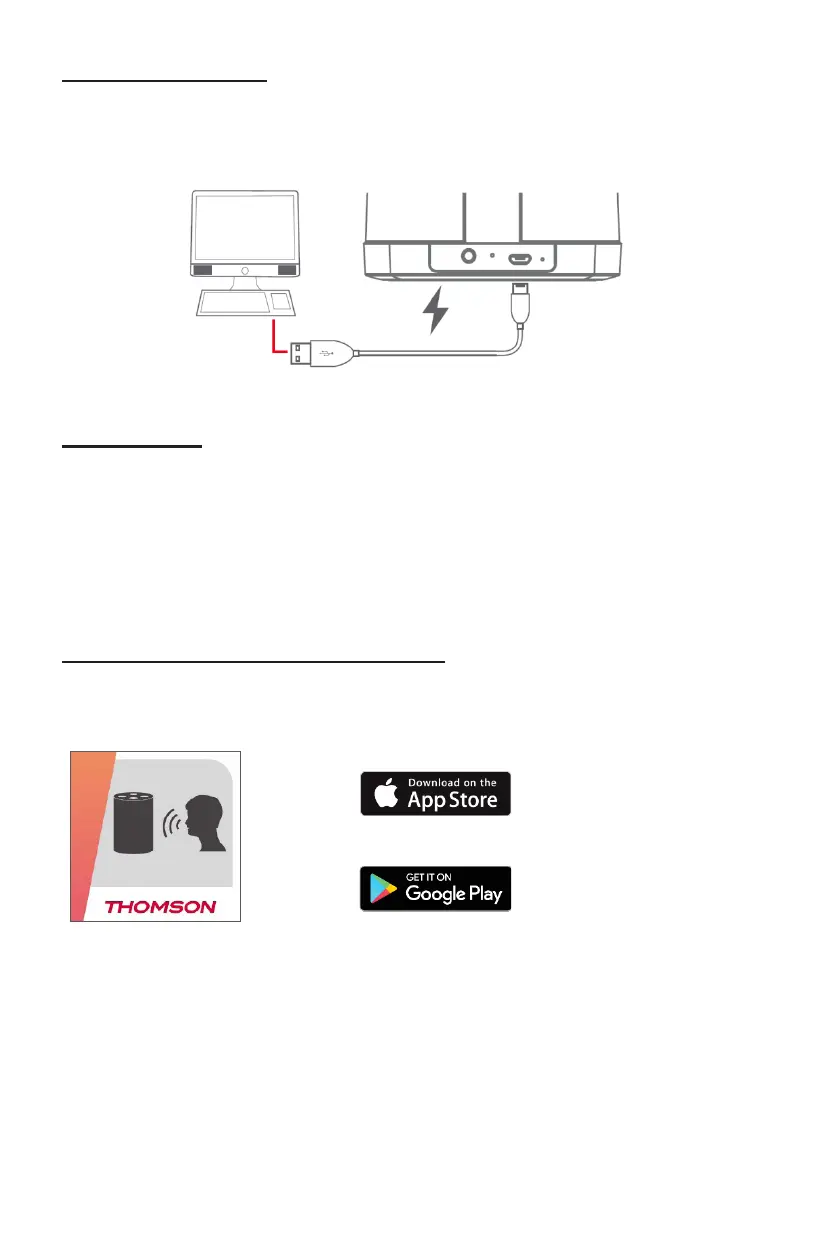
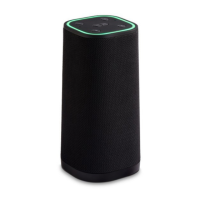
To charge the speaker, attach the small end of the supplied micro-USB cable to the USB charging port
on the rear of the speaker
Attach the large end to the USB port on a computer, USB charging device, or 5V USB adaptor. The
LED indicator will turn RED while charging and turn OFF when fully charged.
Makesurethatyourspeakerischargedforabout3-5hoursbeforerstuse.
Power Caution
• Risk of danger! Make sure that the power voltage of your charger corresponds to the voltage printed
on the rating label.
• Risk of electric shock! When you unplug the AC power cord always pull the plug from the socket.
Auto standby
The product automatically switches to standby if:
• No button is pressed for 10 minutes,
• No audio from a connected device for 10 minutes.
Connecting your speaker to the network
Connecting with the THOMSON Smart Audio app
1. SearchfortheSmartAudioappinGooglePlayStore(Android)
OrAppleAPPStore(iOS).Downloadandinstall.


 To Next Page