- EN 6 -
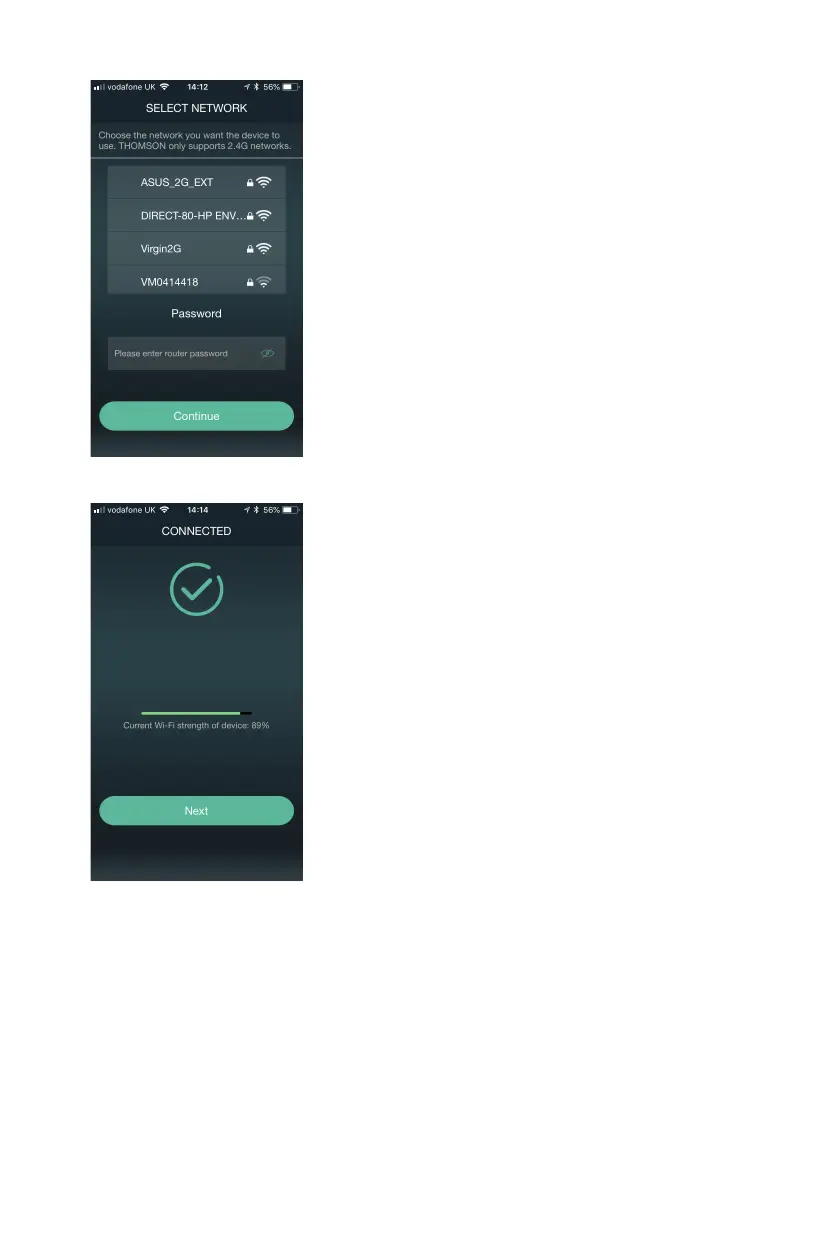
5. Select your home Wi-Fi network and enter the correct password for your Wi-Fi.
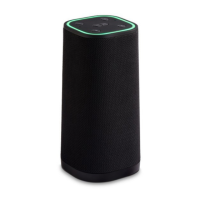
6. If connection is successful, the speaker will tell you that it is connected to your network. It will also
show you the signal strength from your router to your speaker. Press ‘Next’ to complete set up.
NOTE
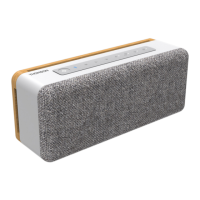
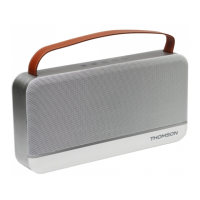
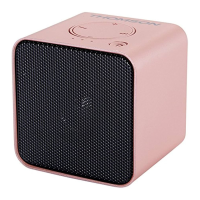
Once the speaker is successfully connected, its SSID (Wi-Fi name) will be automatically hidden
for network security. If you would like the speaker to release its SSID and be visible again, press
and hold the [M] button until the voice prompt” Entering set up mode, follow the instructions
to set up” is heard.


 To Next Page