General functions
Pupillo
8
General functions
Pupillo
9
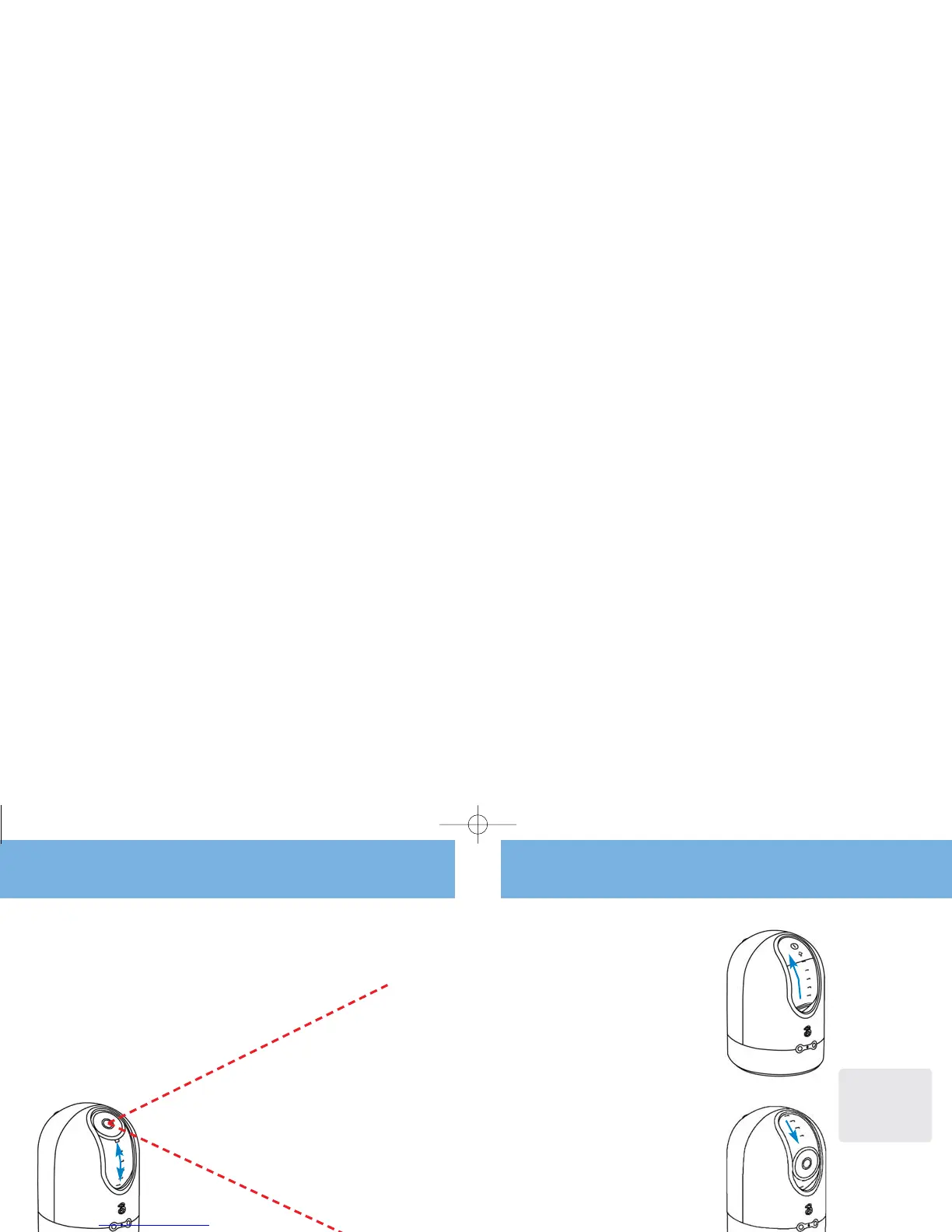
Switch the camera on
■ After the battery has been charged, you need
to rotate the camera lens upwards to activate
the camera.
Switch the camera off
■ To switch the camera off, rotate the camera lens
completely down. You’ll hear a beep to notify
that the camera has been switched off.
■ Both the battery and network signal indicator
lights will switch off.
■ If the charger is connected to the Pupillo,
the battery indicator light will switch on after
a few seconds.
Note: All services
provided by the Pupillo
can only be used after
the network signal
indicator light shows
green with no blinking.
Get the right angle
■ In order to avoid over-exposure don’t place the
Pupillo in front of bright light.
■ Rotate the camera lens to the position you want.
■ Ensure the network signal is good.
■ Keep at least 1 metre distance between the
camera and the object you want to see.
■ When mounting your Pupillo to a ceiling
using the kit provided, please use the text
message script on page 14 to reverse the
captured image.



 To Next Page