Activate the service
■ When you video call the Pupillo for the first time:
1. Enter the Pupillo mobile number on your video
mobile and press the video call key
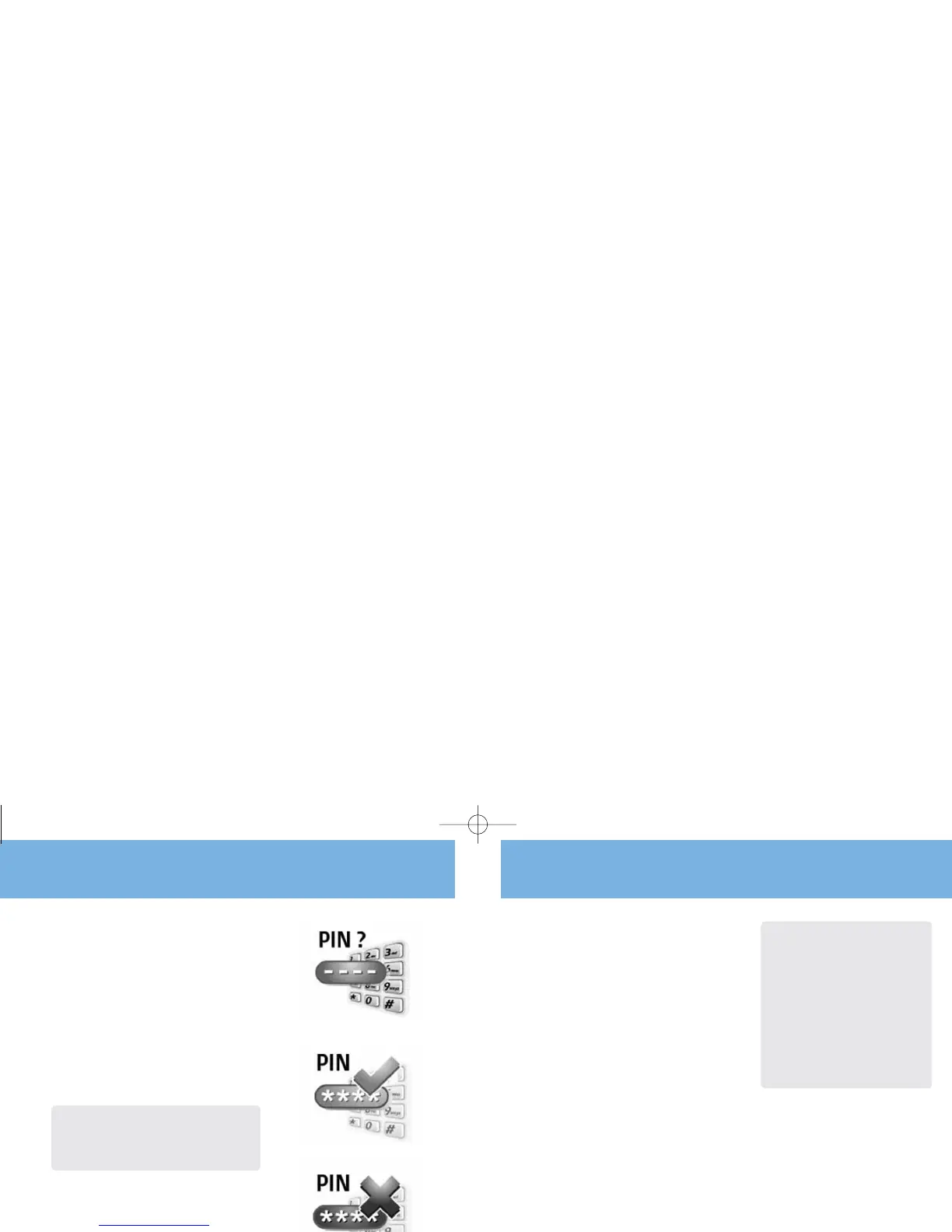
2. Enter the 4 digit PIN code provided with your Pupillo
on your video mobile
3. If the PIN code is correct, you’ll be connected to the
Pupillo. Your mobile number will automatically be
added onto the Pupillo
4. The first video caller user becomes the Pupillo’s
Manager
5. No PIN code will be needed during subsequent calls
General functions
Pupillo
10
General functions
Pupillo
11
Warning: If you don’t enter the PIN correctly after three
attempts within one minute, the video call will automatically end.
Note: You can let up to 20 different video
mobile numbers access your Pupillo but not at
the same time.
If the video mobile numbers saved on the
Pupillo reaches 20 it will not save or connect
additional callers.
Please do not hide (suppress) your mobile
video mobile number when you make a video
call to the Pupillo.
Pupillo may not accept calls made from outside
the United Kingdom as the video mobile
number might be suppressed and the Pupillo
will be unable to validate the caller.
Add more users
The Manager can add up to 20 different video
mobile numbers to the Pupillo by text message.
See Adding a specific video mobile number on
page 13 for details.
Alternatively follow these instructions if you are not
the Manager.
1. Enter the Pupillo mobile number on your video
mobile and press the video call key
2. Once connected, enter the 4 digit PIN code on
your video mobile provided by the Manager
3. After the correct PIN has been entered you’ll
be connected to the Pupillo
4. No PIN code will be needed during
subsequent calls
All new users’ video mobile numbers will be
automatically saved by the Pupillo once the correct
PIN code is entered during the first video call.
If you don’t enter the PIN correctly after three
attempts within one minute, the video call
will automatically end.
Note: It is the Manager’s responsibility to safeguard the
PIN. If you transfer the Pupillo to another person, you must
register their name and address with 3 Customer Services.
This helps Customer Services to provide support to the new
Manager if they contact 3.



 To Next Page