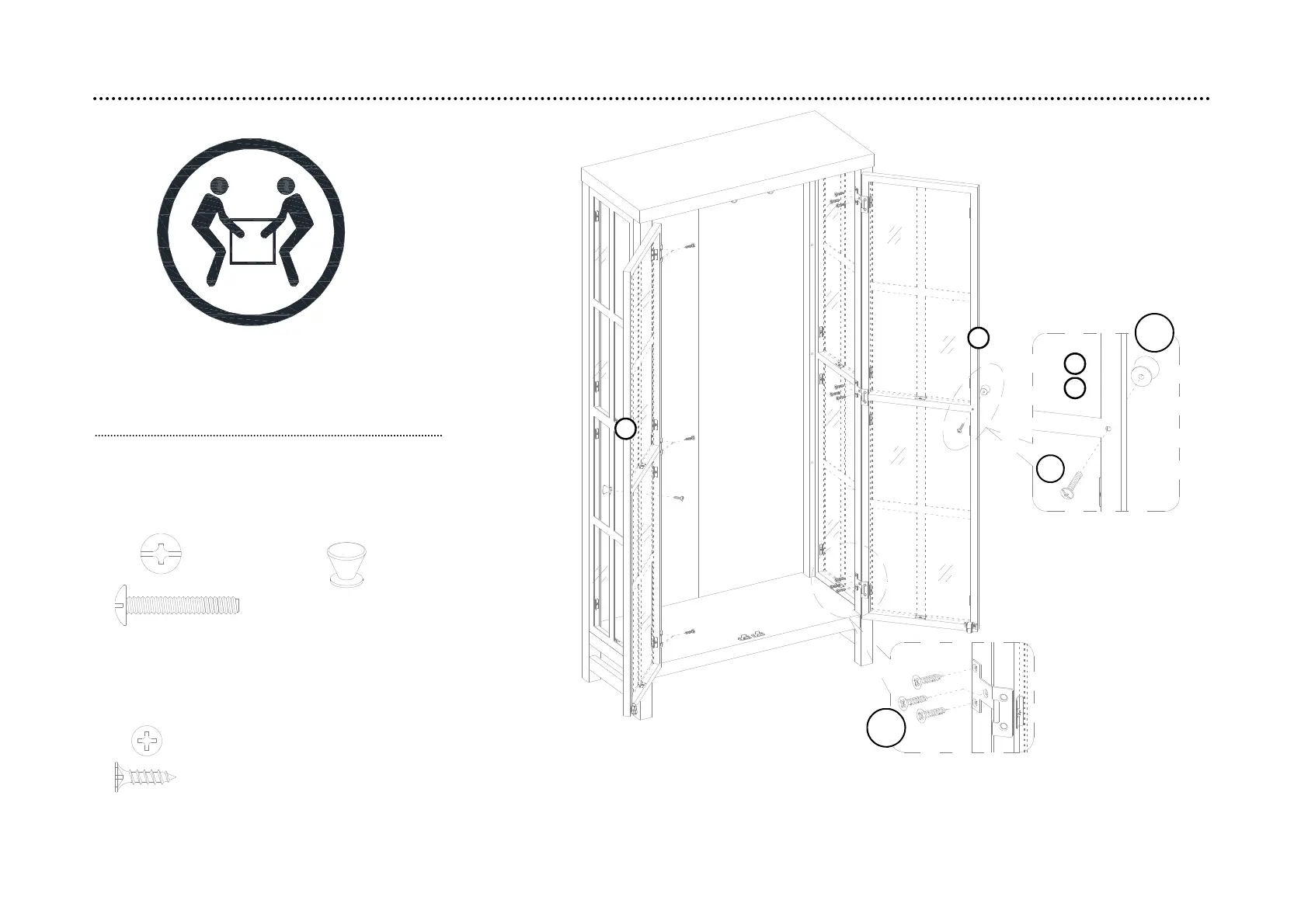
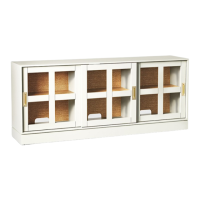
step 9: Attach the doors and knobs
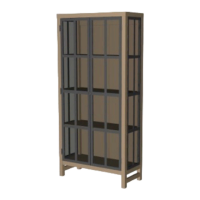
9.1. Ask for assistance to lift the assembled unit upright and position it near the final location.
9.2. Using the pilots holes as a guide, attach the left and right doors (H and I) to the side panels (F and G) respectively.
9.3. Fasten the knob (H10) to the front side of each doors (H and I).
CAUTION: Heavy! You may
need assistance with this step.
16
H16
H9
(H10) x 2
knob
(H9) x 2
Knob bolt
(H16) x 18
M3.5 x 12 mm
flat head screw
H10
I
H
H
I


 To Next Page