19
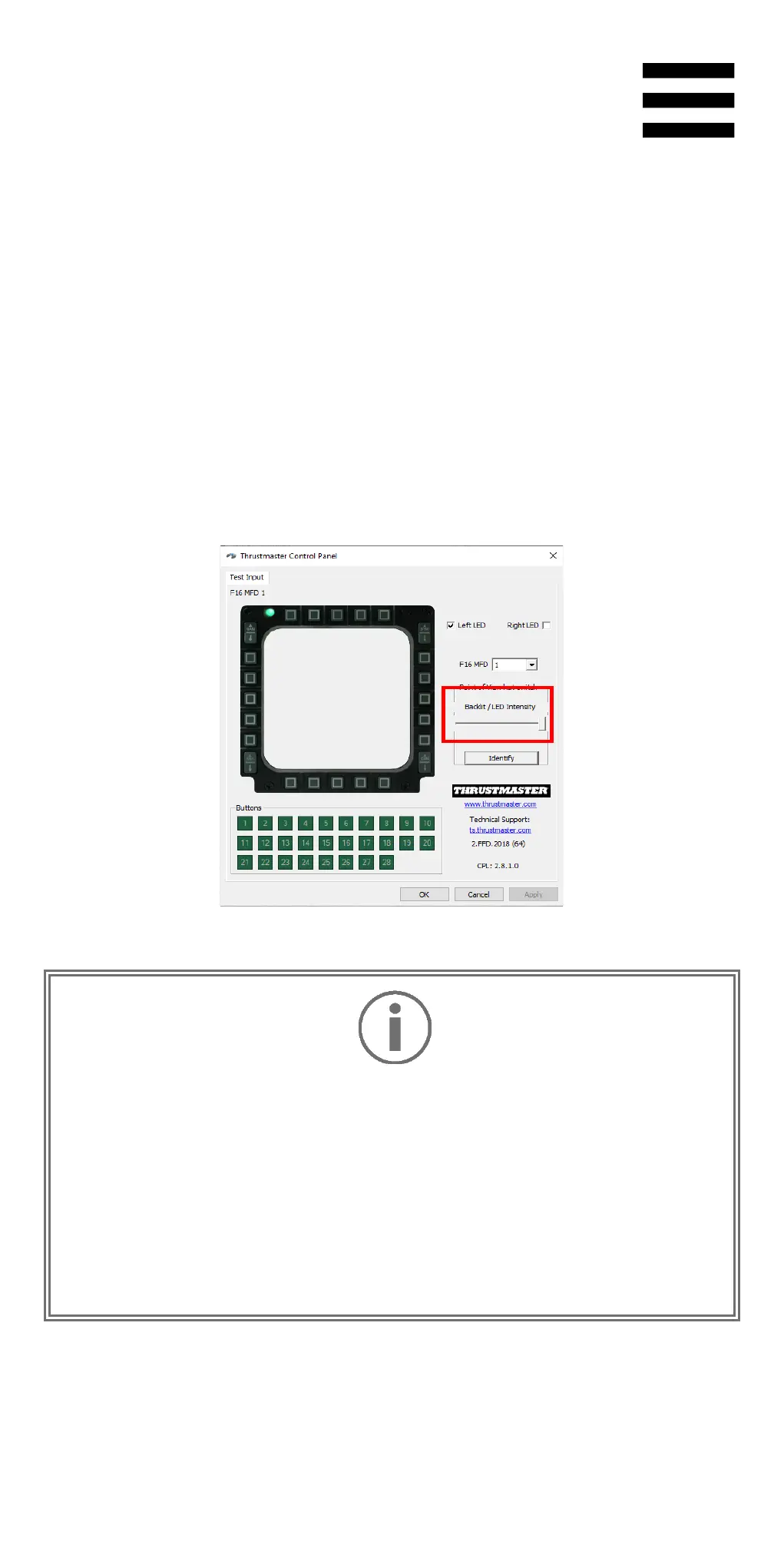
Adjustment with the Control Panel
1. To access the Control Panel, select Start /
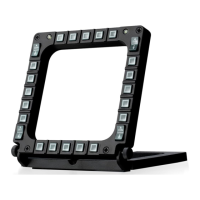
Thrustmaster MFD Cougar / Control Panel.
2. The Game Controllers window opens. Click
Properties to open the Control Panel.
3. Move the Backlit / LED Intensity slider to adjust
the intensity of the backlighting.
−
Always remember to completely close the Control
Panel by clicking OK
before starting up or playing a
video game.
−
Exit the game before modifying any settings in the
Control Panel.










 To Next Page