27
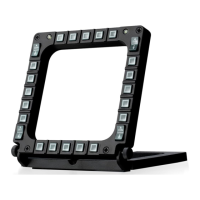
8. Using more than two MFDs
simultaneously
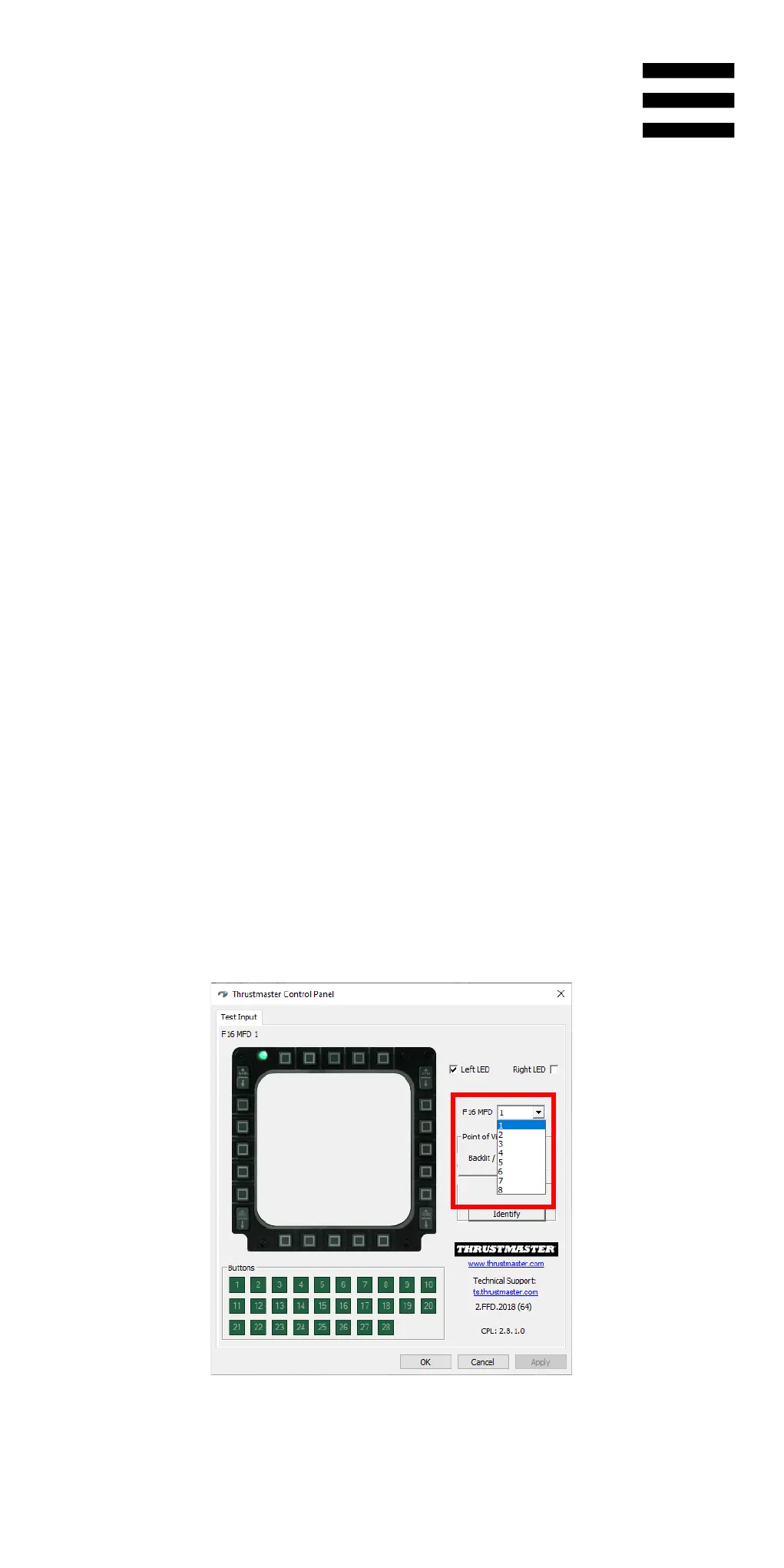
The Thrustmaster Control Panel lets you adjust and
control up to eight MFDs connected to the same PC
simultaneously. In this way, each MFD is customized
and identifiable.
1. To access the Control Panel, select Start /
Thrustmaster MFD Cougar / Control Panel.
2. The Game Controllers window opens. Click
Properties to open the Control Panel.
3. In the event that you are using more than two MFDs
simultaneously (and only in that case), go to the F16
MFD drop-down menu and select the MFD number
of your choice.










 To Next Page