21
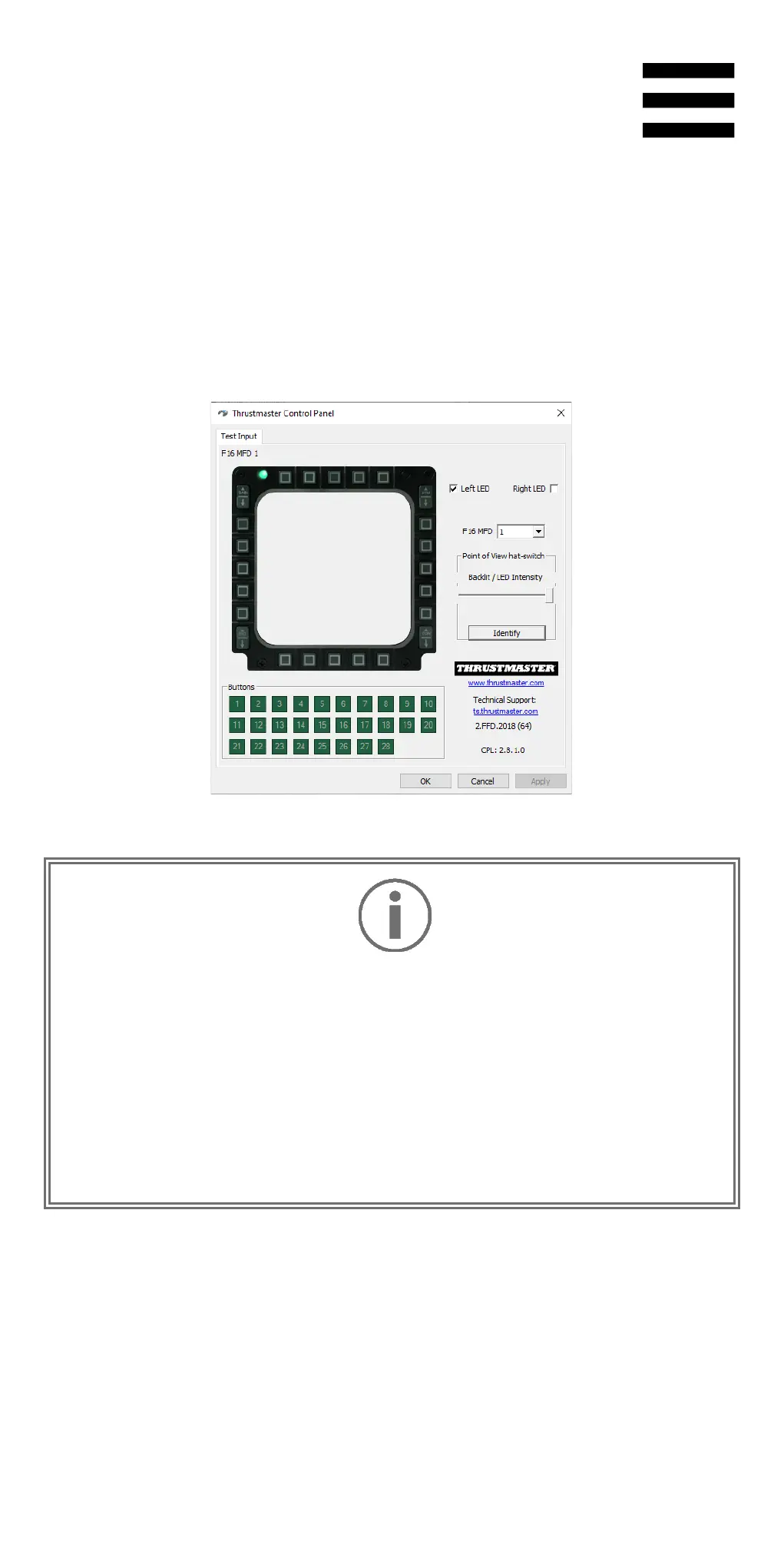
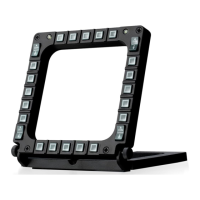
3. Click Properties to open the Control Panel and
configure your MFD: identify the MFD, test and view
the buttons and switches, select the MFD’s number
and whether the right or left LED lights up, and
adjust the intensity of the backlighting.
−
Always remember to completely close the Control
Panel by clicking OK
before starting up or playing a
video game.
−
Exit the game before modifying any settings in the
Control Panel.










 To Next Page