20
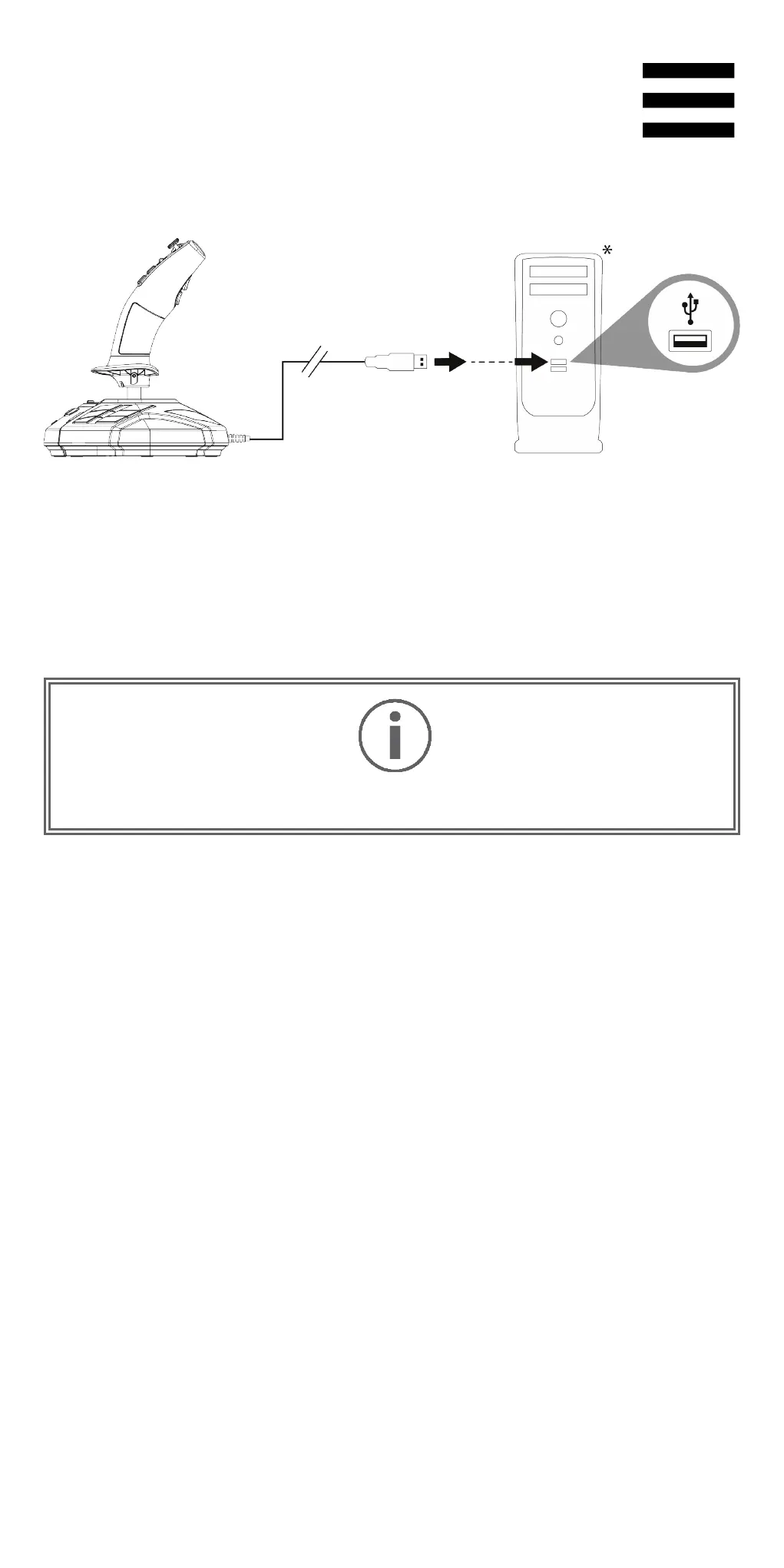
6. Installation on PC
Connect the USB cable (11) to one of your computer’s
USB ports. Windows 10/11 will automatically detect the
new device.
The drivers are installed automatically.
Follow the on-screen instructions to complete the
installation.
Click Start/Settings/Control Panel and double-click
Game Controllers. The Game Controllers dialog box
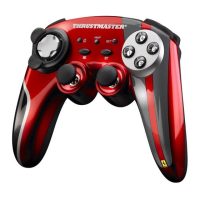
displays the joystick’s name with OK status.
*Not included










 To Next Page