TROUBLESHOOTING AND WARNING
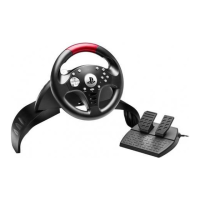
• My wheel is not functioning correctly or seems improperly calibrated:
- Switch off your console, completely disconnect your wheel and all cables, reconnect everything and
then restart your game.
- Make sure that the wheel’s USB sliding switch (7) is in the correct position (PS4 or PS3) before
connecting the wheel's USB connector (10) to the console.
- Never move the wheel or press on the pedals when connecting your wheel, in order to avoid any
calibration problems.
- Never move the wheel or press on the pedals when the game is starting up, in order to avoid any
calibration problems.
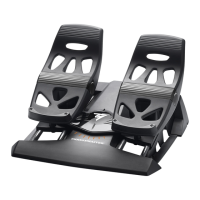
• My pedal set is not functioning correctly:
- Reconfigure your wheel in your game’s controller options.
• I can't configure my wheel:
- On PS3™, in your game’s Options / Controller / Gamepads menu: select the most appropriate
configuration.
- On PS4™, in your game’s Options / Controller / Wheels menu: select the most appropriate
configuration.
- Refer to your game’s user manual or online help for more information.
• My wheel’s steering is not responsive enough:
- On PS3™, use the wheel’s Sensitivity Adjustment function, described on page 5 of this manual.
- On PS4™, go to the game’s Options / Controller / Wheels menu.













 To Next Page