SL
SL
SURROUND PURE MUTE/
MODE
SURROUND
MODE
AUDIO STBY
SR
SR
SAT
SAT
LD
LD
TAPE 2
TAPE 2
SUB
SUB
L
L
C
C
R
R
DVD
DVD
TV
TV
TAPE 1
TAPE 1
VOL
VOL
short push: surround left channel balance
2 sec. push: surround left channel delay
/ enter
left channel balance
/ left
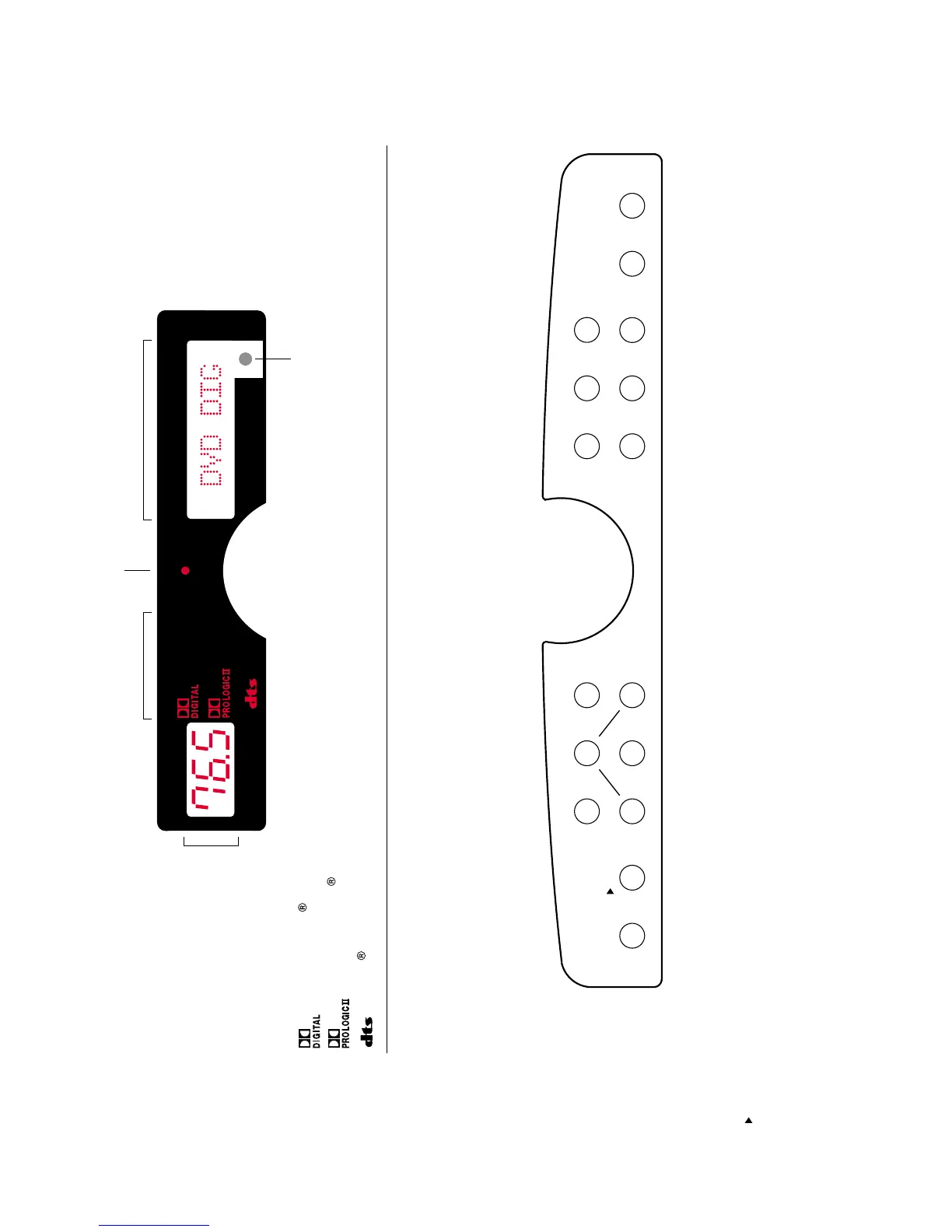
Dolby Digital surround
Dolby ProLogic II surround
2 channel stereo
Adjustments Zone 2
DTS digital surround
short push: change surround mode
2 sec. push: input format information
short push: back to master volume
2 sec. push: enter config mode
/ exit config menu
short push: center channel balance
2 sec. push: center channel delay
/up
right channel balance
/ right
short push: surround right channel balance
2 sec. push: surround right channel delay
DVD player
remote sensor
multi functional display
standby indicator
surround mode
TV-set
audio/video tape1
audio/video tape2
laser disc player or
CD player
sattelite receiver
pure audio input
short push: mute -20dB
2 sec push: standby
short push: subwoofer balance
2 sec push: LFE balance
/ down
main function
/ function in config mode
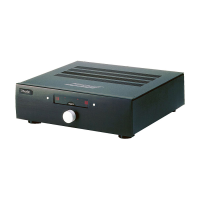
CONTROL PANEL - AV120, AV120S
DISPLAY
MUTE/
STBY
PURE
AUDIO
volume level
100: max
0: min
ZONE 2
ZONE 2
STEREO
STEREO


 To Next Page