11
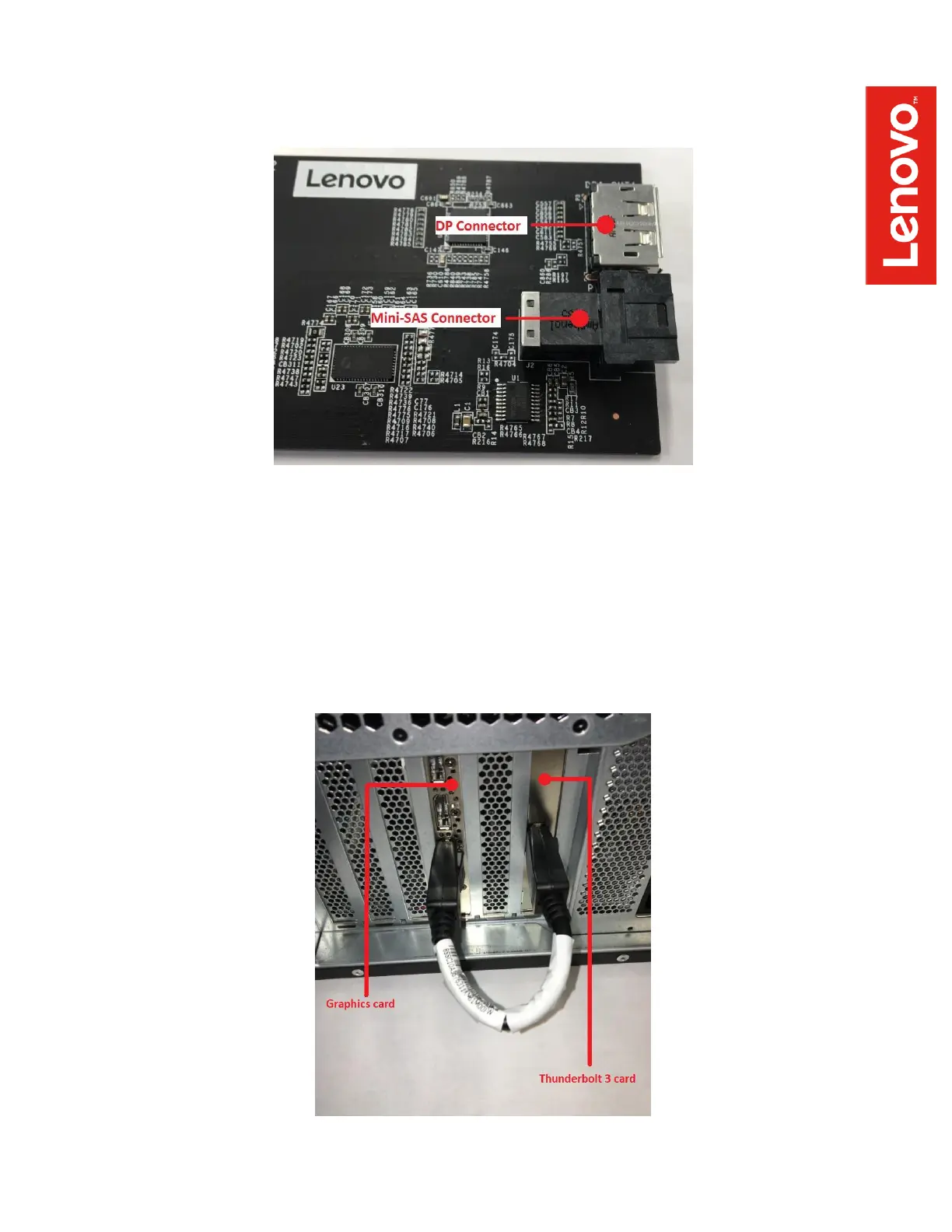
- DP to DP and mini-SAS cables: connected to the front of the PCIe x4 card as
indicated below:
6. Installation of internal components is now complete, so replace the workstation’s side
access cover. Note – if you are working with a P920, don’t forget to first replace the air
baffle and then replace the side cover.
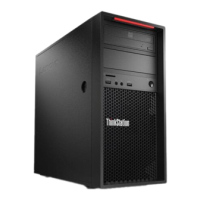
7. The PCIe x4 card must now be connected to your graphics adapter with the external DP to
DP cable. If your graphics adapter only has miniDP ports, you will need a miniDP to DP
adapter to complete this connection. Depending on the graphics adapter being used and
the slot locations of the adapters, the connection should look like this:


 To Next Page